
Follow these steps to reset your password:
Go to the “Forgot Your Password?” page:
Enter your username or email address and click [Get A New Password]:
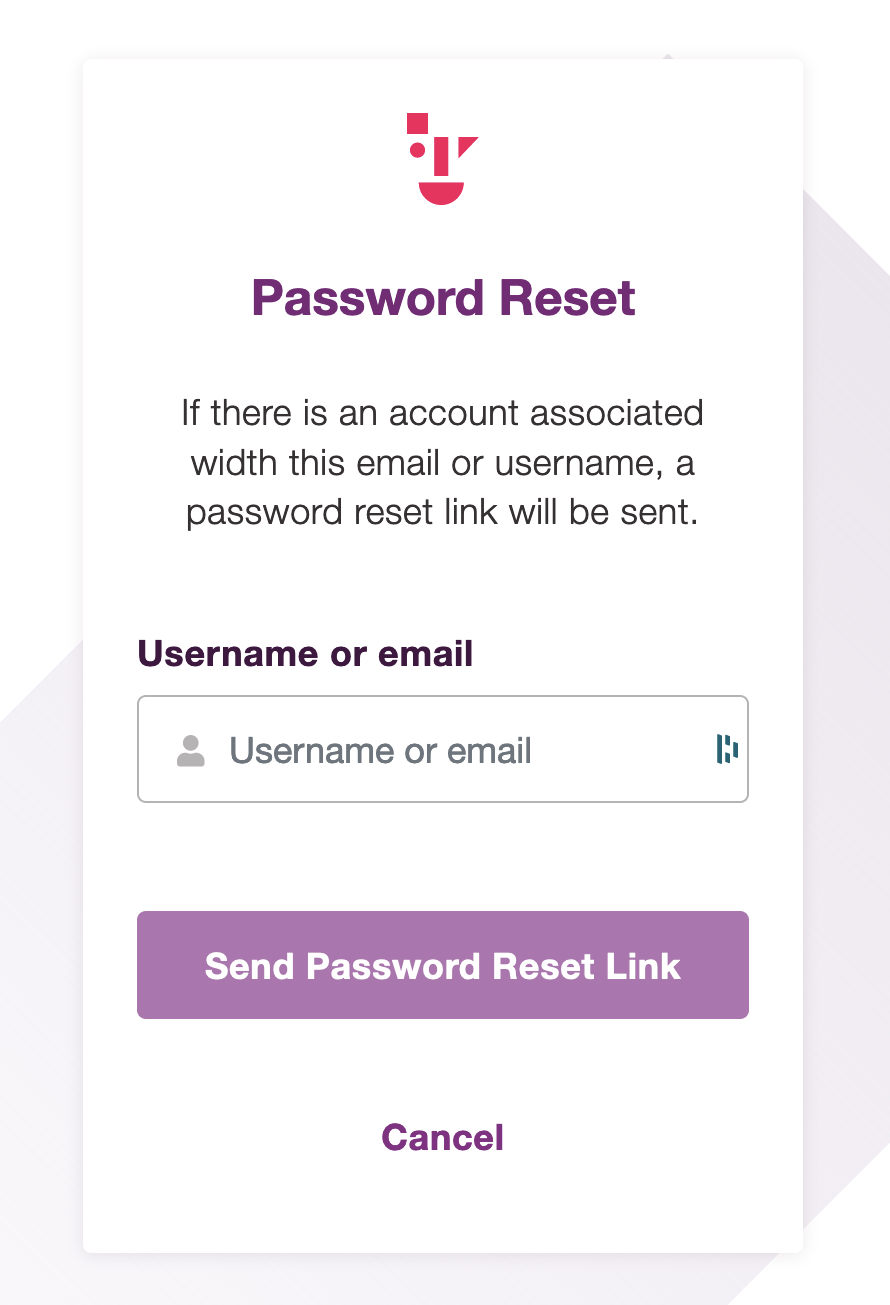
Check your email for the password reset link:
Click the link in the email you received.
Set a new password:
Enter your new password in the [New Password] field.
Reset your password:
Click the [Reset Password] button to apply the changes.
You will be redirected to the login form:
Clicking the button will display the login form.
Log in:
Enter your username or email address and your new password, then click the [Login] button.
For help with your WordPress account password, please refer to the documentation at Shifter Magic Links.