
Contents
- Sign up for HubSpot
- Installing the HubSpot plugin and connecting it to WordPress
- Checking the live chat widget
- Creating a contact form and adding it to a page or widget
Sign up for HubSpot
Sign up here: https://app.hubspot.com/signup/sales/step/user-info
- Enter the required information or click [Sign up with
Google] to link your Google account.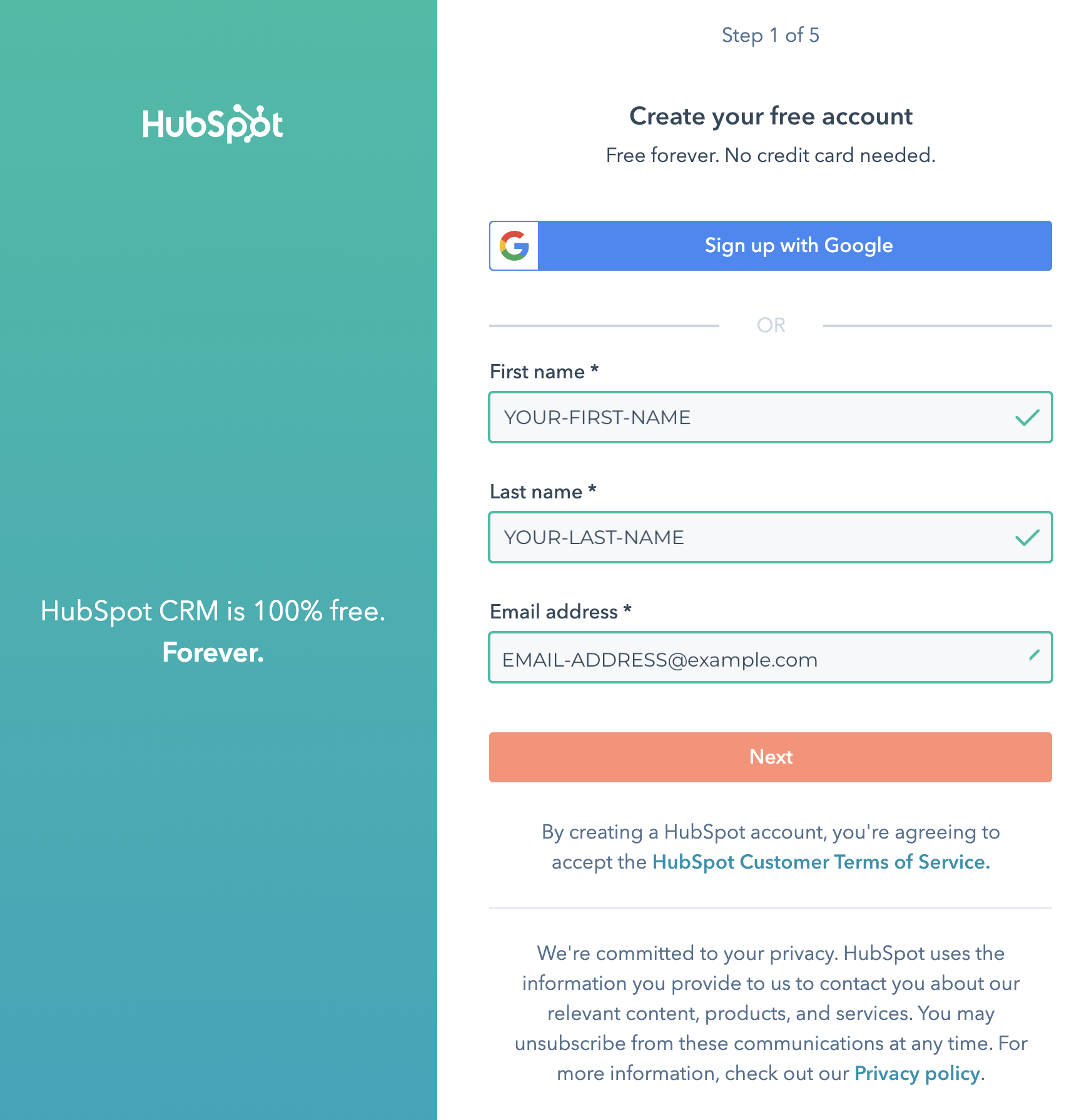
- Check your email inbox for the confirmation email.
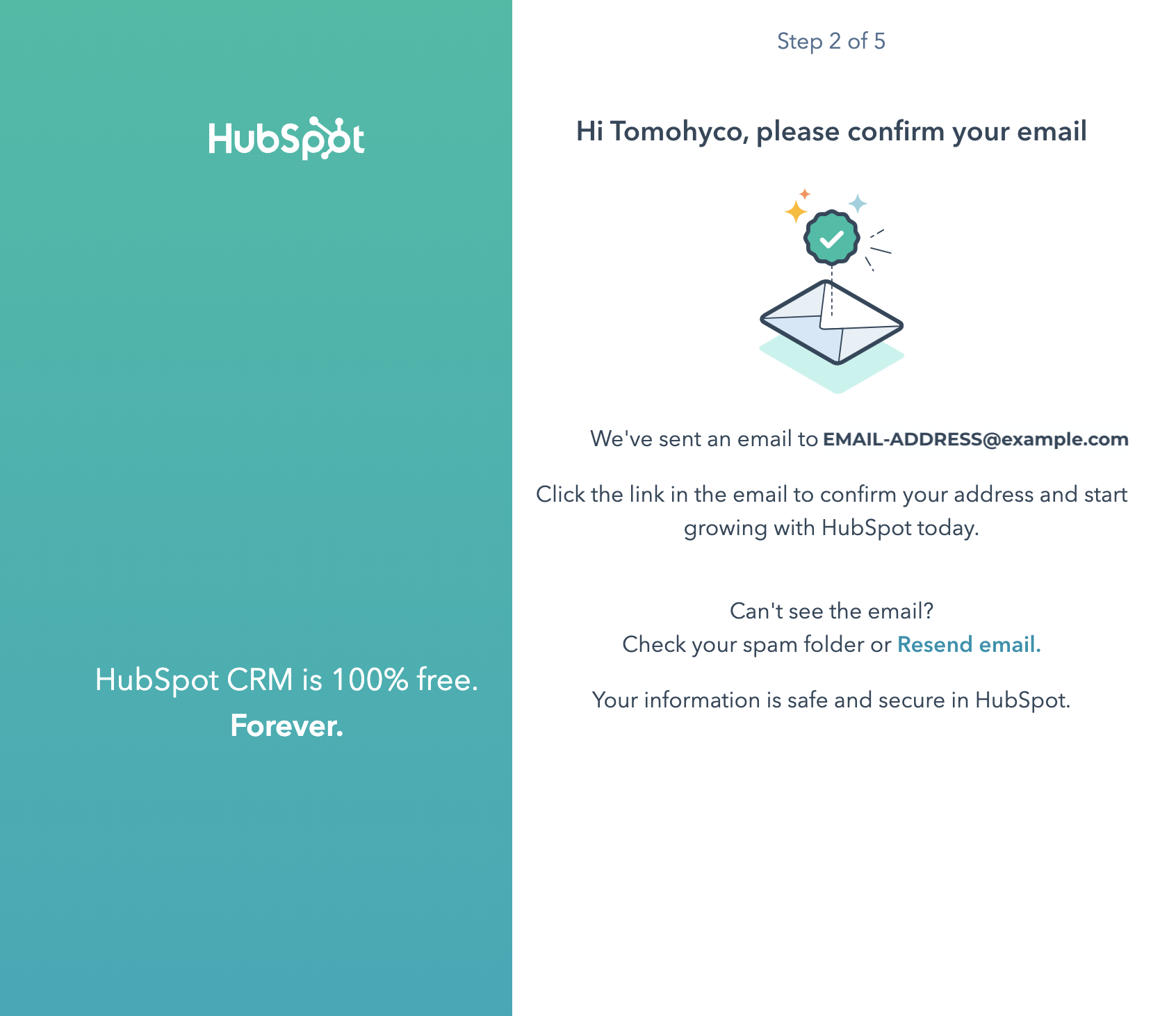
- Create a password.

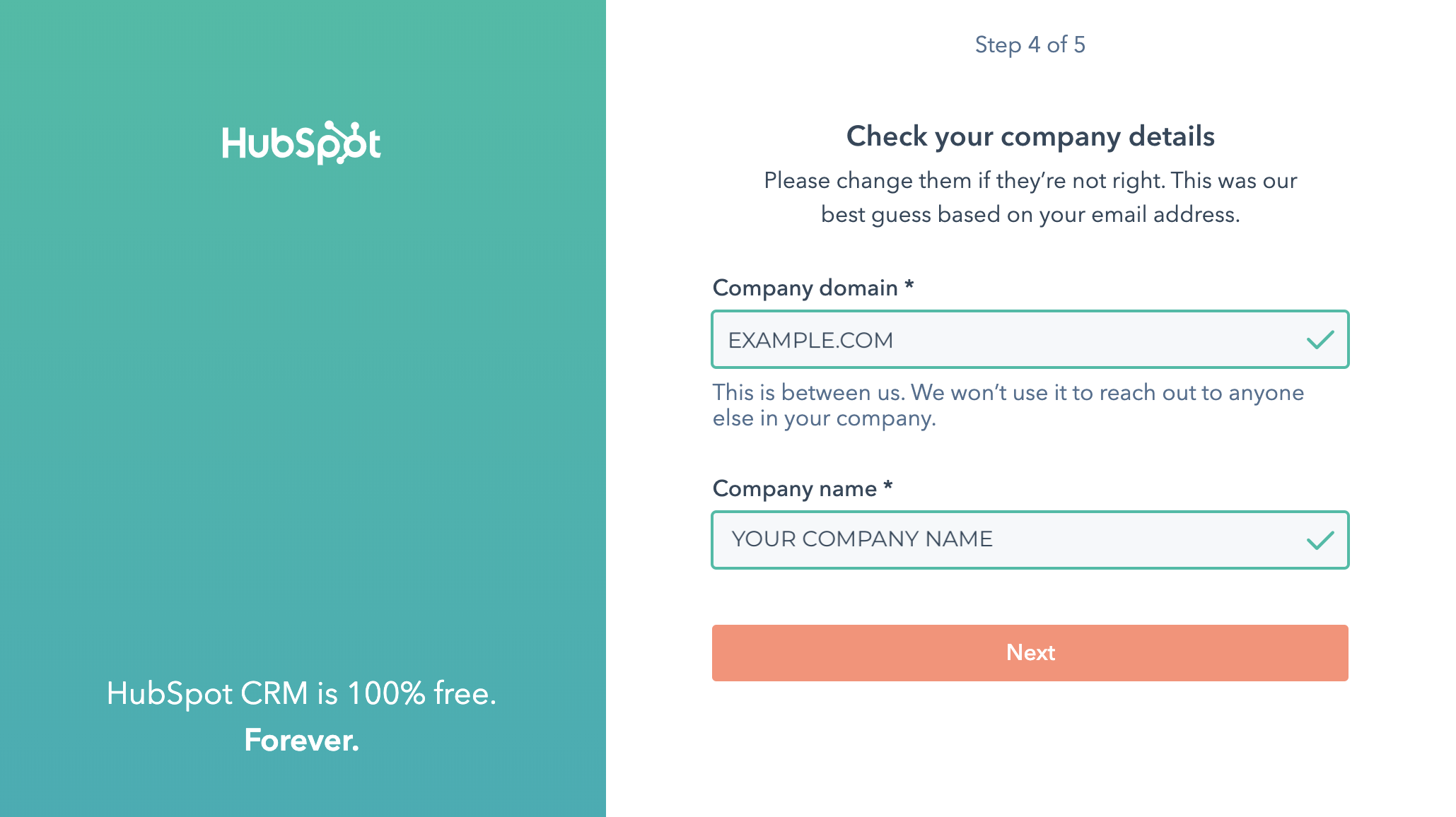
- Enter your company’s domain name and company name.
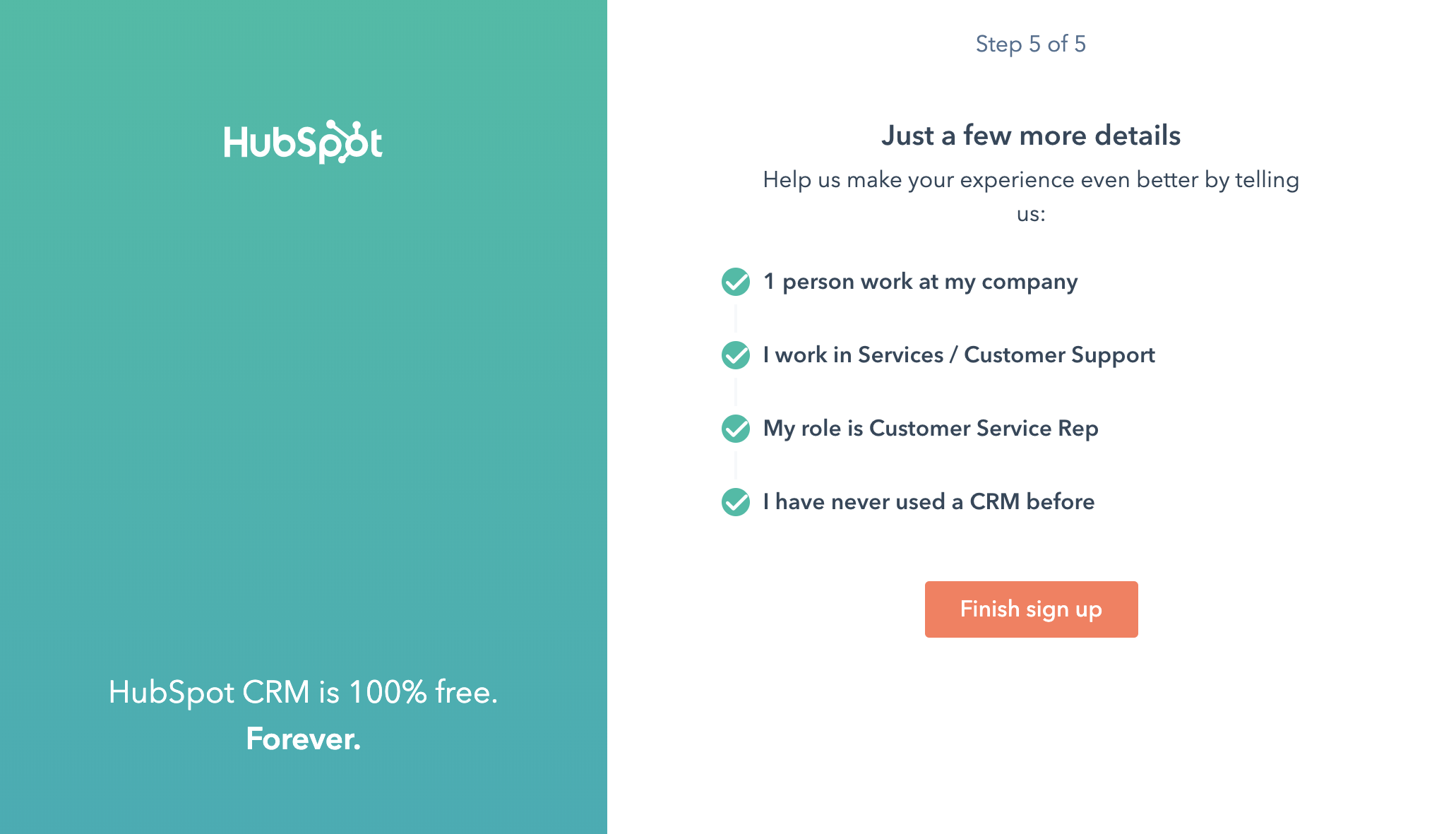
- Click the [Finish sign up] button.
Install the HubSpot plugin and connect it to WordPress
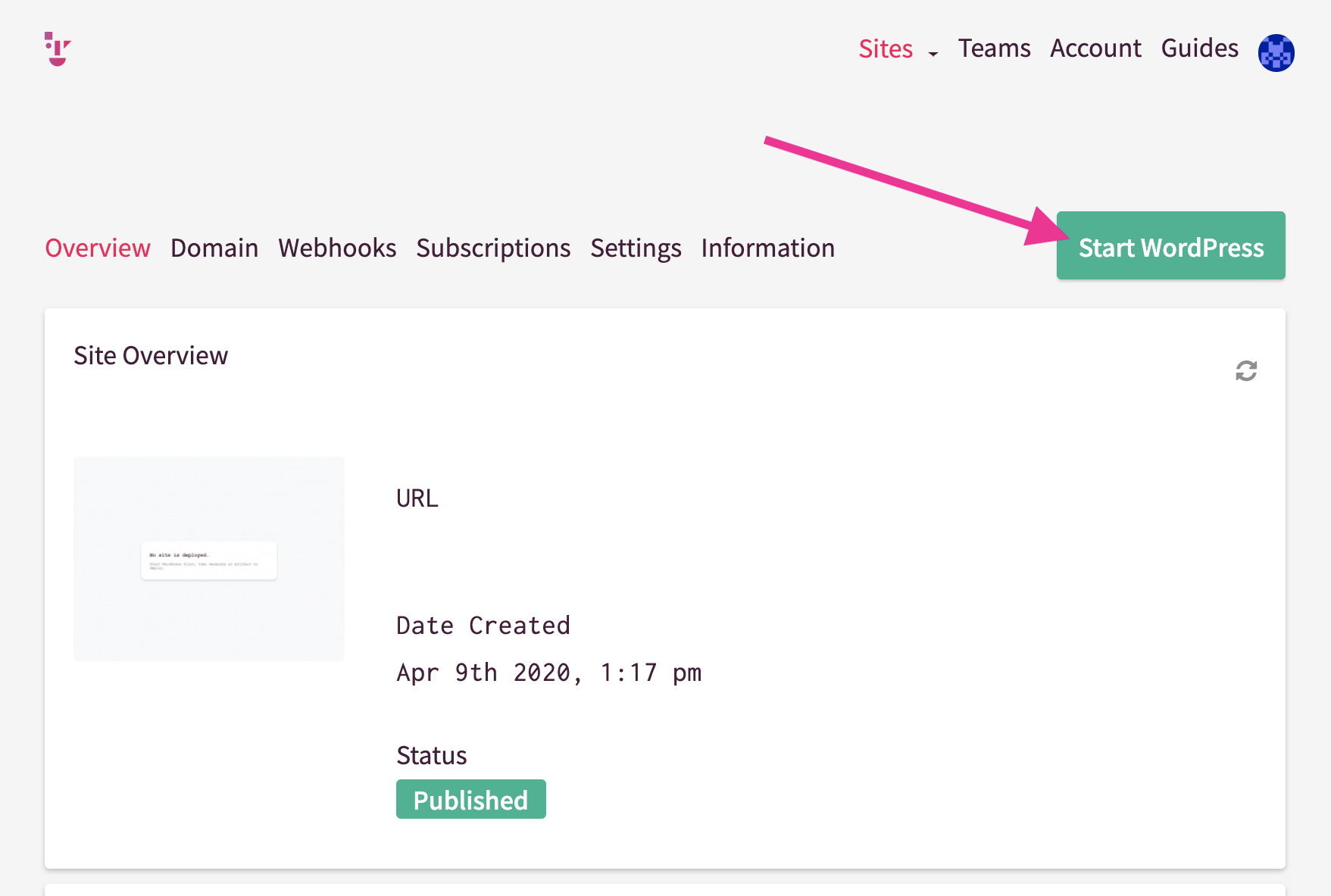
- Launch WordPress and log in to the dashboard.
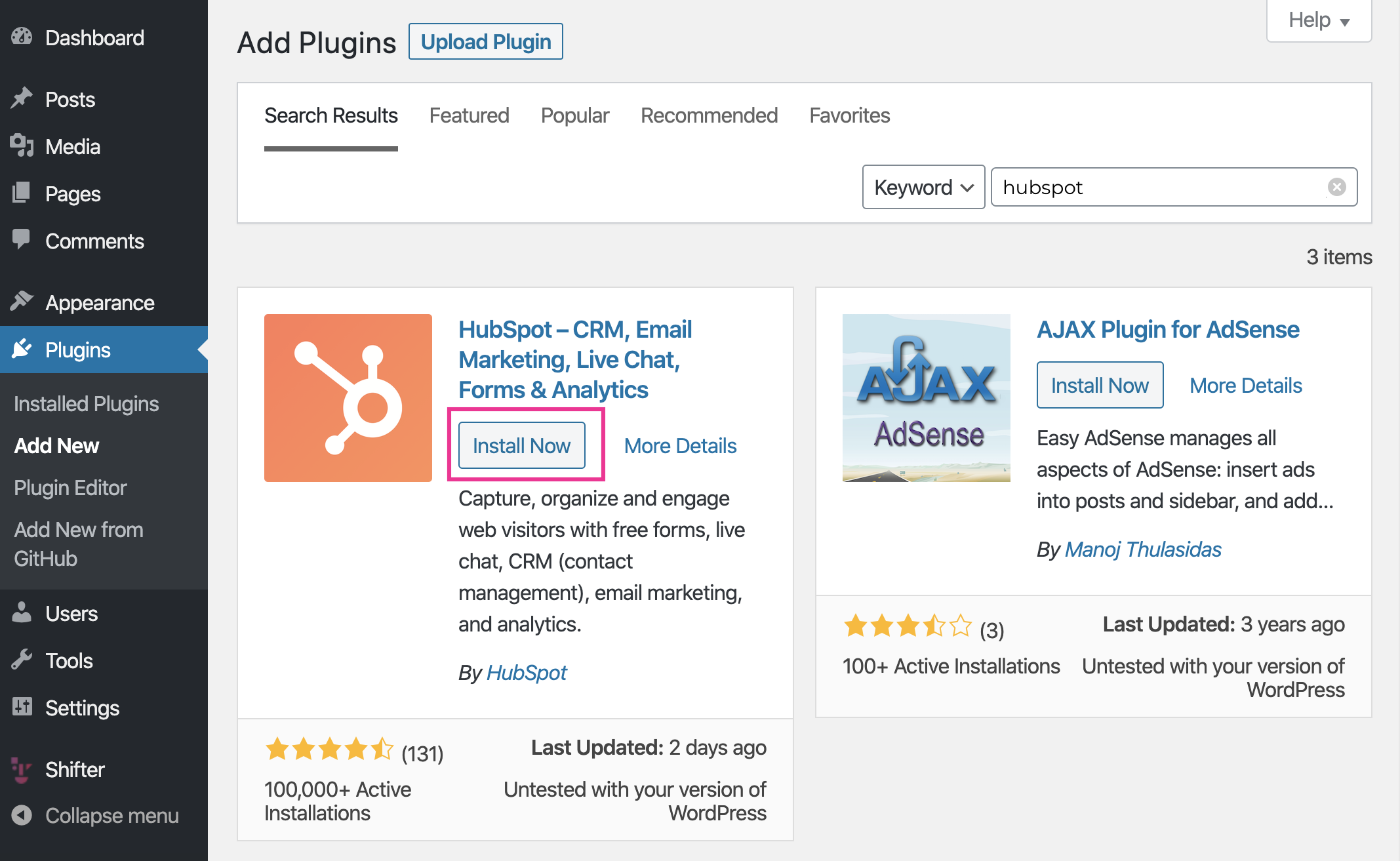
- Search for the plugin using “hubspot,” then install and activate it.
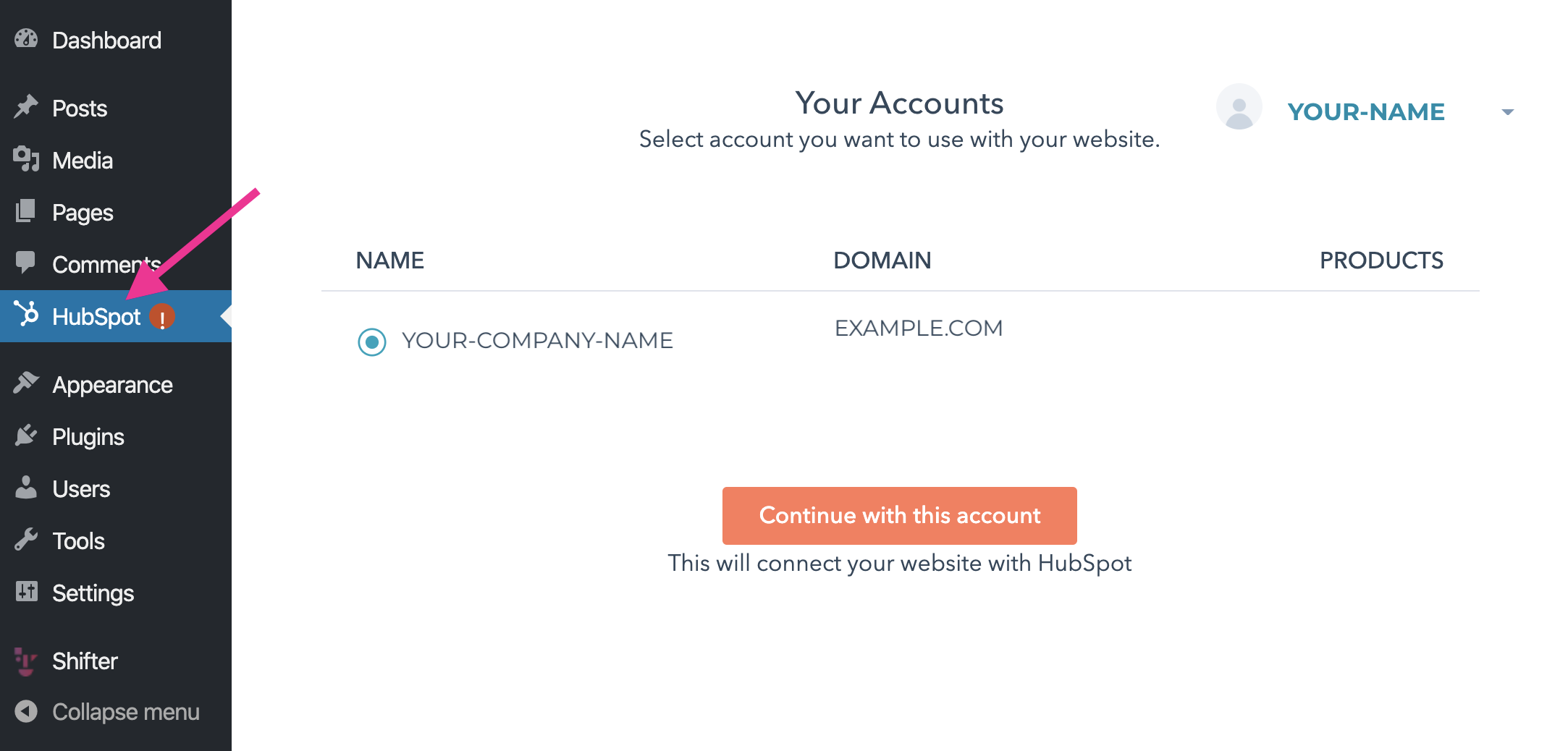
- Go to the HubSpot menu.
- Verify that the NAME and DOMAIN match your HubSpot account.
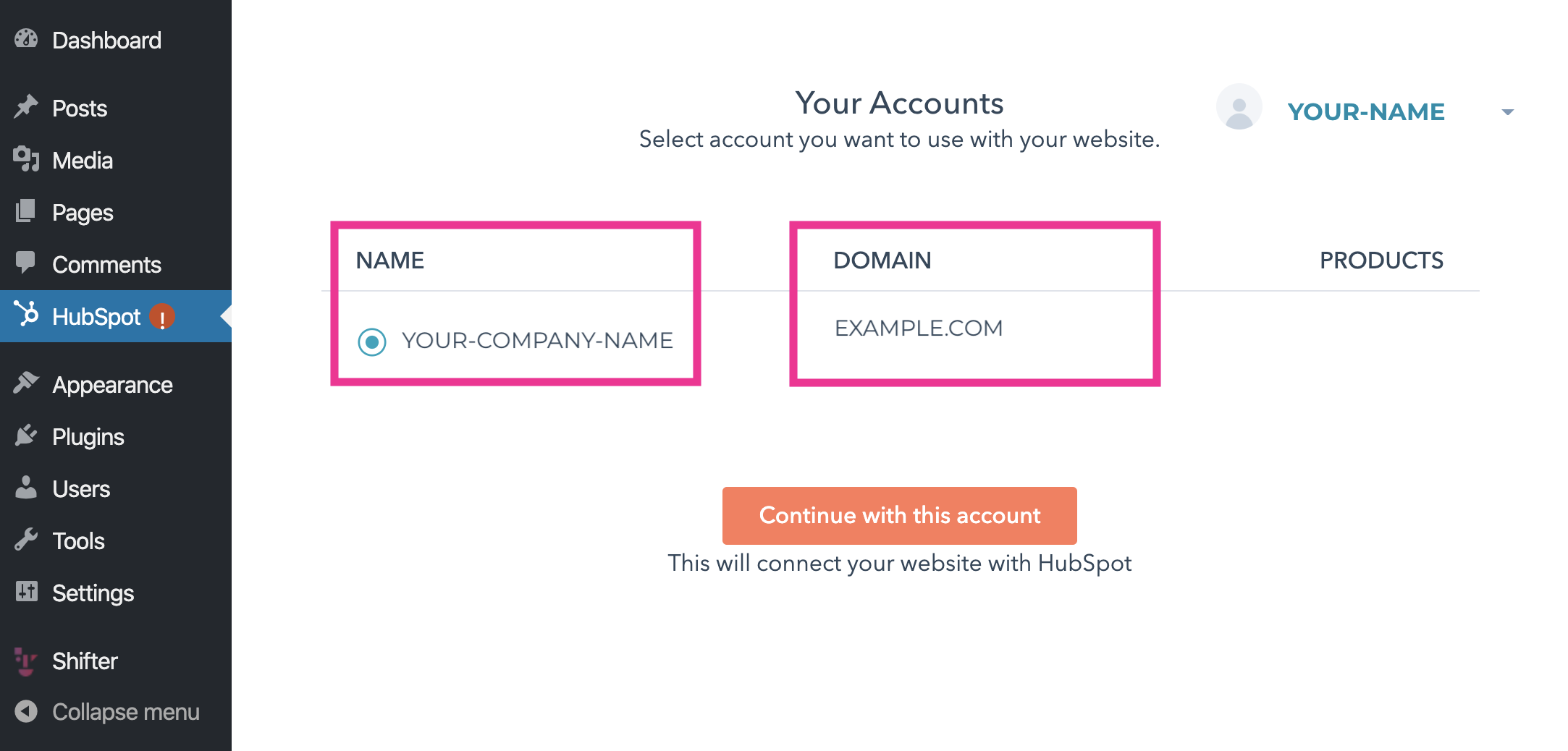
- If these are correct, click [Continue with the
account].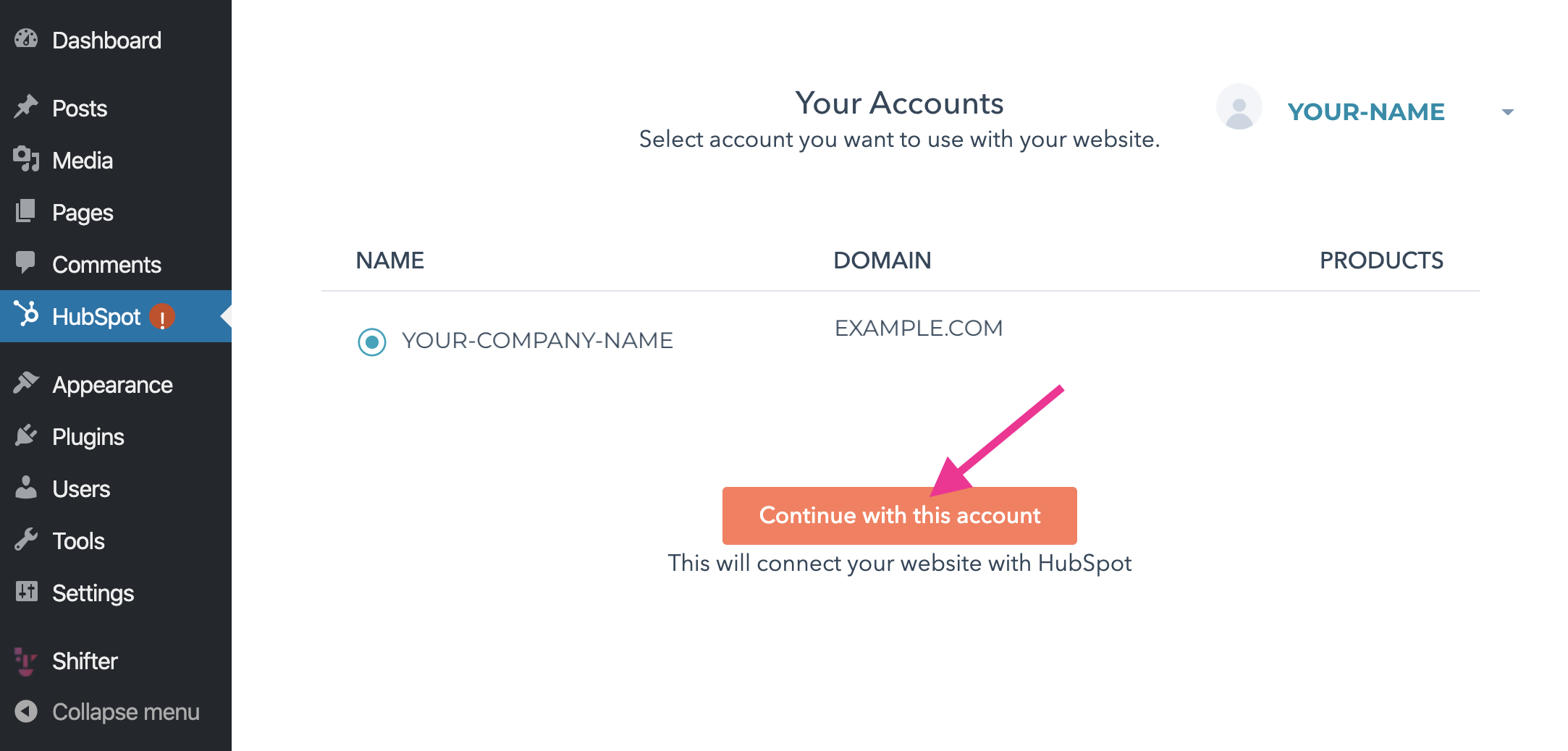
- Your HubSpot account has been connected to the Shifter website.
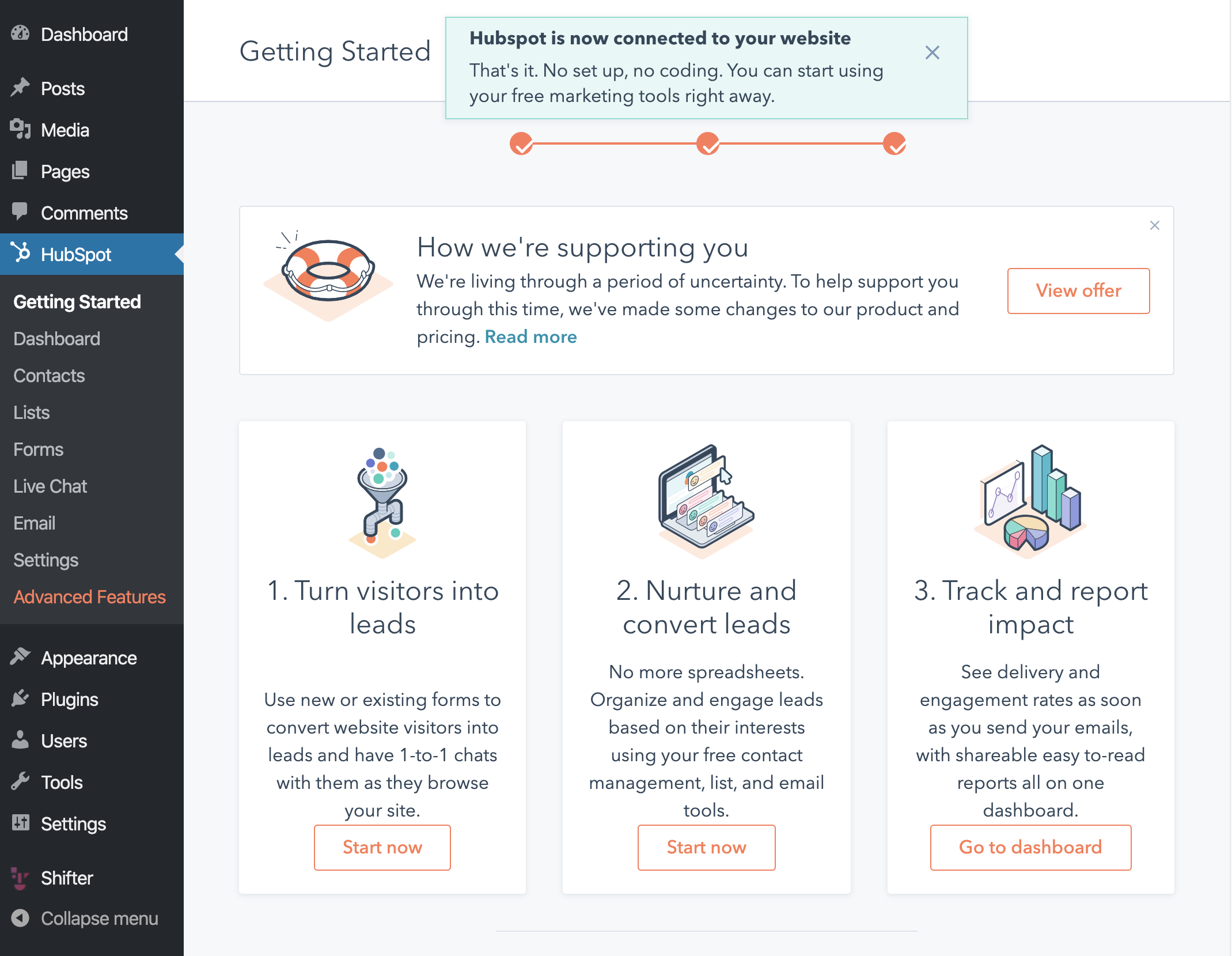
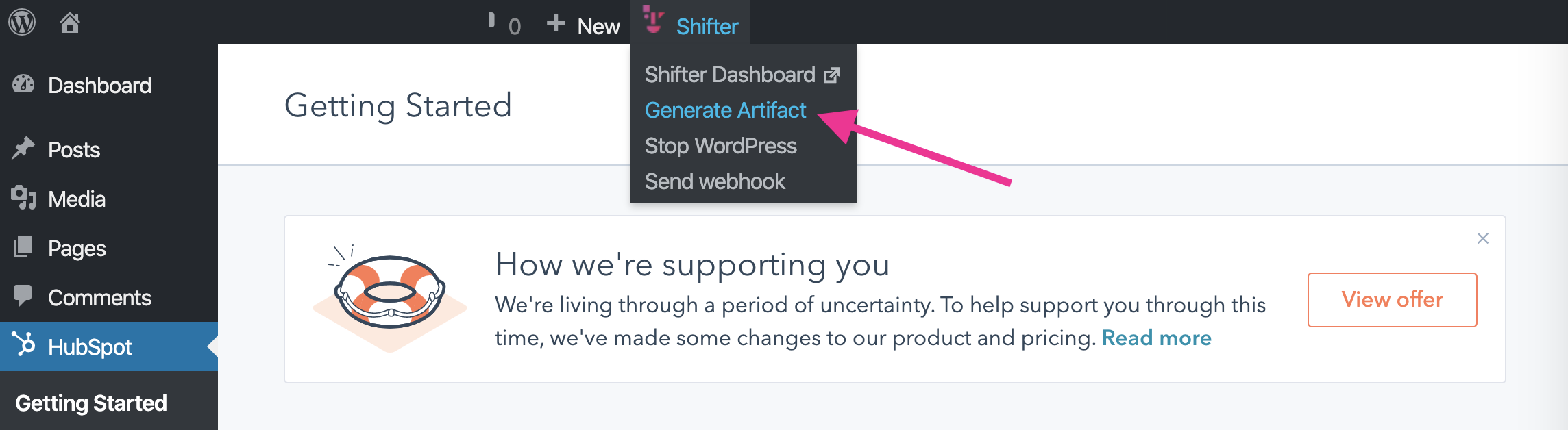
- Stop WordPress and generate the artifact.
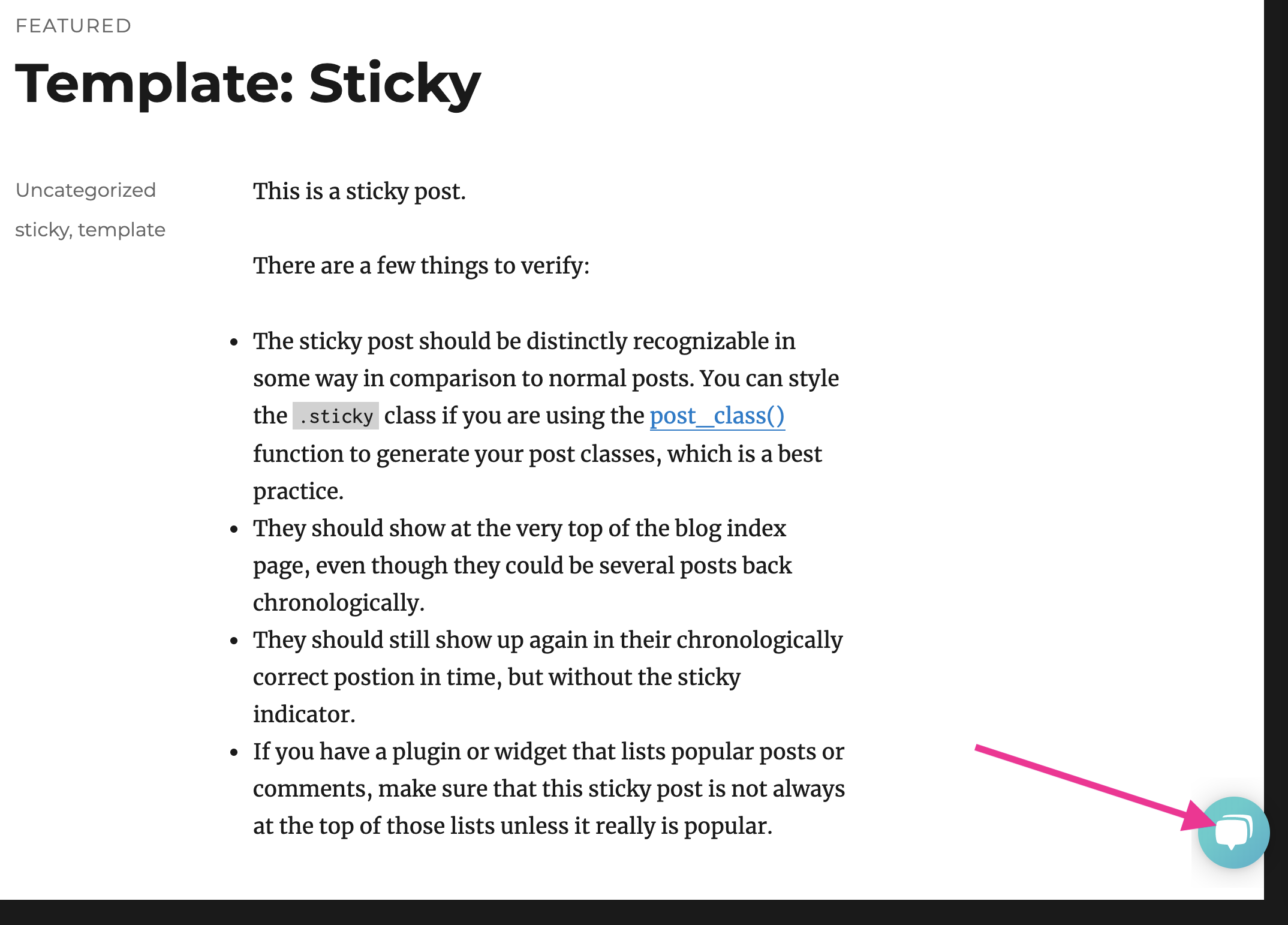
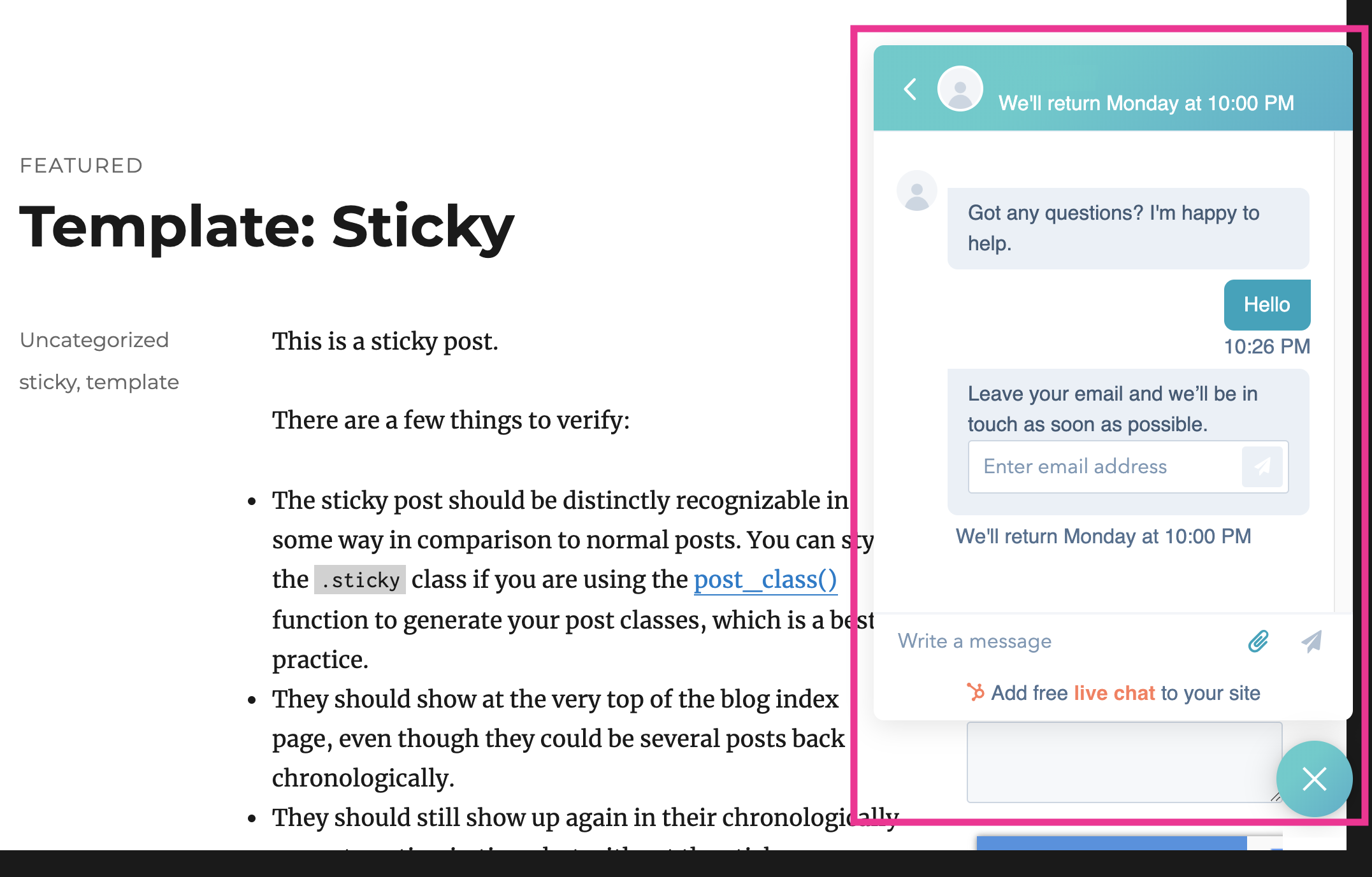
- Test to see if the HubSpot chat is working.
- Check the test chat in the HubSpot dashboard.
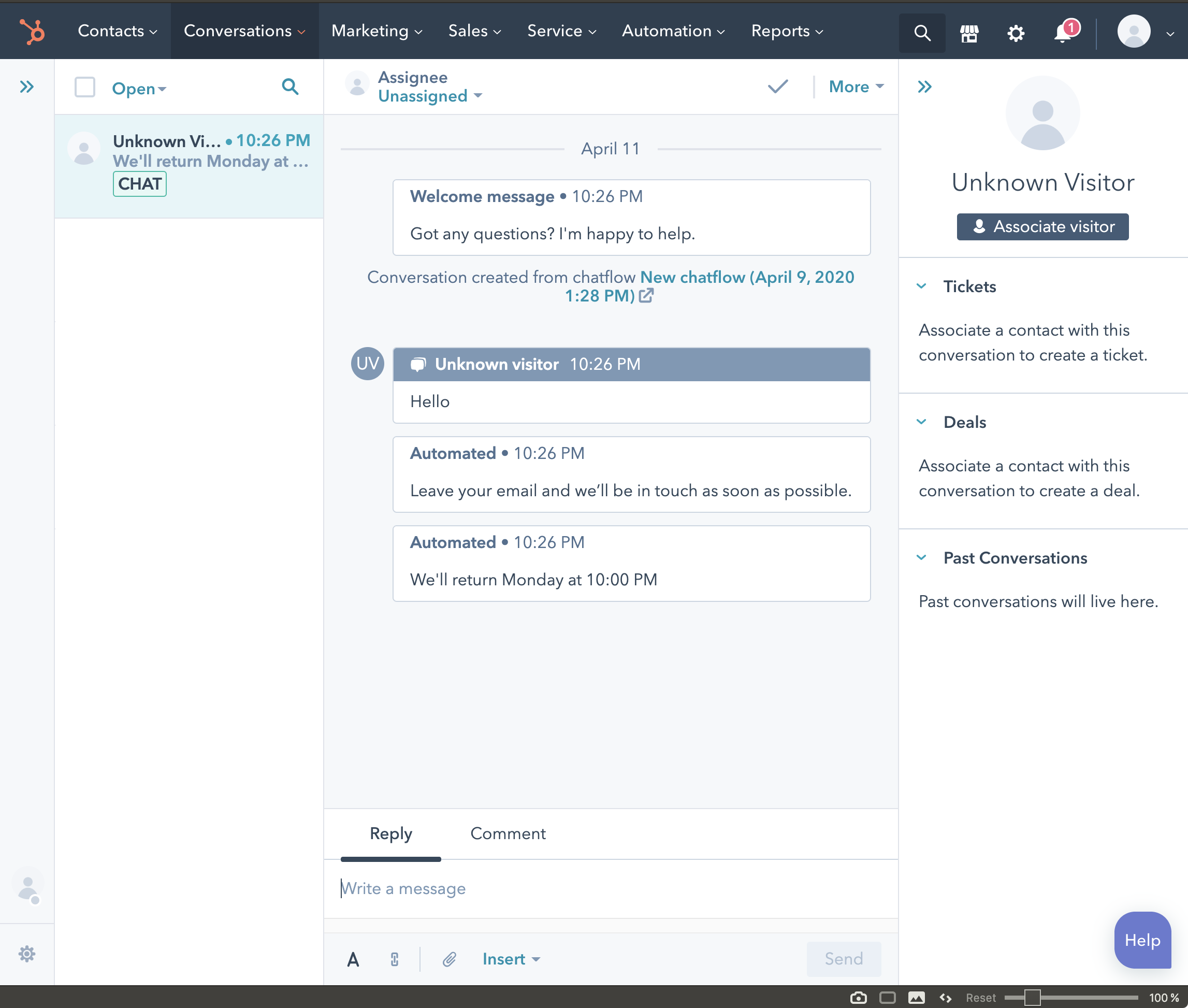
Verifying the Live Chat Widget
(See steps 8 and 9 above)
Create a contact form and add it to a page or widget
Please refer to the support documentation: Configuring HubSpot Forms (Configuring HubSpot Forms)