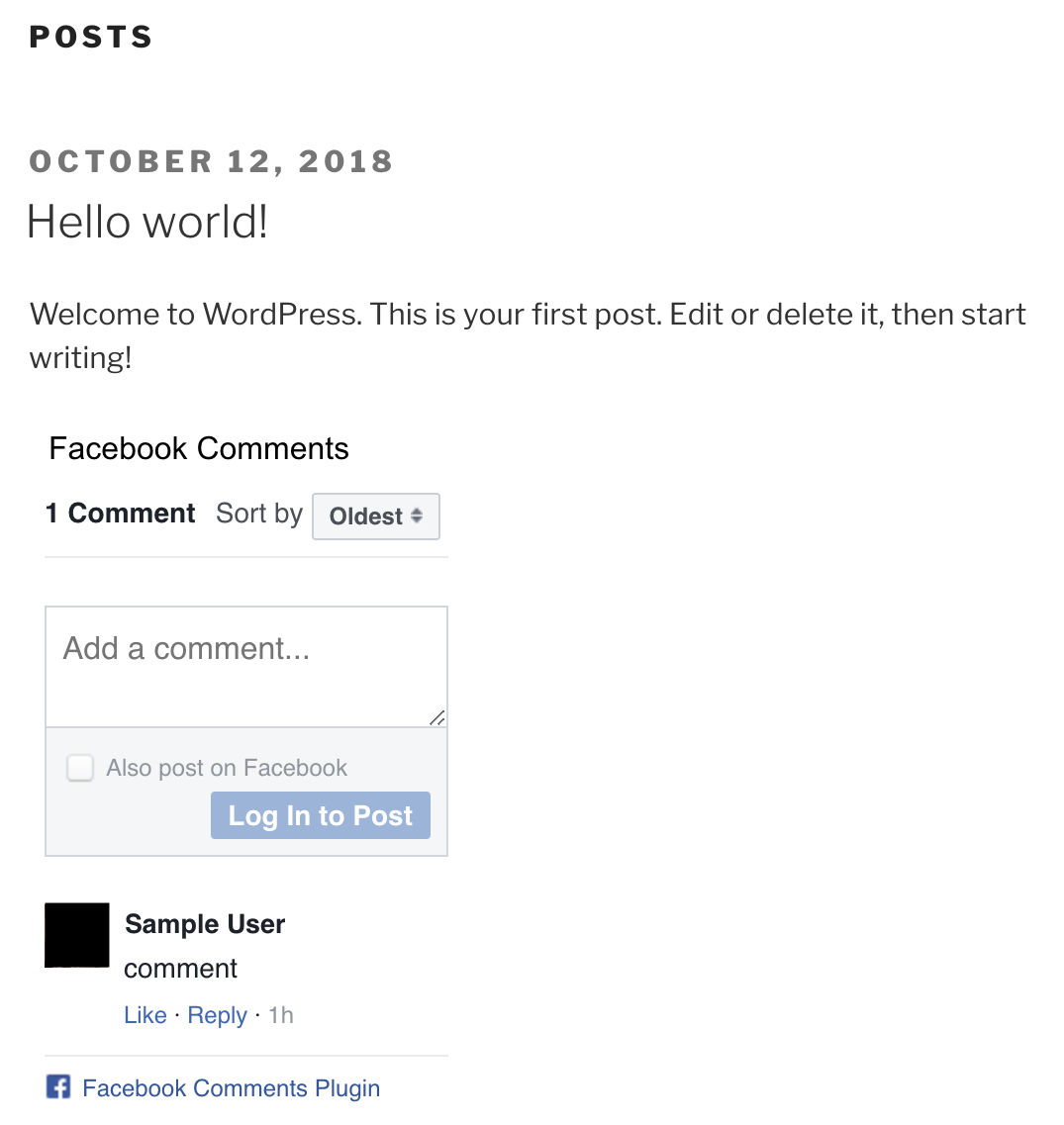
Using Facebook Comments with WordPress on Shifter To implement dynamic commenting on a WordPress site hosted by Shifter, features like Facebook Comments are a great option.
Key Features of Facebook Comments
- Available for free
- Requires a Facebook App ID and a Facebook account
- Replaces WordPress’s default commenting system
- Excellent spam protection
- Works both on and off Shifter
Getting Started with Facebook Comments
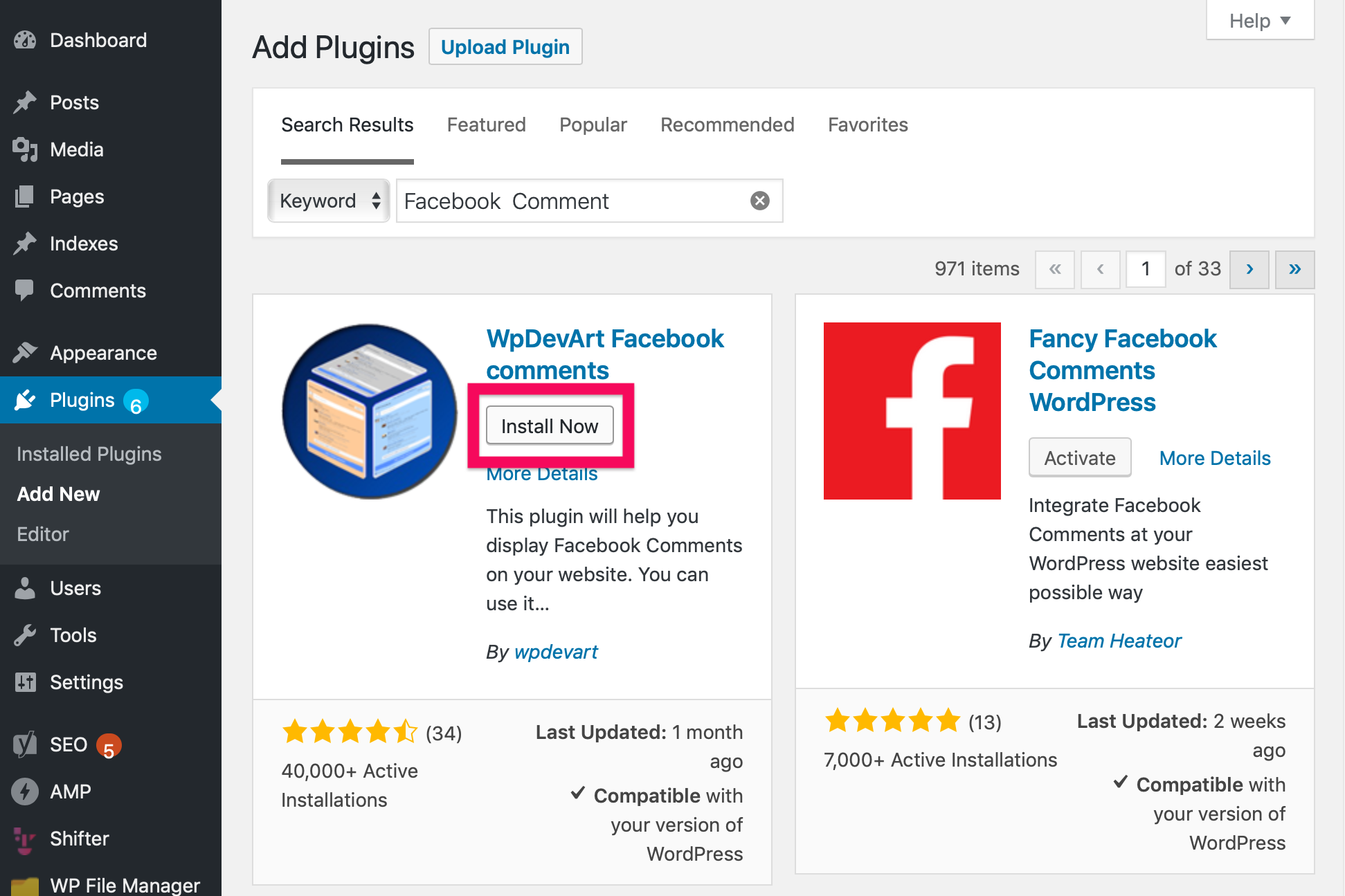
To set up Facebook Comments on Shifter, start by searching the WordPress plugin directory. There are several WordPress plugin options for Facebook Comments. In this example, we’ll use wpDevArt Facebook Comments, based on its update frequency and number of active installations.
Note: Is wpDevArt Facebook Comments the best choice? It might be, or it might not. We recommend trying out several options to find the one that works best for you.
Installing Facebook Comments
- Search for “Facebook Comments” in the WordPress plugin directory.
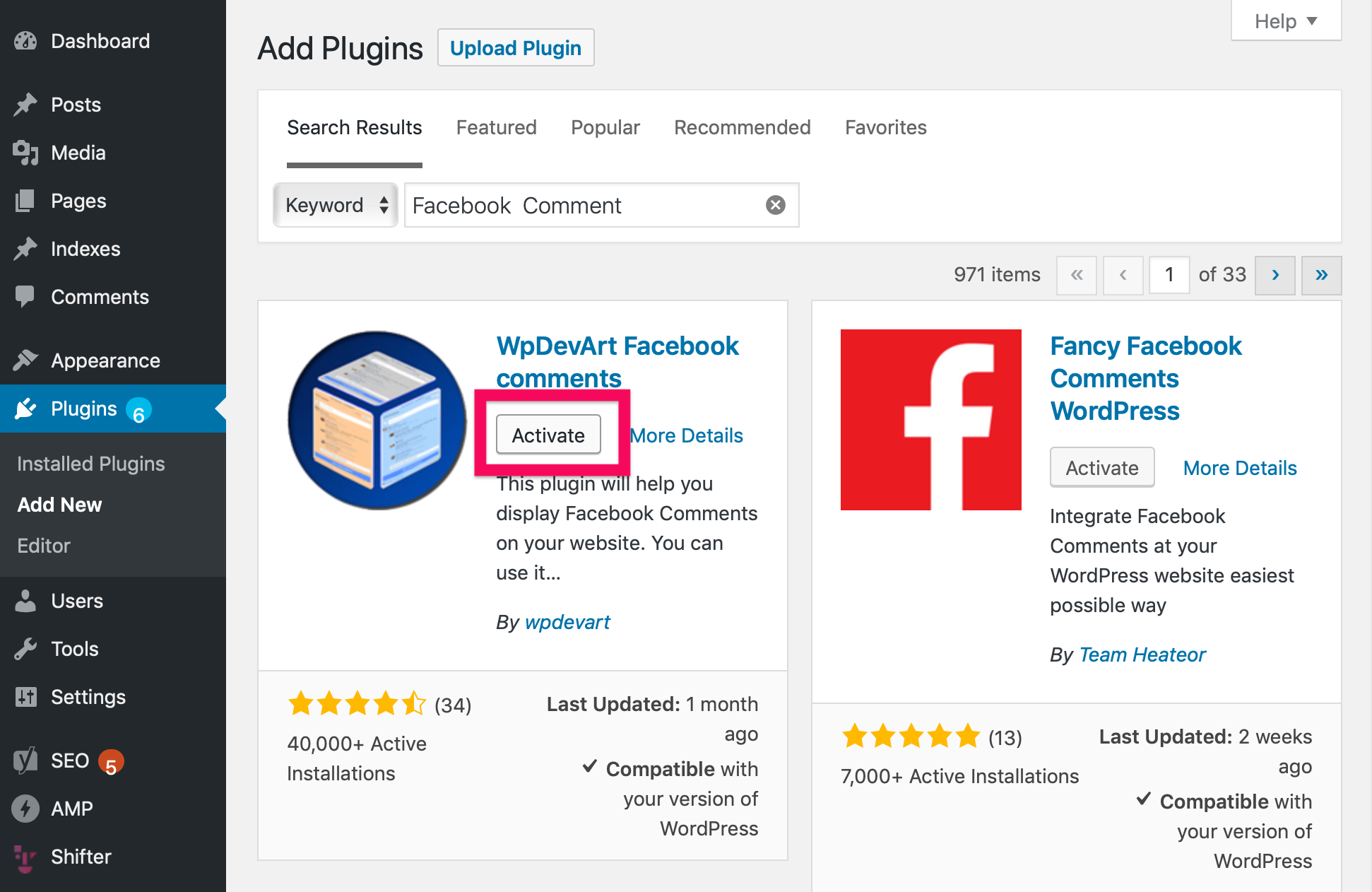
- Select wpDevArt Facebook Comments, then install and activate it.
Create a Facebook App and Obtain the App ID
- Log in to Facebook and go to developers.facebook.com.
- For detailed instructions on obtaining a Facebook App ID, please refer to this official guide.

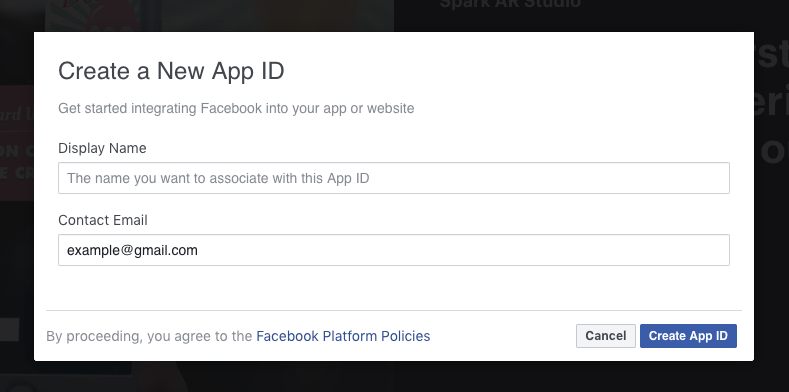
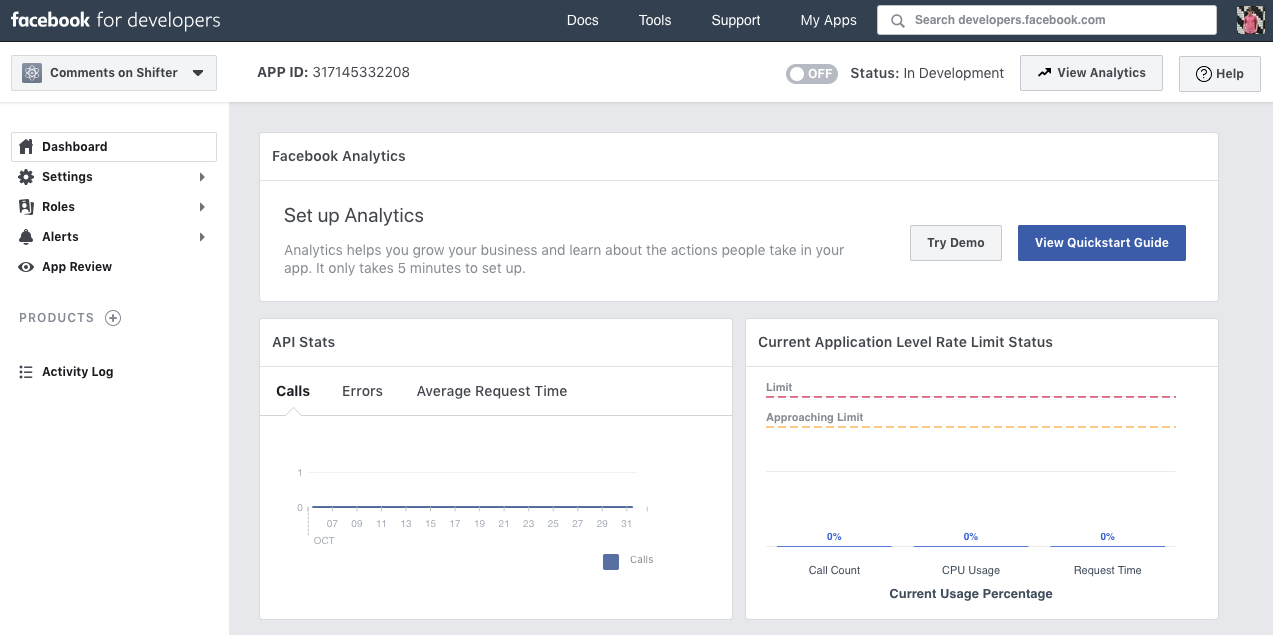
- Once you’ve created the app, your App ID will be displayed at the top of the dashboard.
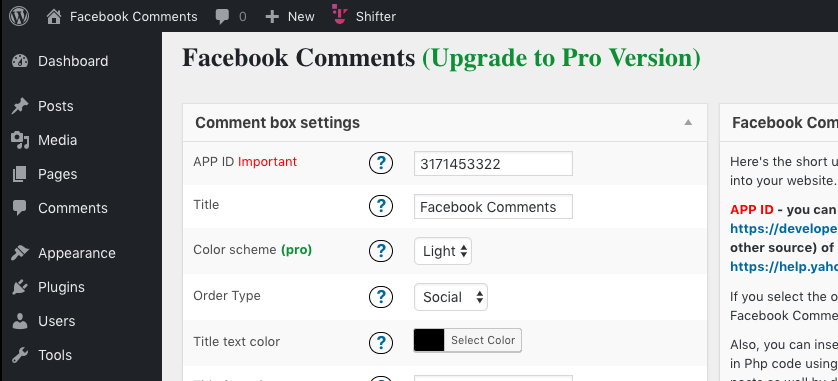
- Add the App ID to the WordPress plugin settings.
Verification
Once the App ID is available, you’ll notice that Facebook Comments is no longer the default commenting method.