
What Is an Emergency User?
An emergency user is a temporary user with administrator privileges who can log in to WordPress by enabling WordPress debug mode.
This is useful when you cannot log in with your current username and password.
Team members can also create emergency users.
Issues Resolved by the Emergency User
This feature resolves the following issues:
- When you cannot log in after a migration
- When you are locked out of the WordPress dashboard
How to Enable Debug Mode in WordPress
The emergency user feature works by enabling WordPress debug mode.
How to Use It
How to Log In to WordPress with Temporary Credentials
Made by Tomohyco Tsunoda with Scribe
This guide shows you how to log in to your WordPress site using temporary credentials provided by Shifter. Follow these steps to access your WordPress dashboard quickly and securely.
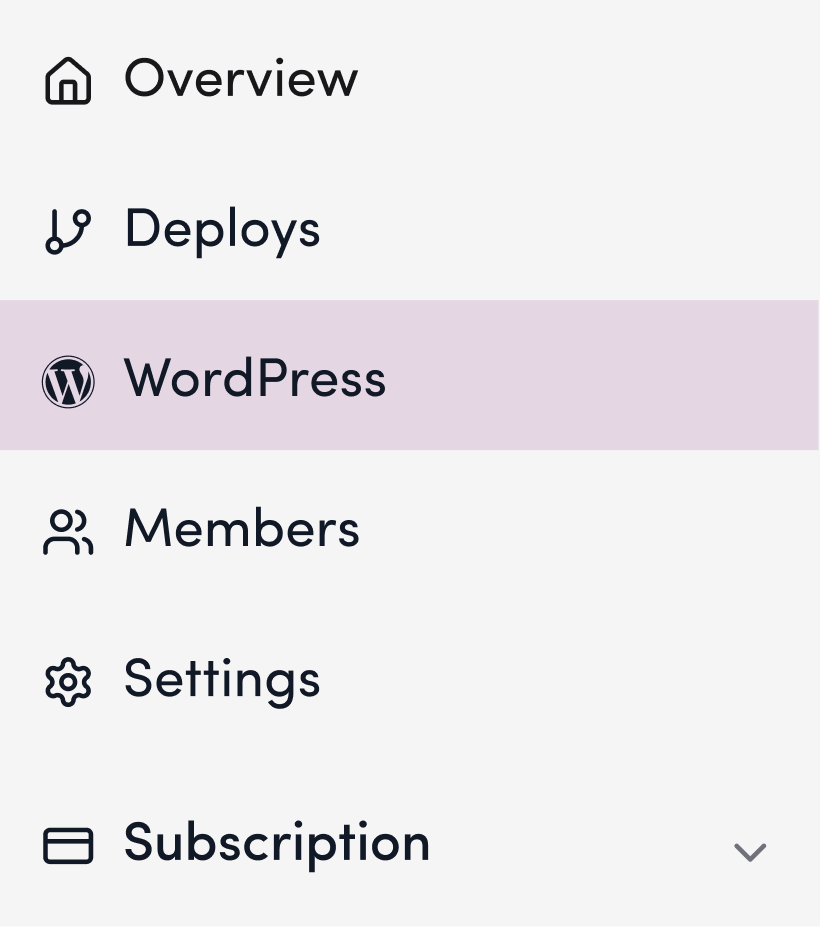
1. Click “WordPress”
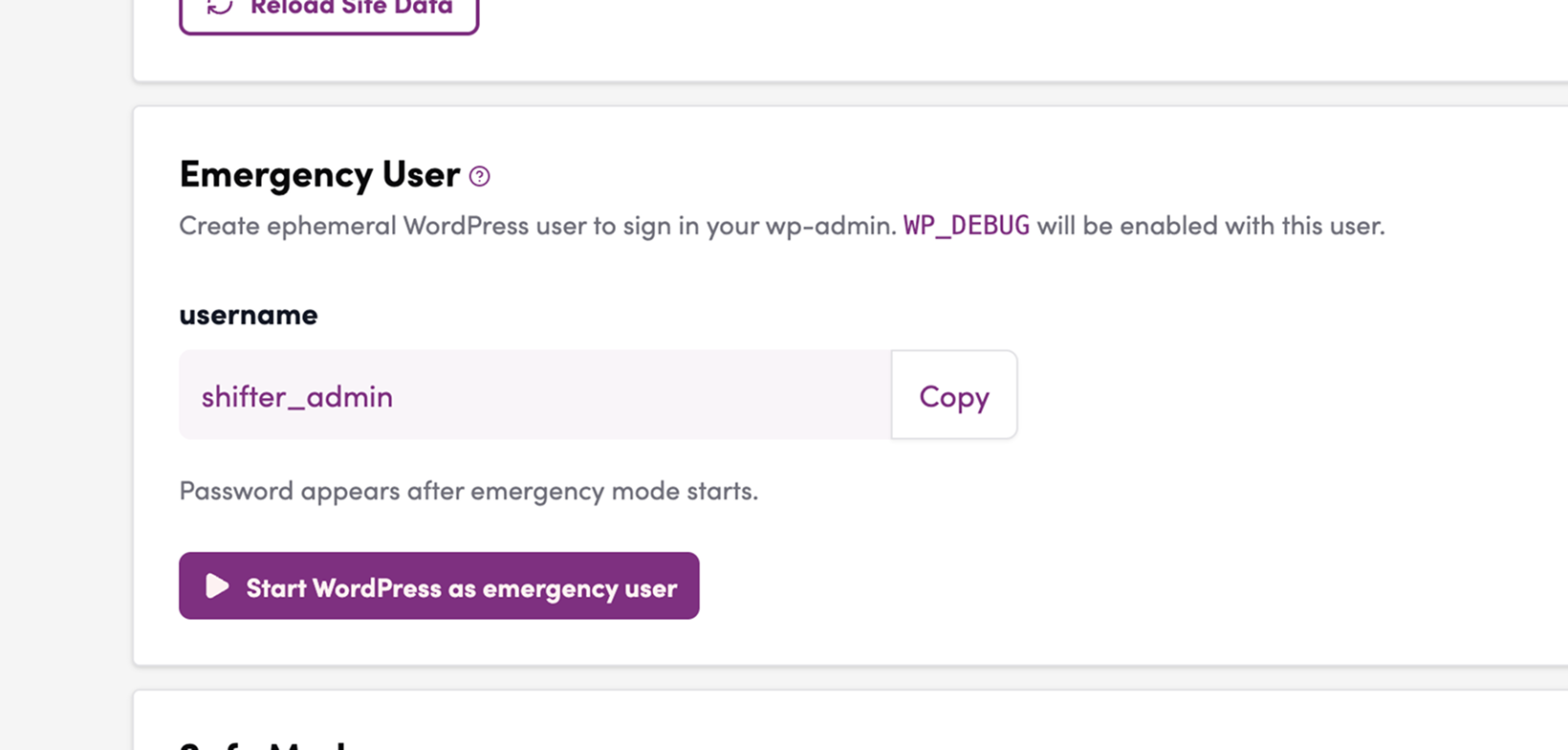
2. Click “Launch WordPress as an Emergency User”
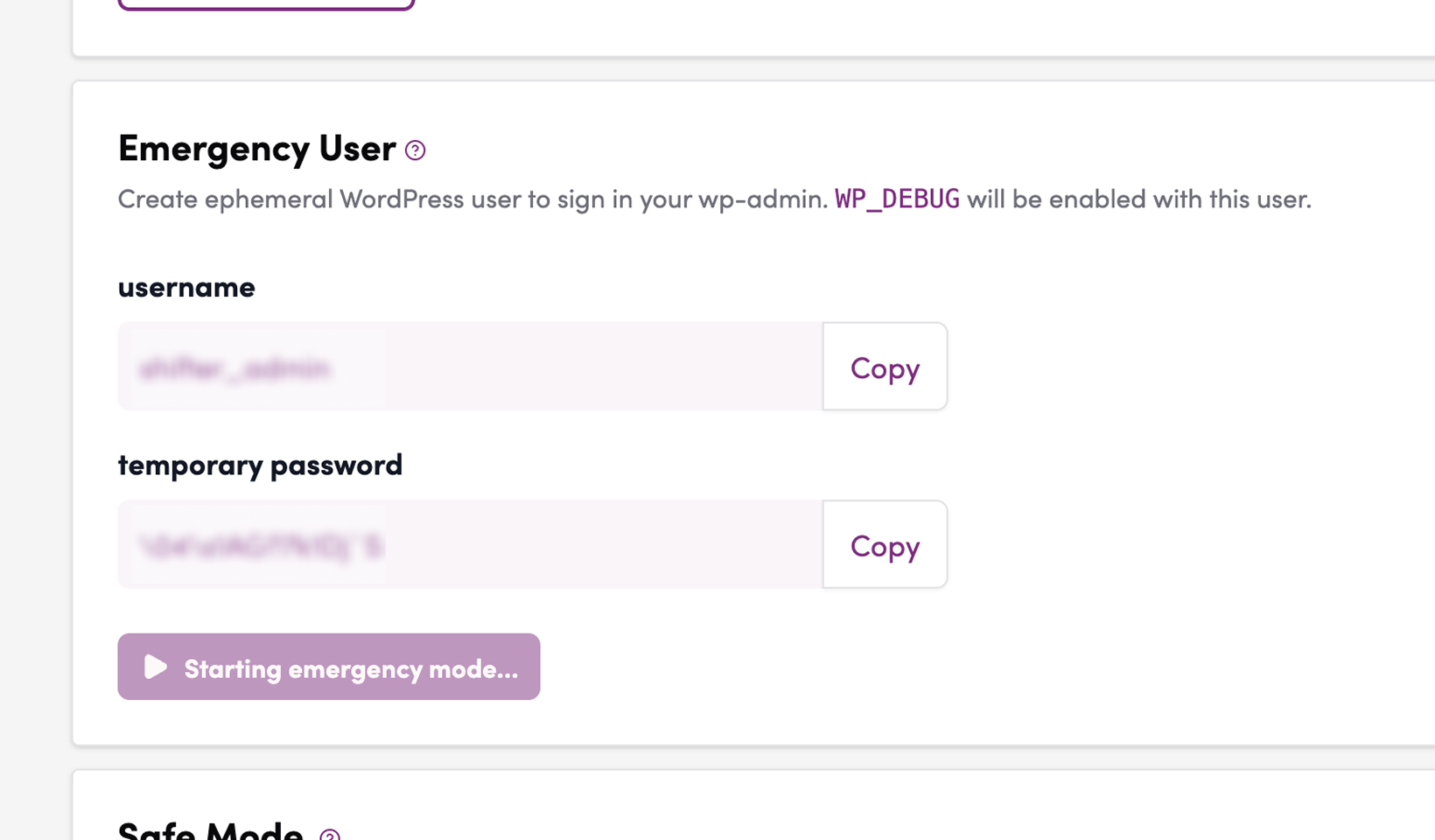
3. Copy the emergency user information and temporary password that are issued
4. Click “WordPress Login”
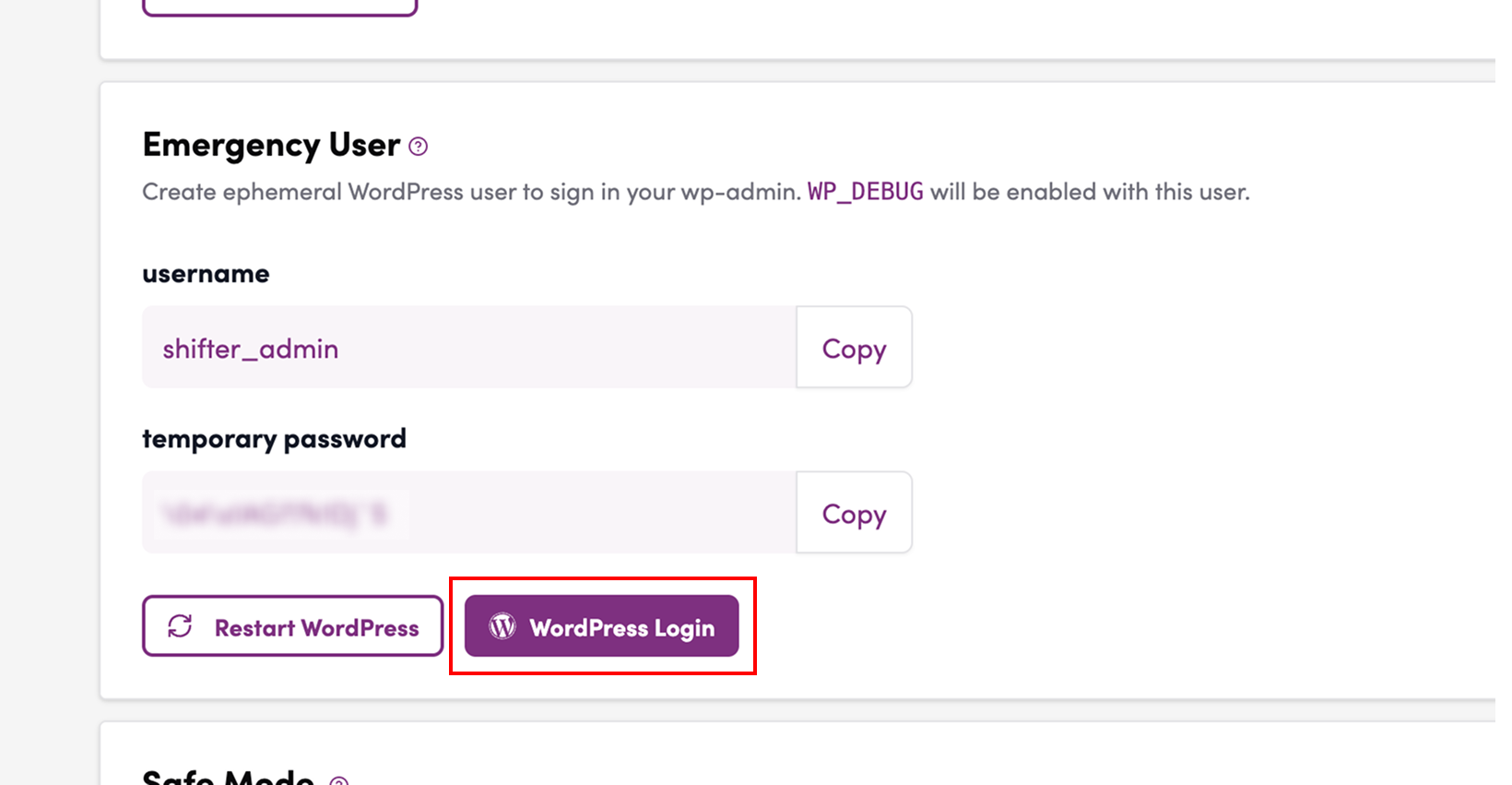
5. The WordPress login screen will appear
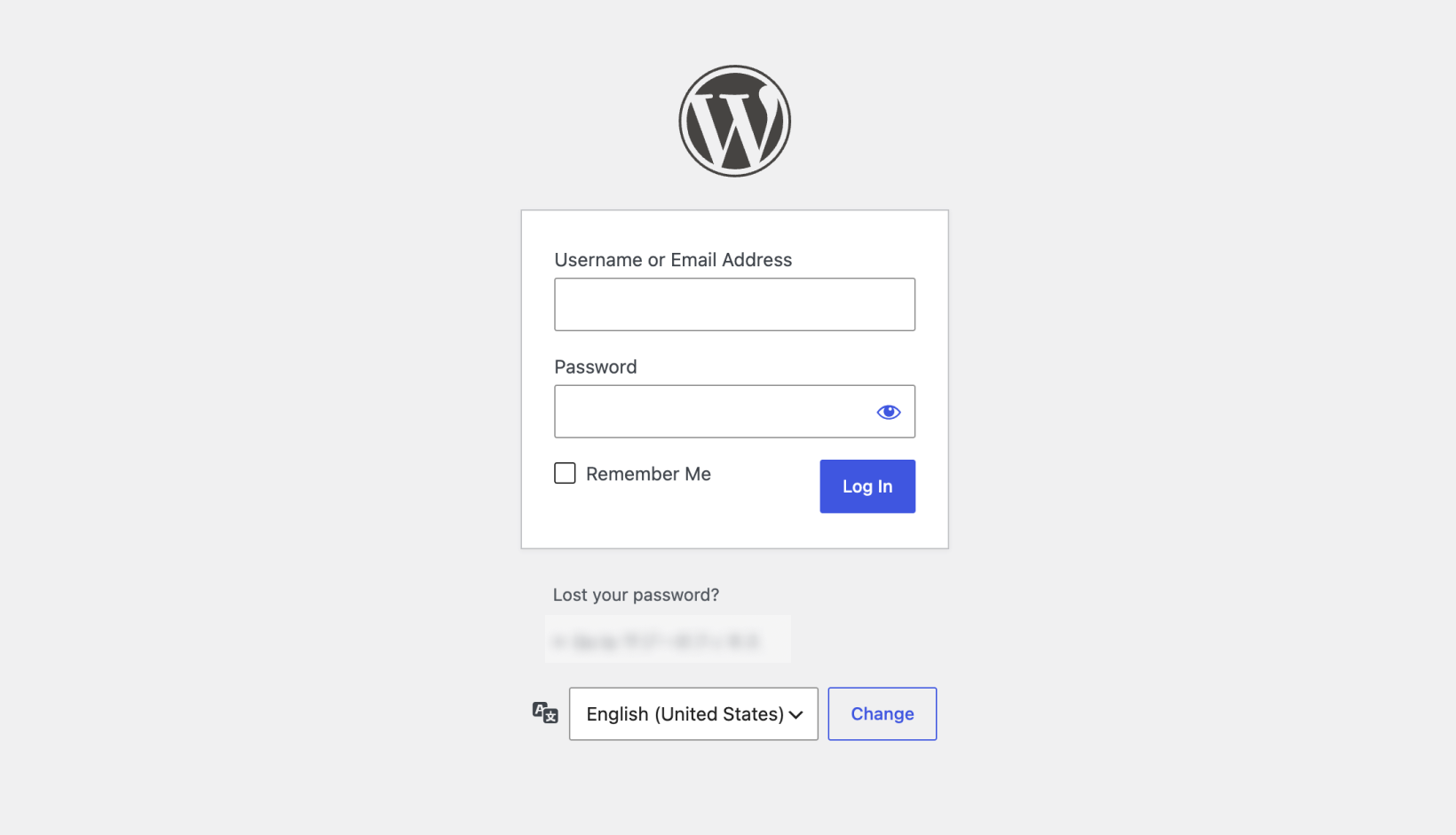
6. Enter your username and password
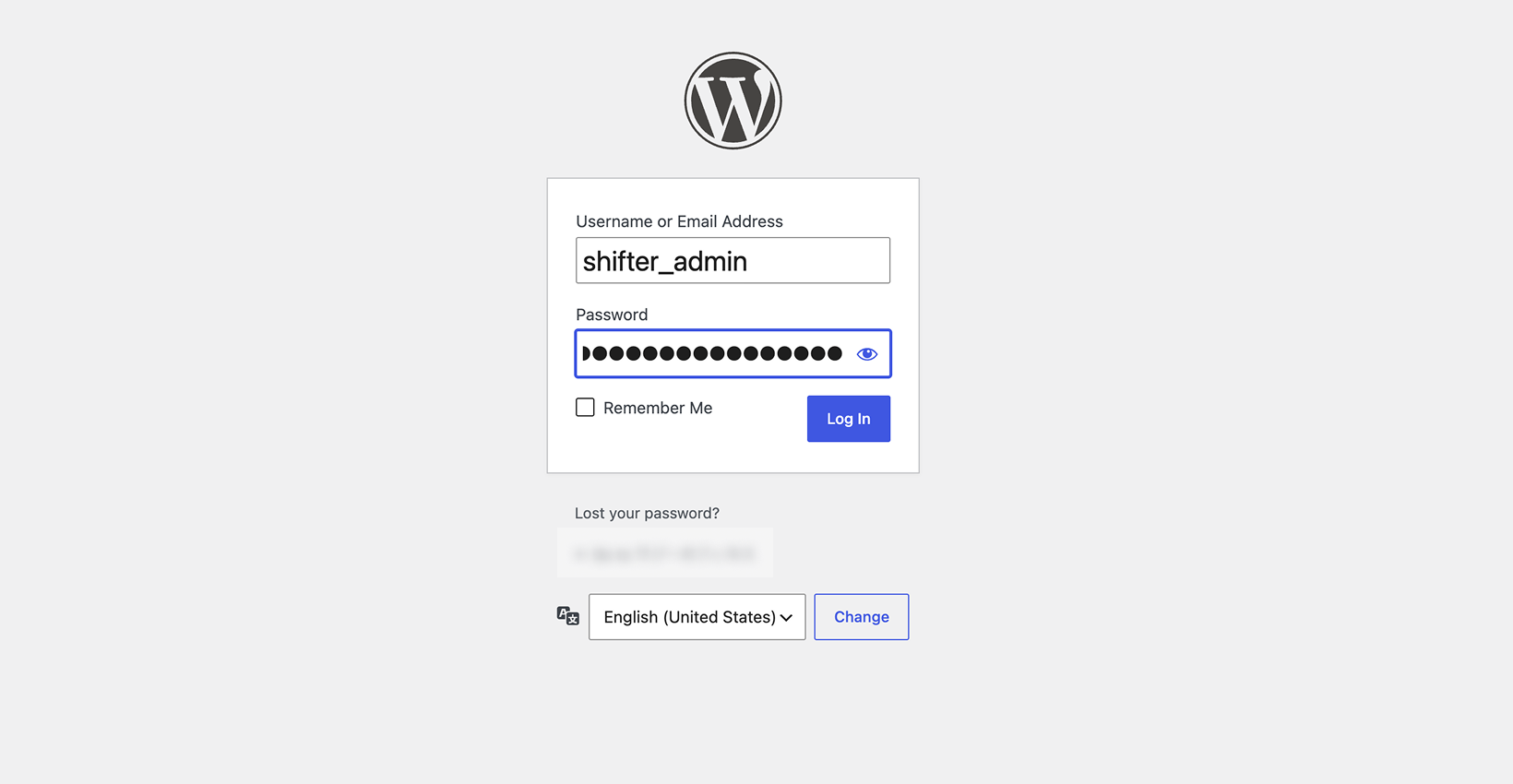
7. Log in
8. You have successfully launched and logged into WordPress using the emergency credentials
