
The Redirection plugin allows you to redirect one URL to another without editing the “.htaccess” file.
Redirection Plugin Details Page
In Shifter, you can use this plugin to configure redirects.
Redirect Settings Available in Shifter
Example of a Redirect to Another Website
Source URL: https://www.example.com/abc/
Target URL:https://www.example.org/
Examples of redirects to another post or page
Source URL: https://www.example.com/abc/
Target URL: https://www.example.com/def/
Examples of redirects to pages with the date removed from the URL
Source URL: https://www.example.com/2018/01/01/abc/
Target URL: https://www.example.com/abc/
*You must change the permalink structure setting to “Post Name.”
Redirect Settings That Cannot Be Configured in Shifter
- Values without a trailing slash
- Regular expressions
- Conditional matches
- Pass-through
- Redirects to random posts
- Redirects from the root directory to other directories, posts, or pages (a single “/” in the source URL is not allowed)
- Detection of 404 Not Found Errors
How to Set Up Redirects
1. When configuring redirects in Shifter, first install the Redirection plugin from the “Plugins” menu in the WordPress dashboard.
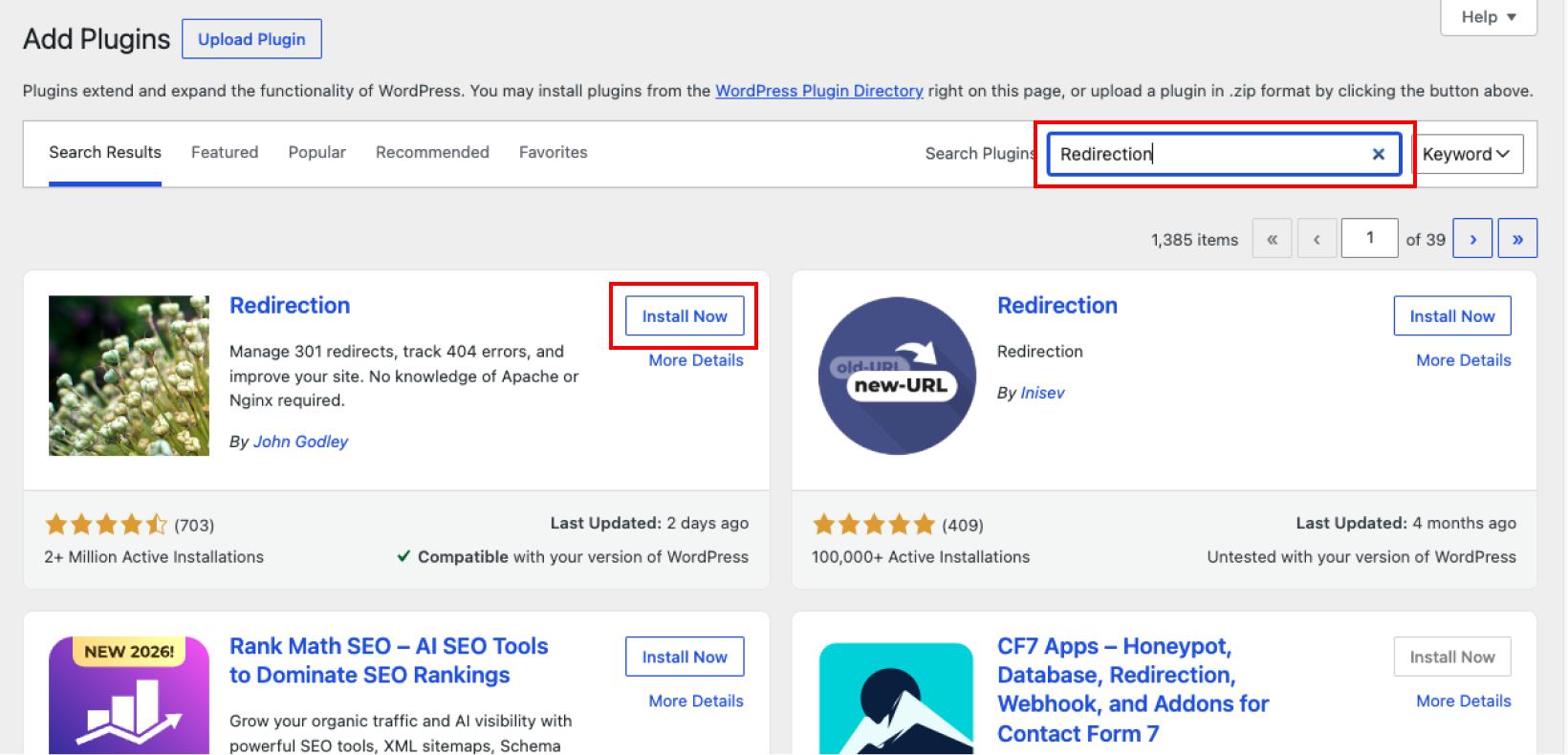
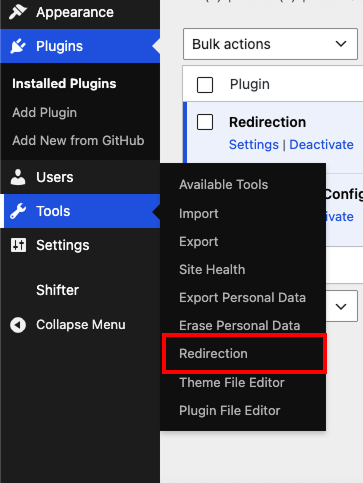
2. To add a new redirect rule, click the “Redirection” menu under the “Tools” menu.
3. In the “Add New Redirect Rule” section, enter the URL to be redirected in the “Source URL” field and the destination URL in the “Target URL” field, then select the other options according to your desired settings.
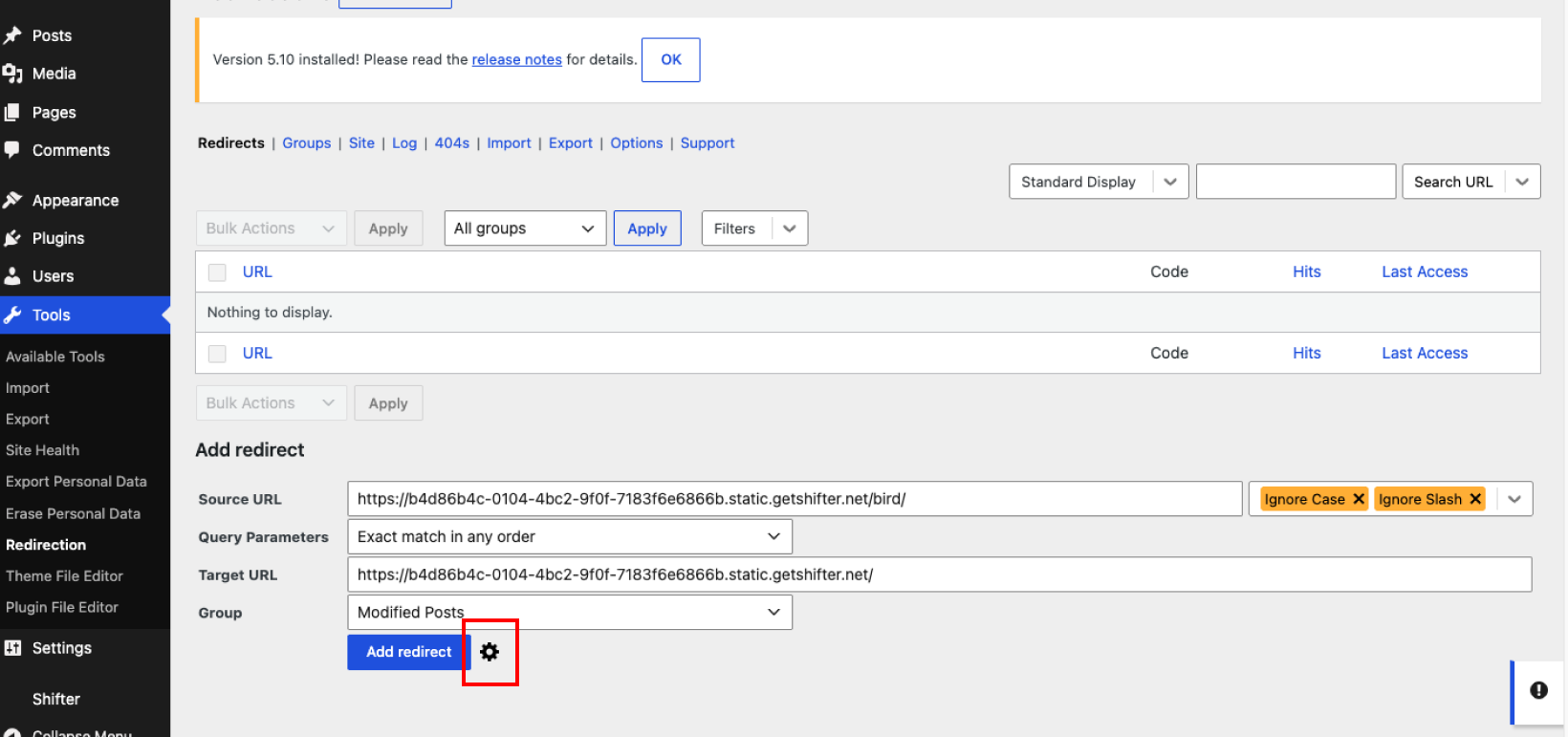
*Click the settings icon to access more detailed configuration options.
4. Click the “Add Redirect Rule” button.
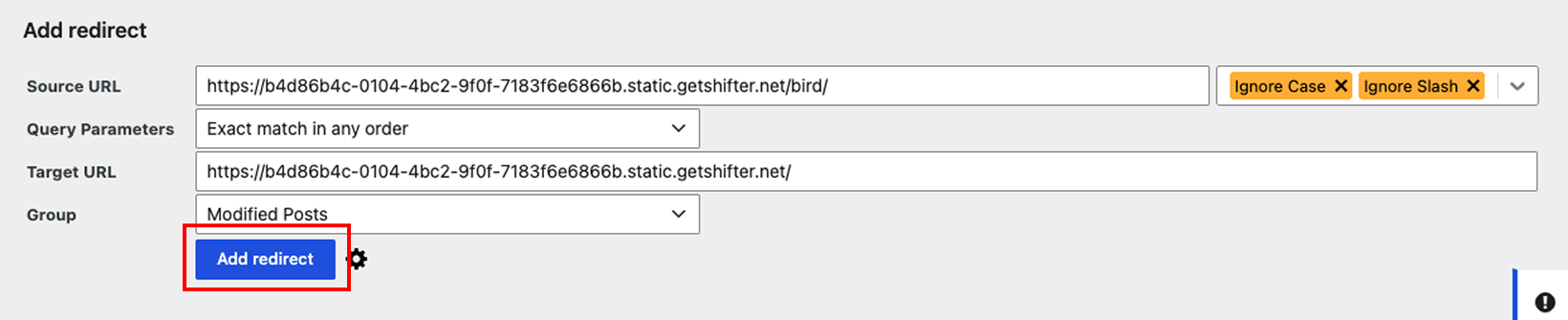
The added redirect rule will be displayed at the top of the screen.
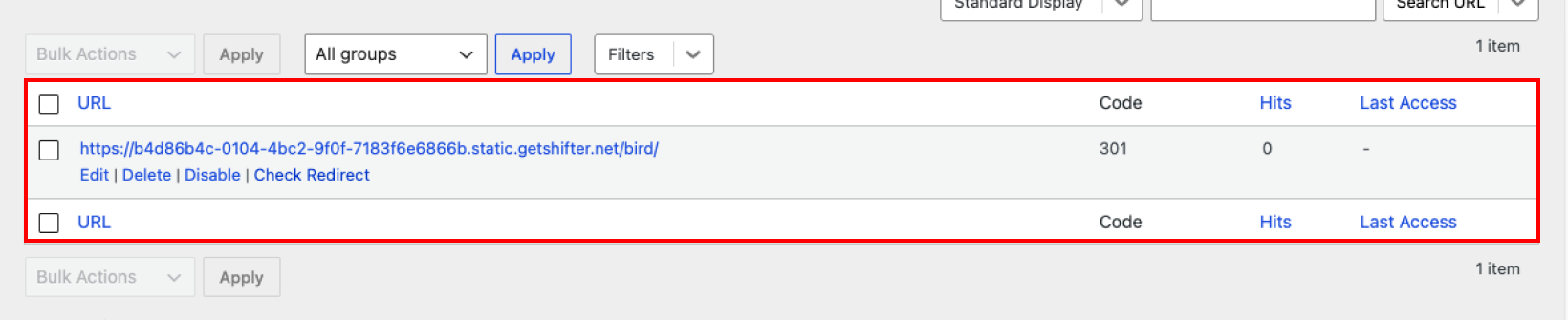
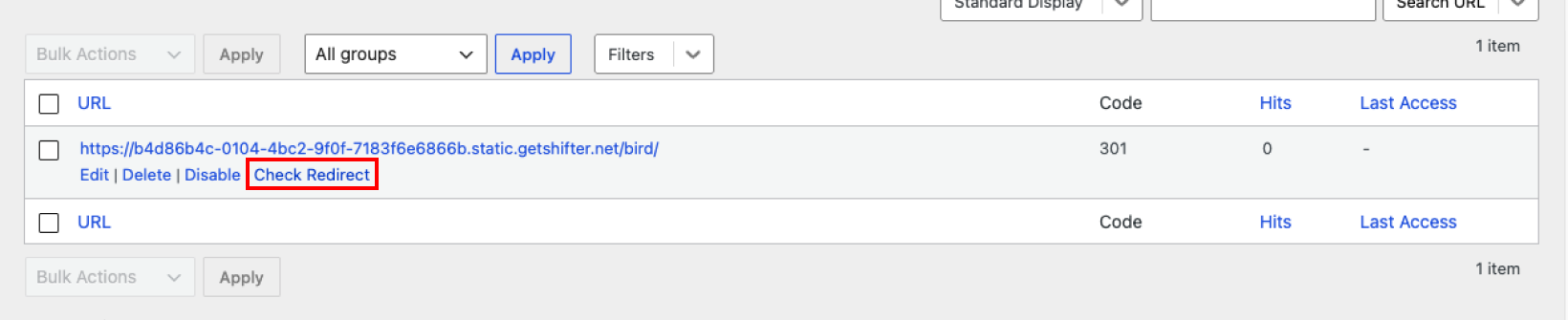
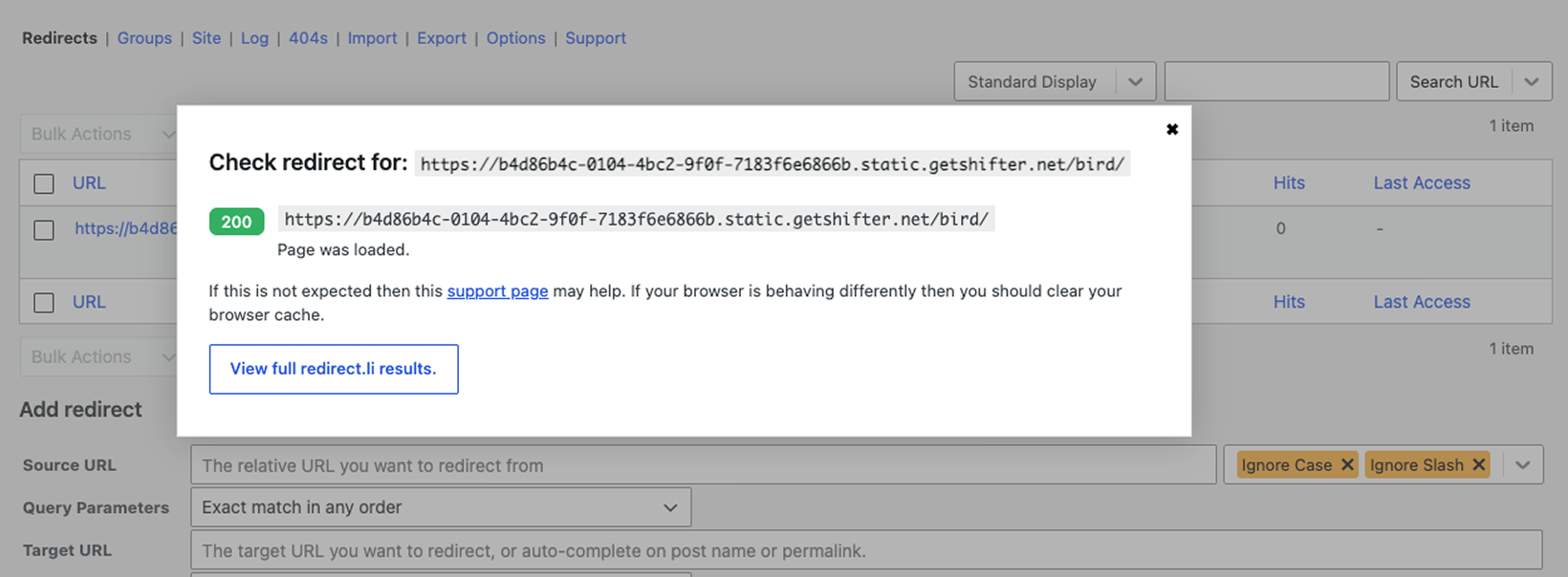
5. Click the “Test Redirect” button to verify the results of the redirect you configured.
Important Notes
- All redirects are output to the file as a meta refresh (http-equiv=”Refresh”). Therefore, when a redirect occurs, the browser will not receive an HTTP status code response such as 301 or 302.
This concludes the guide on how to configure redirects using the Redirection plugin.