
Note: Be sure to delete all sites before closing your account.
Account Closure Procedure
-
Go to the Shifter dashboard.
Log in to Shifter: https://go.getshifter.io/
-
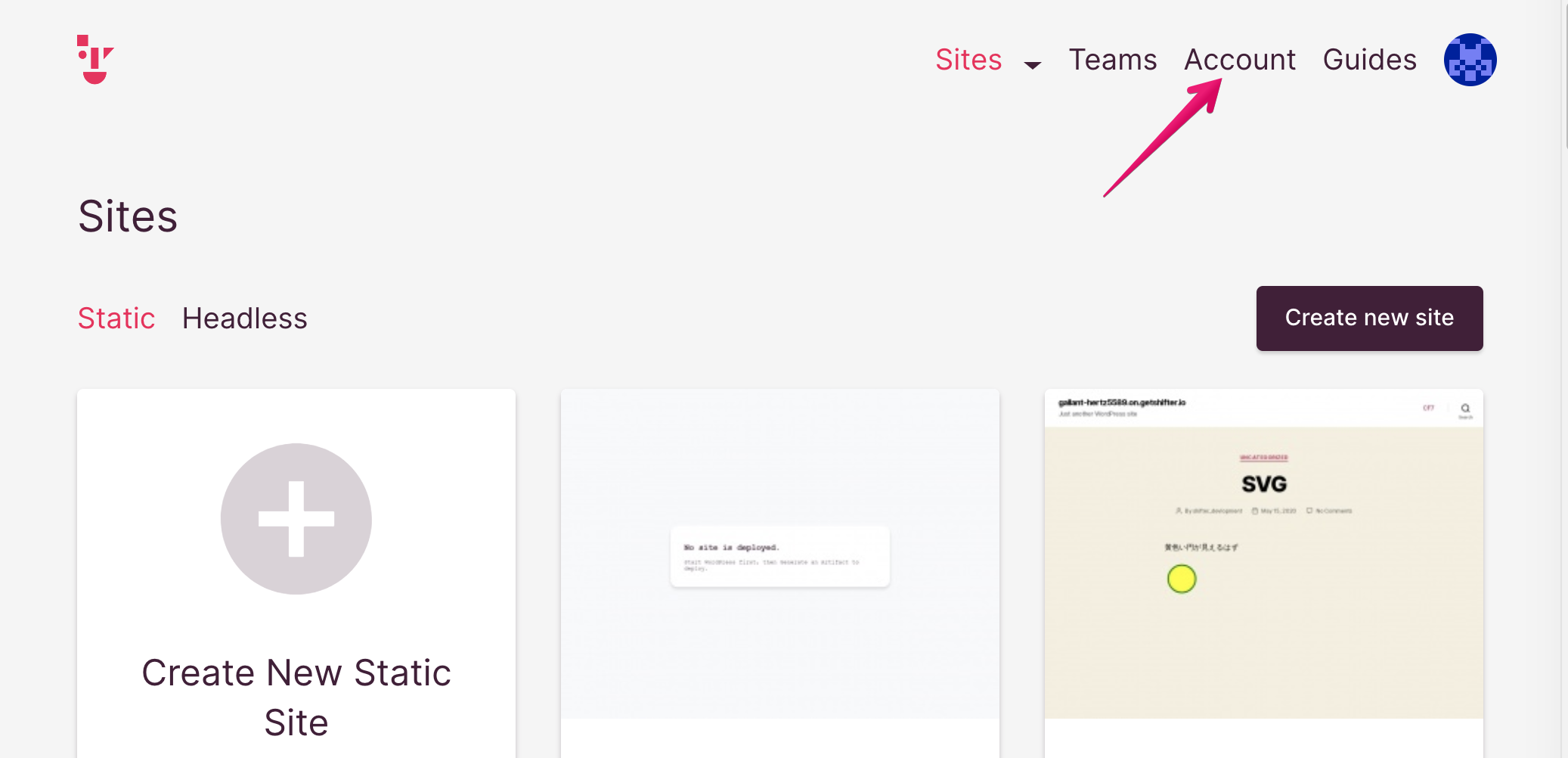
Click the [Account] menu.
-
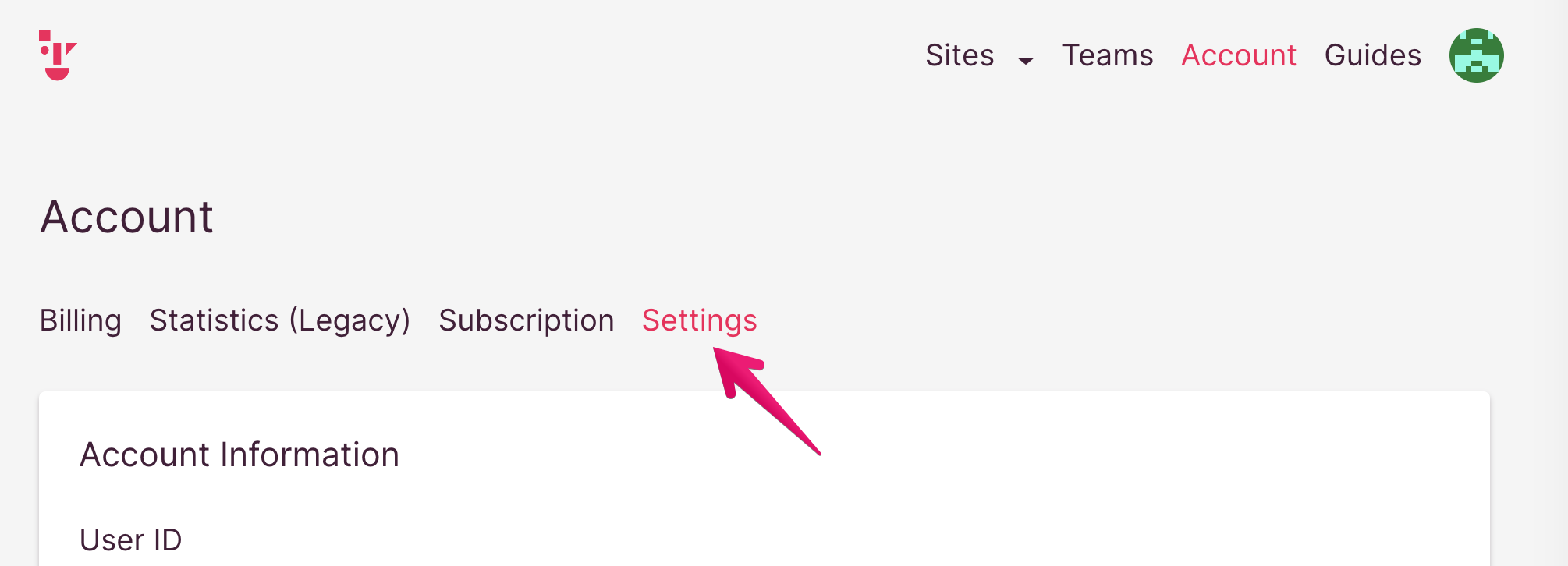
Click [Settings].
-
Click the [Close Account] button at the bottom of the Account page.

-
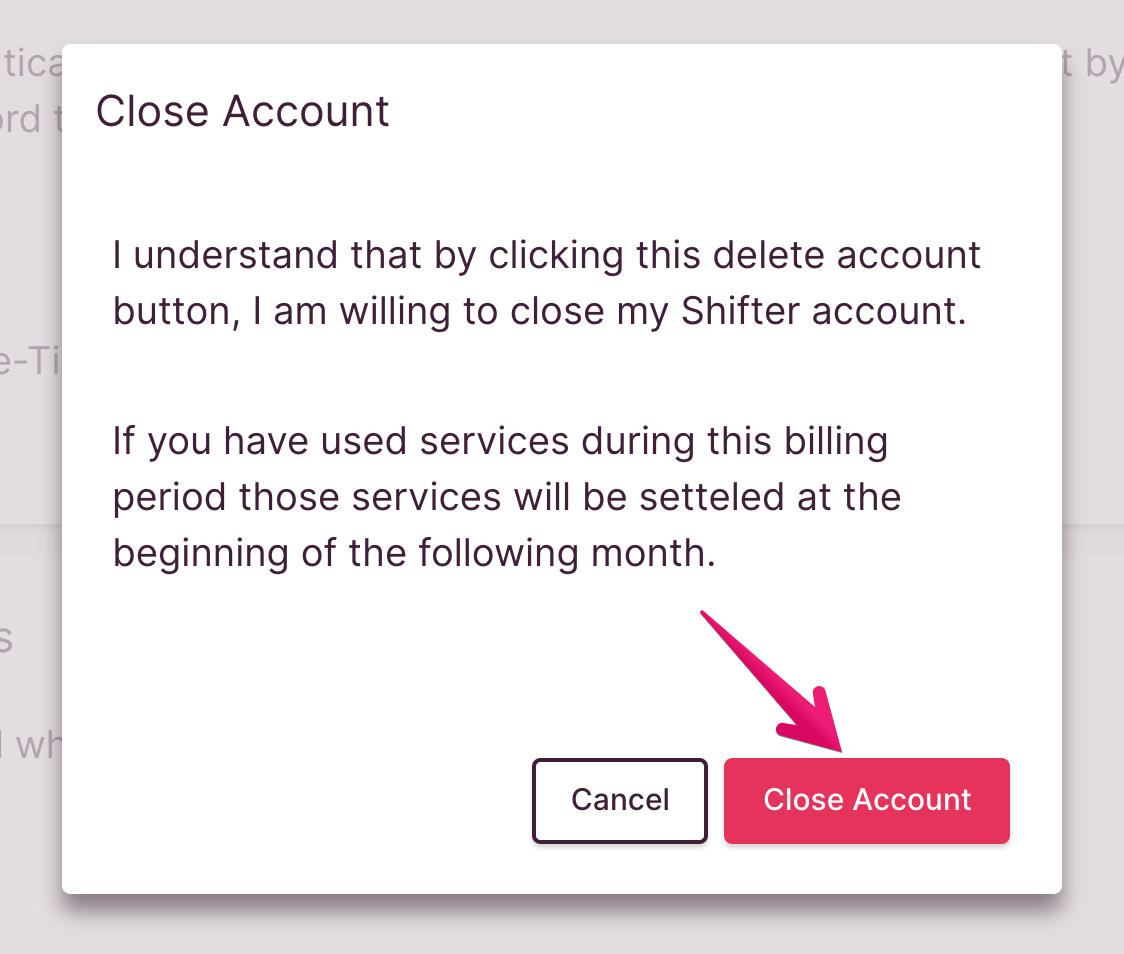
A confirmation screen will appear. Click the [Close My Account] button to close/delete your account.
-
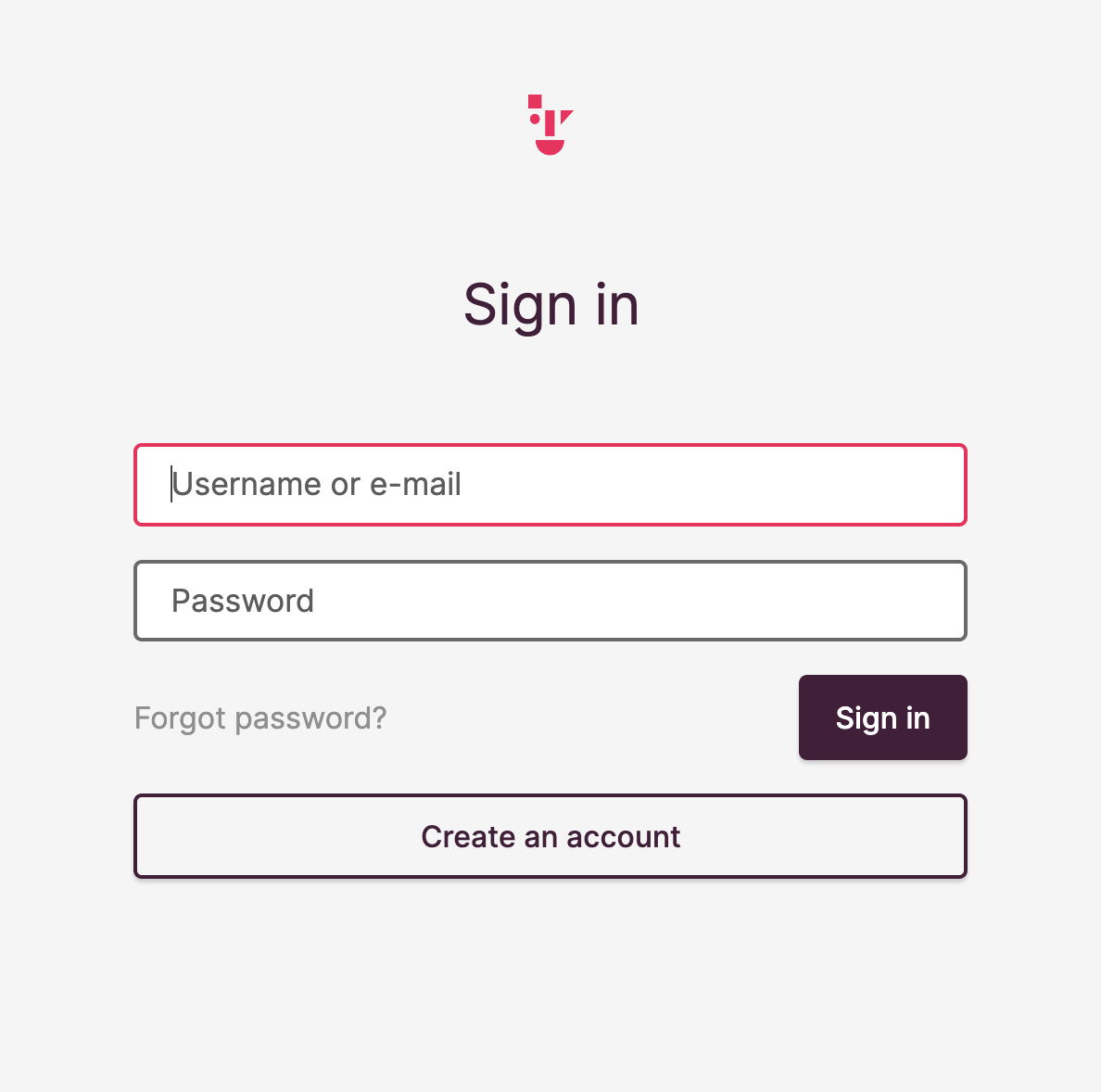
Your account has been successfully deleted. You will be automatically logged out of Shifter and redirected to the login page.
Thank you for using Shifter. We hope to see you again soon!