
Shifter can send the container’s URL as a POST request to any location. This feature is available on Shifter StaticTier 1 and above.
How to Set It Up
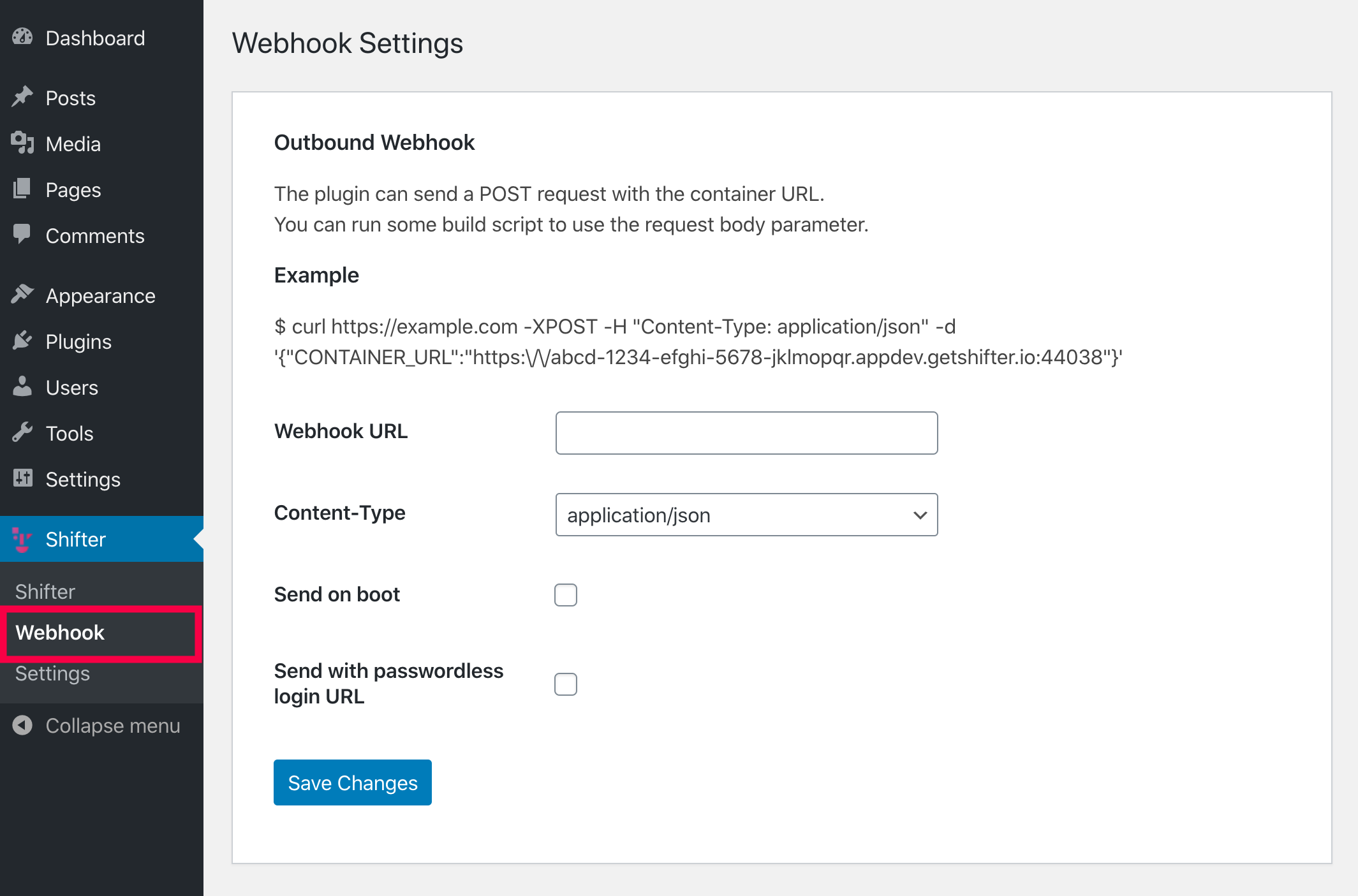
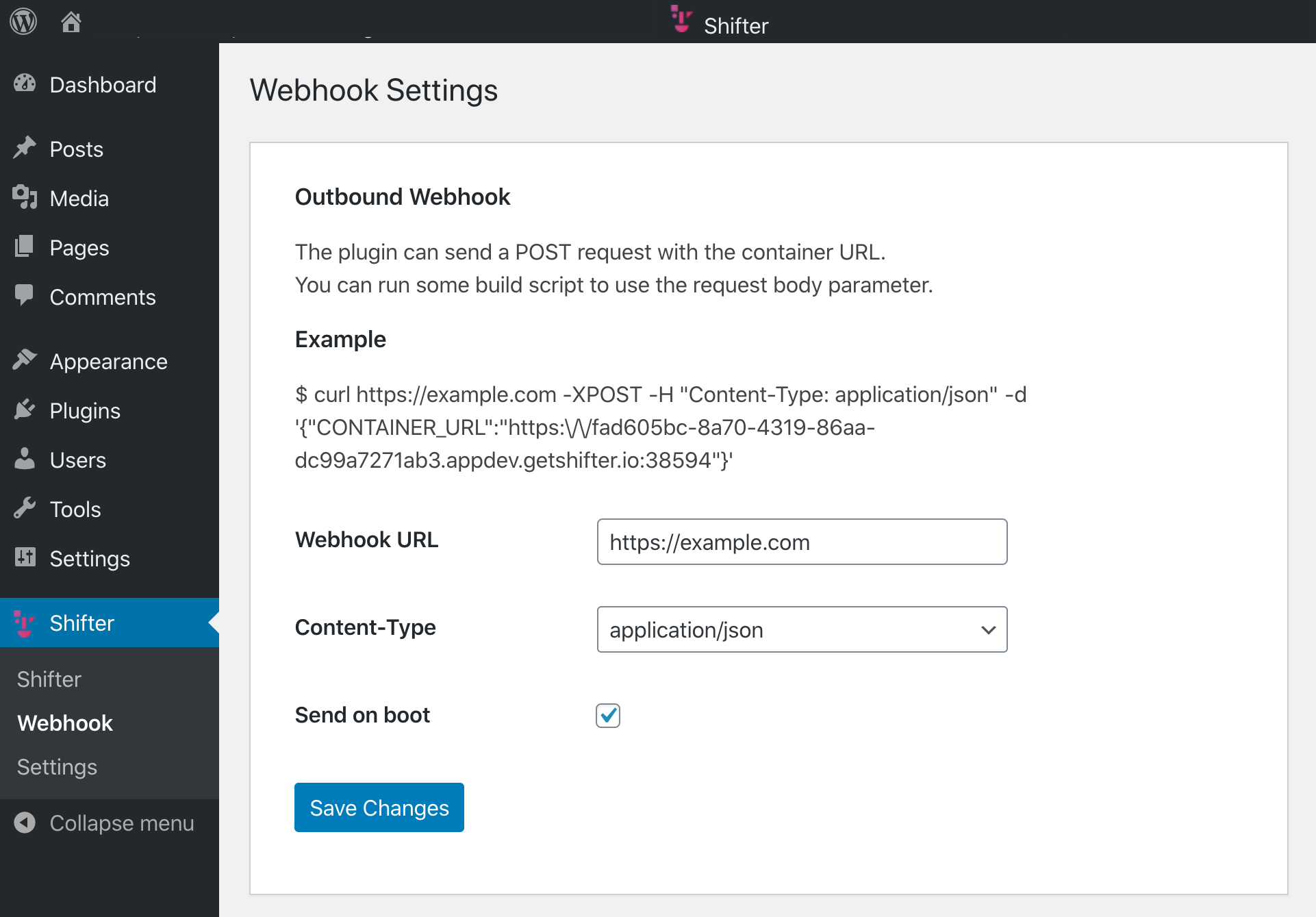
- Start WordPress and go to [Webhook] in the [Shifter] menu.
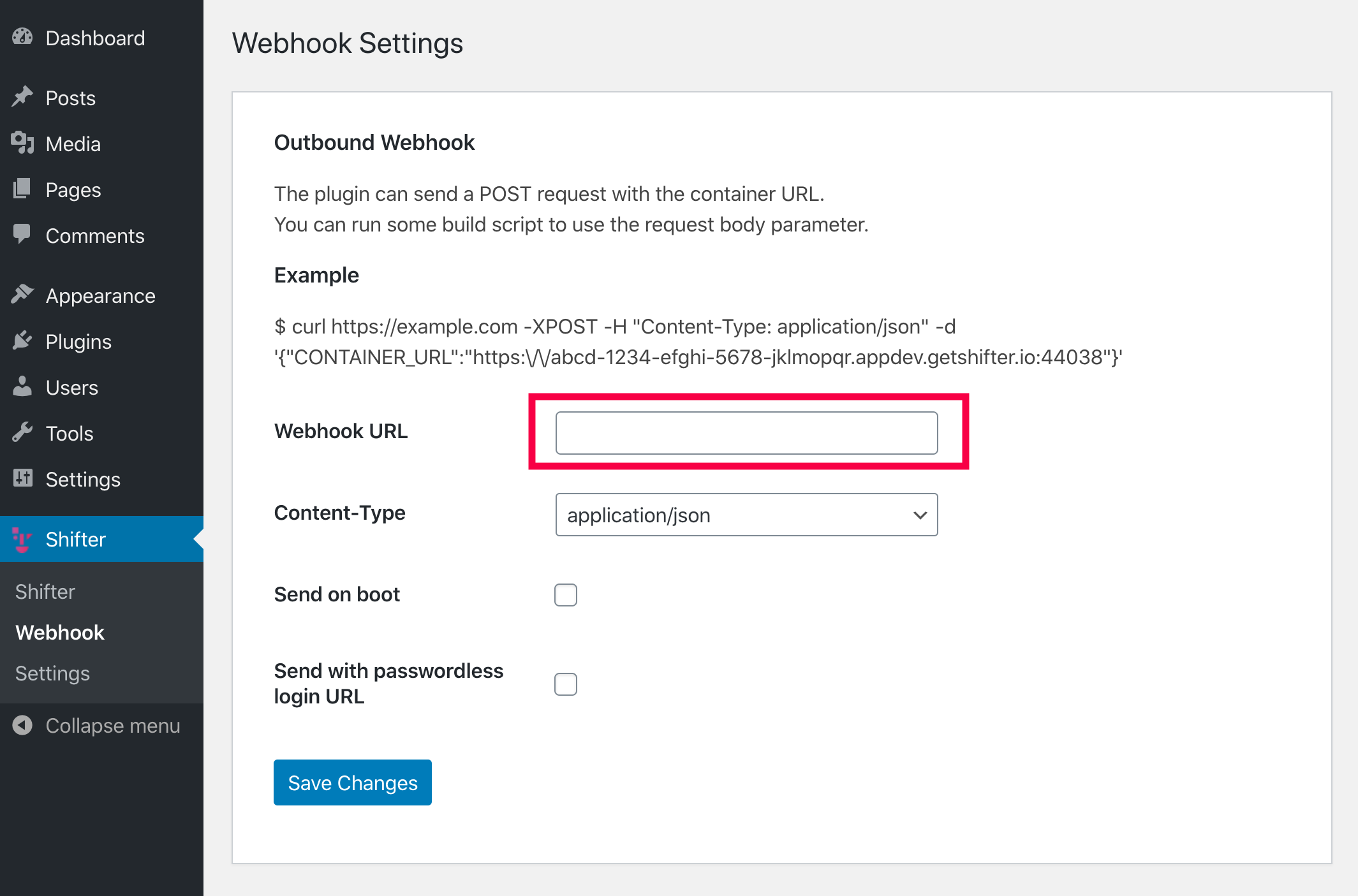
- Enter the URL to which you want to send the container’s URL.
- Select the “Content-Type.”
Select eitherapplication/x-www-form-urlencoded
orapplication/json.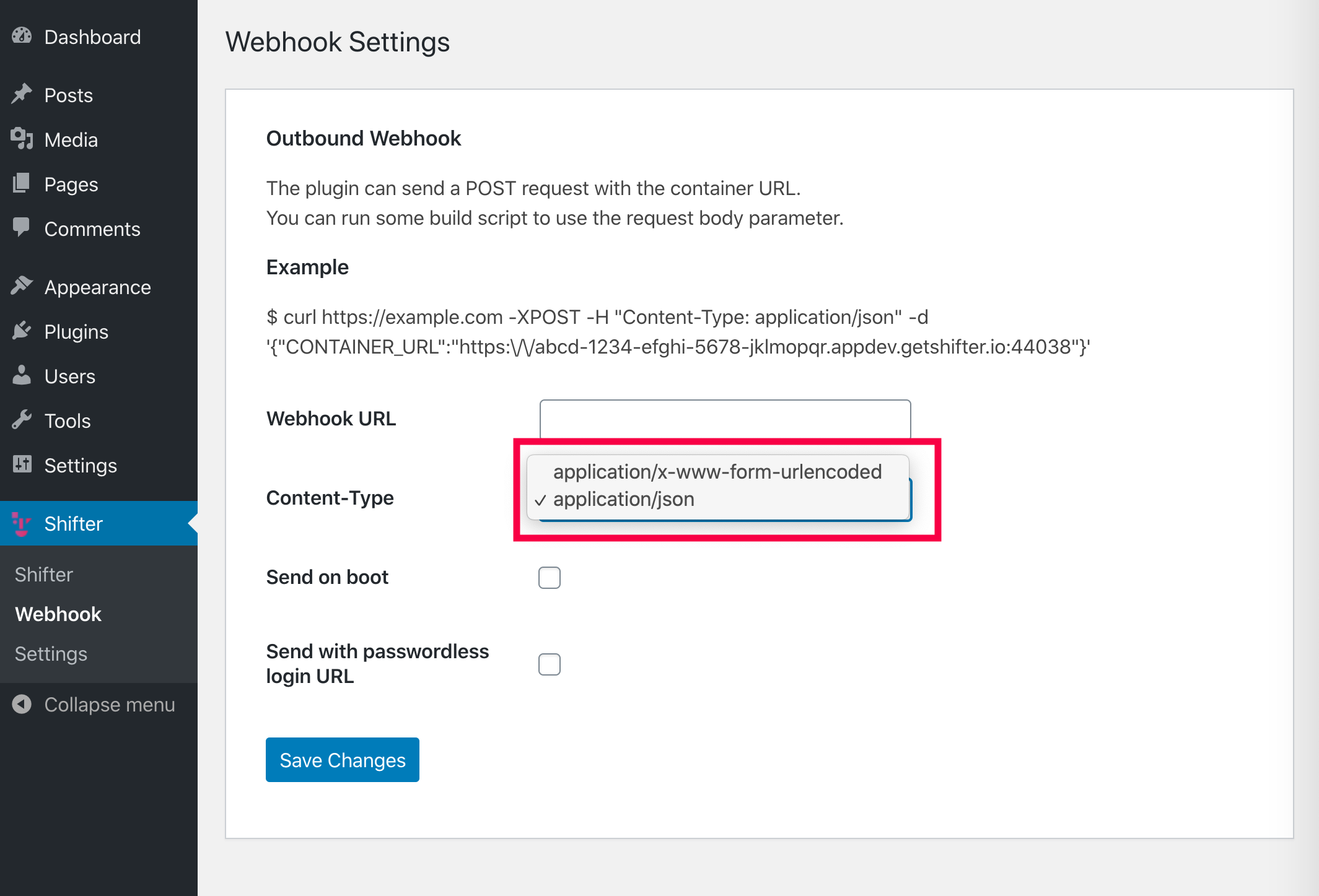
- (Optional) If you want to send the container URL
when WordPress starts up, check the [Send on startup] box.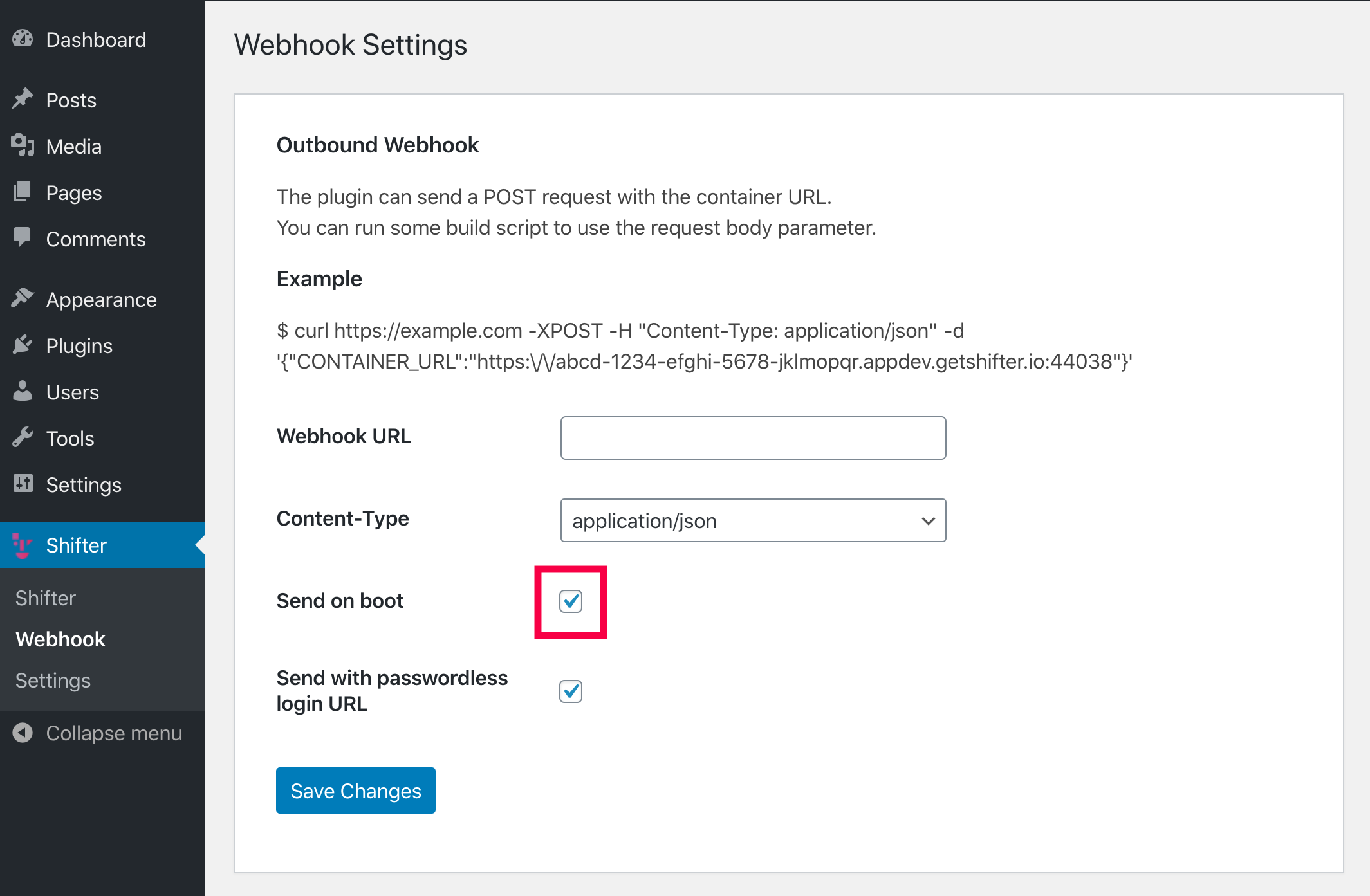
- (Optional) If you want to send the passwordless login URL
, check the [Send with passwordless login URL]
box. This feature allows you to add
LOGIN_MAGIC_LINKto the webhook body. When WordPress
starts up, it can automatically send a Magic Link to someone.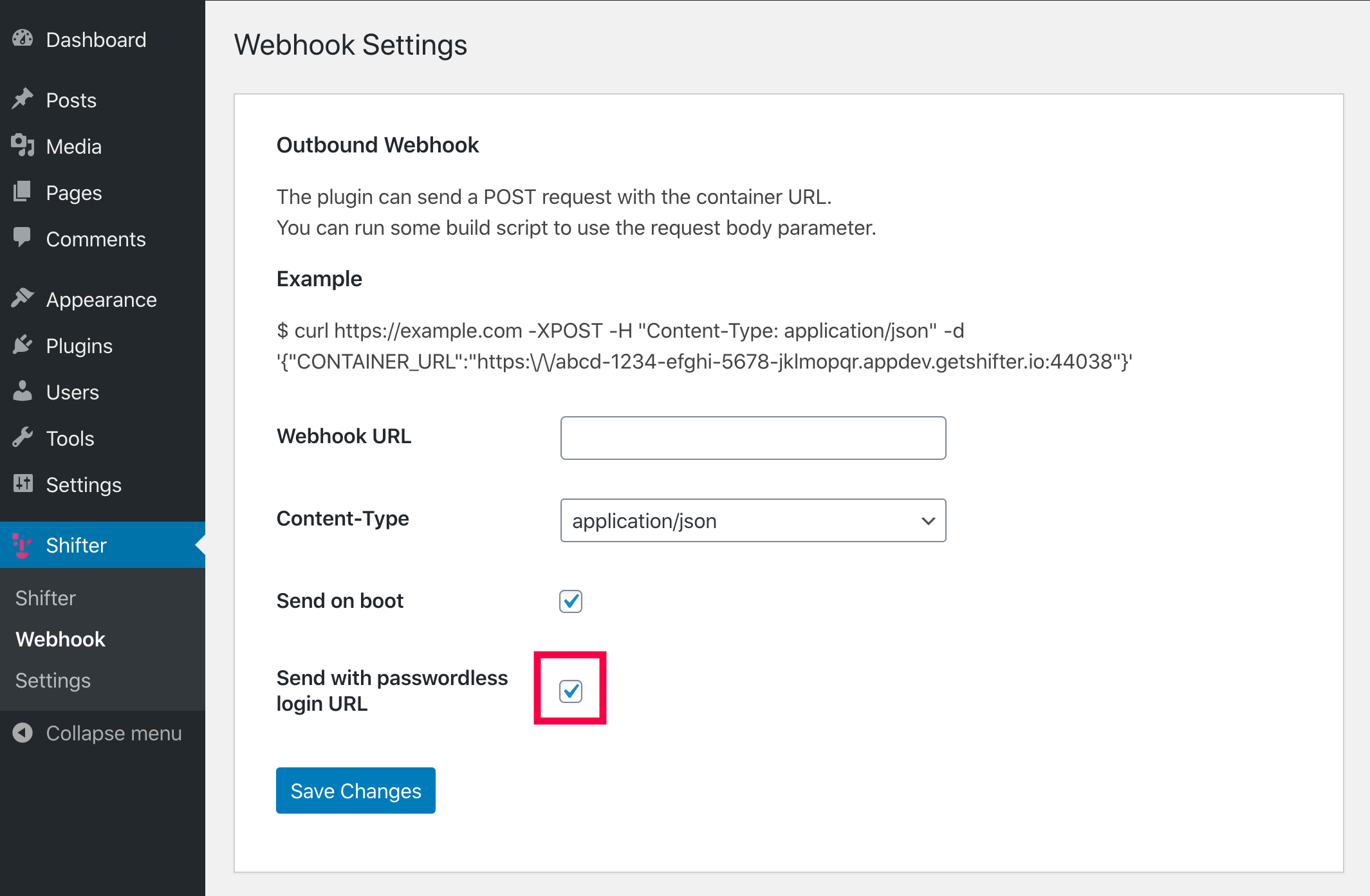
- Setup is complete. Let’s test it.
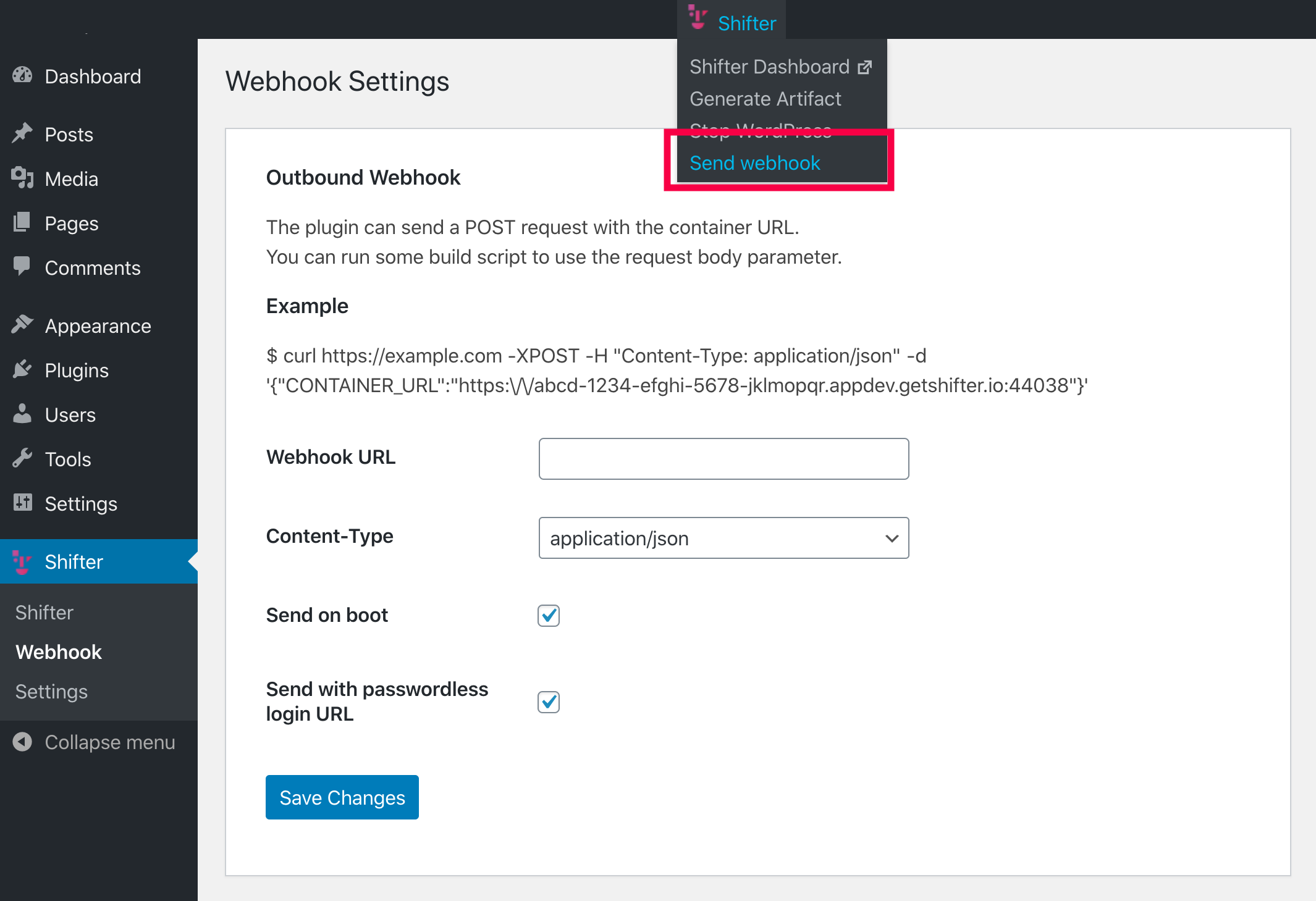
Send a test request or send a manual request
- Select [Send Webhook] from the [Shifter] menu at the top of the page.
- Click [Execute].
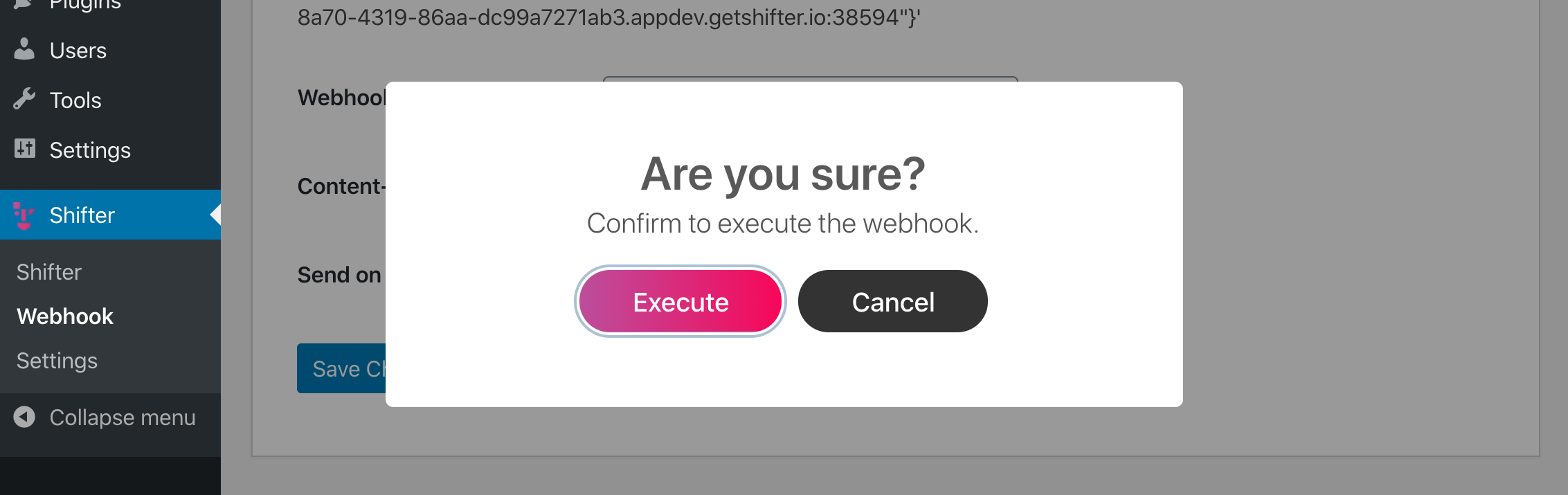
- The request has been sent. Click [OK]
to close this pop-up window.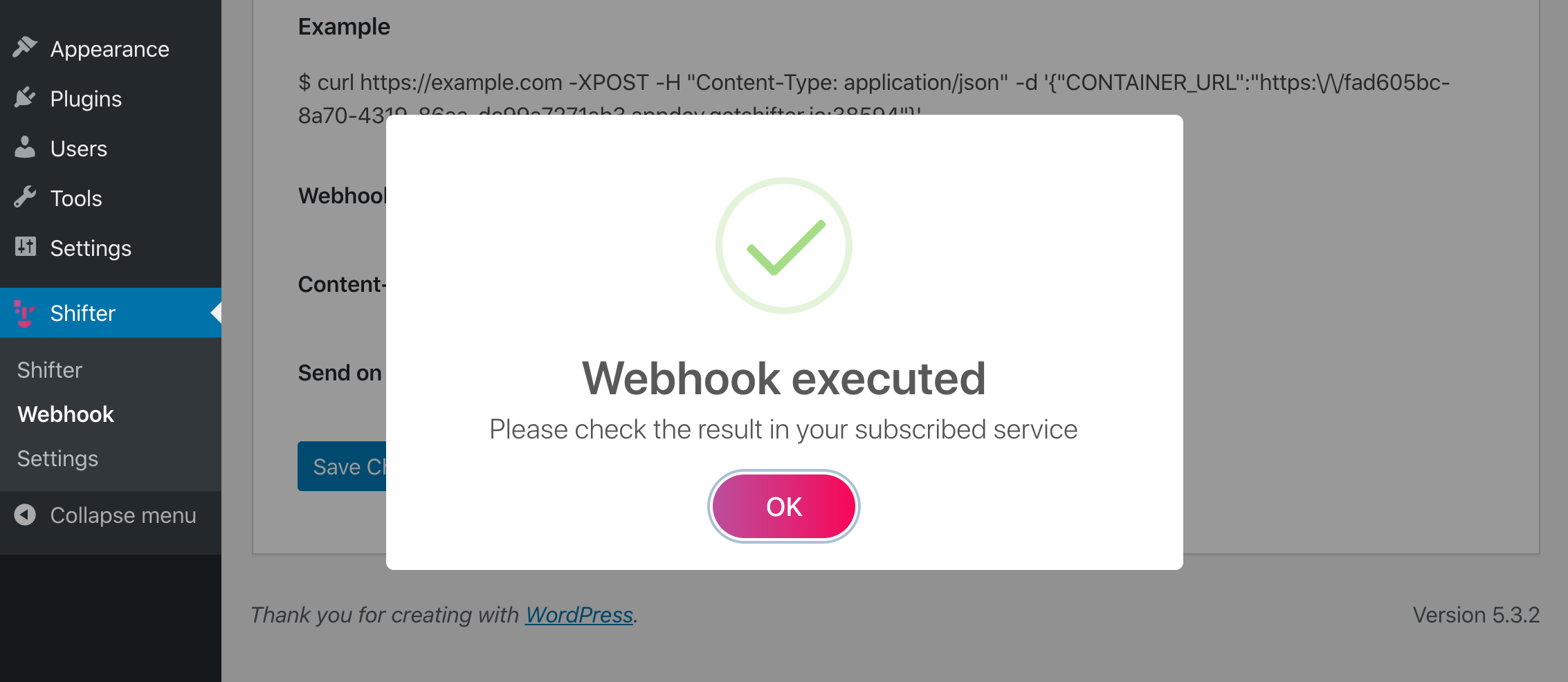
- Check the Webhook
results in the Control Panel or on the page at the destination URL.