
Only paid plans allow you to download a static version of your WordPress site. Shifter generates a static version of your WordPress site and saves it to your site as an “Artifact.” An Artifact is a complete snapshot of your site that includes static HTML, CSS, JavaScript, images, and more. You can download these to your local machine for further development, testing, or deployment to other environments.
Since each Artifact is downloadable, you can keep a local copy or publish your static WordPress site to another service, such as Amazon S3 and CloudFront.
Downloading an Artifact
Within the site, go to the Deploys tab to view a list of downloadable artifacts in the Deploys panel. Clicking the download icon opens a modal window where you can confirm the download. This initiates the download of the site to your computer as a tar.gz archive.
How to Download Artifacts and Deploys
You can download Artifacts and Deploys by following these steps:
- Go to the Deploys section on the Home page
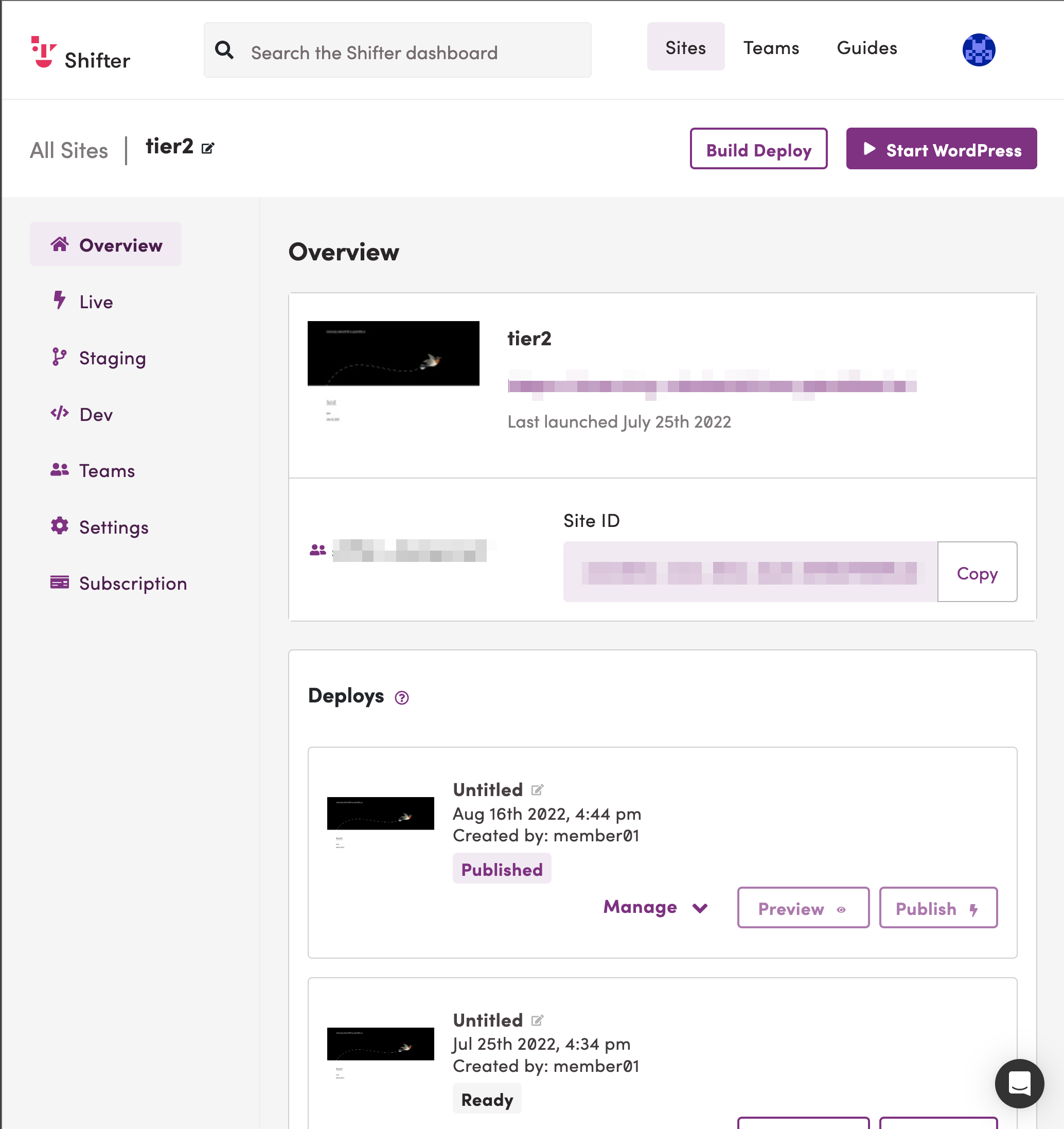
- Download an Artifact or Deploy. Click the
[Manage]button below the Deploy you want to download, then click the[Download]menu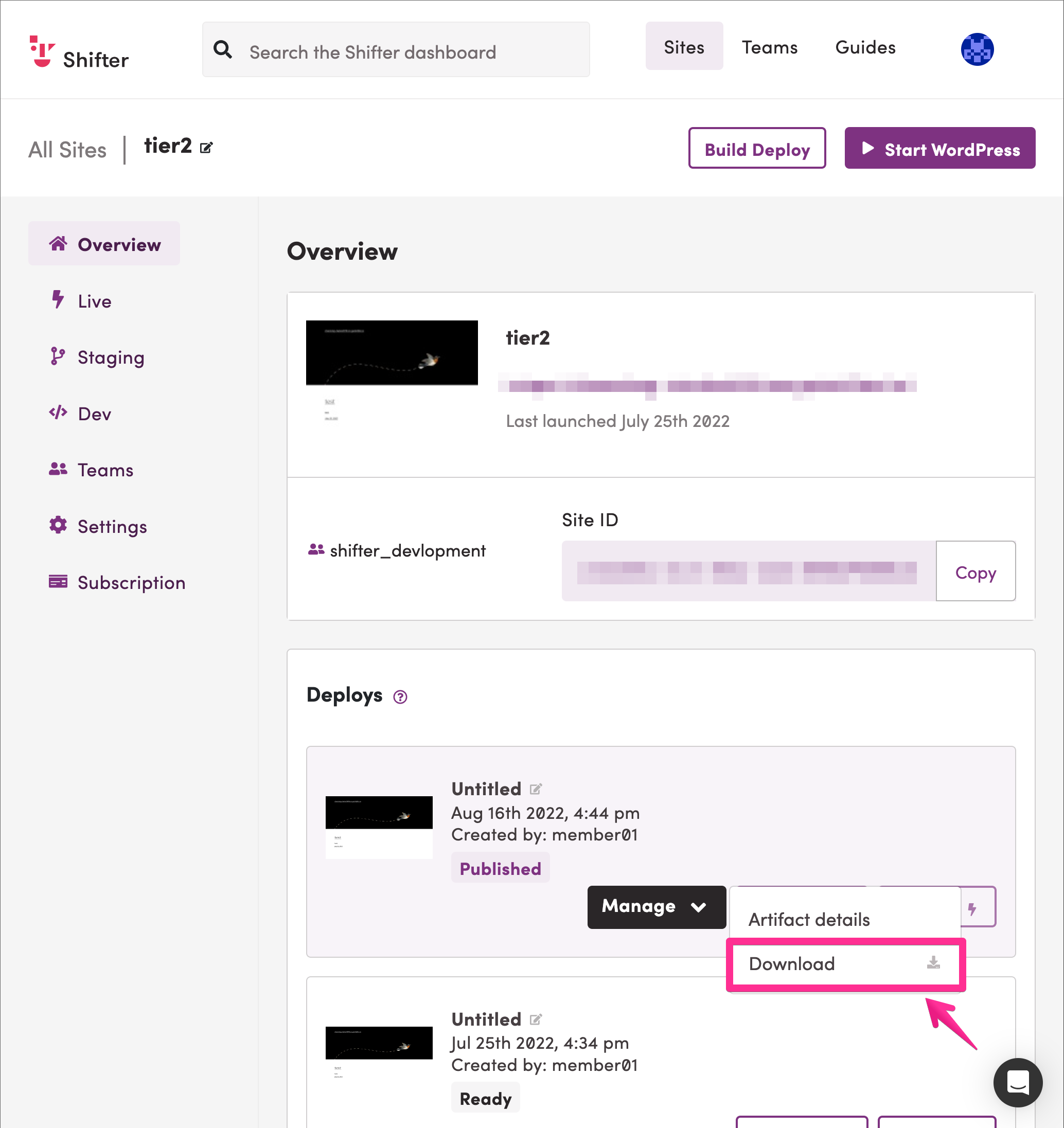
- The download will begin