
Prerequisites
Prerequisites To invite someone to a team, they must have already registered for a Shifter account using the email address you’re inviting them with.
If they do not have an account, please have them set one up in advance.
To invite someone to a team,
Steps to Invite a User to a Team

1. Click “Team.” 2. Click “Open Admin Panel.”
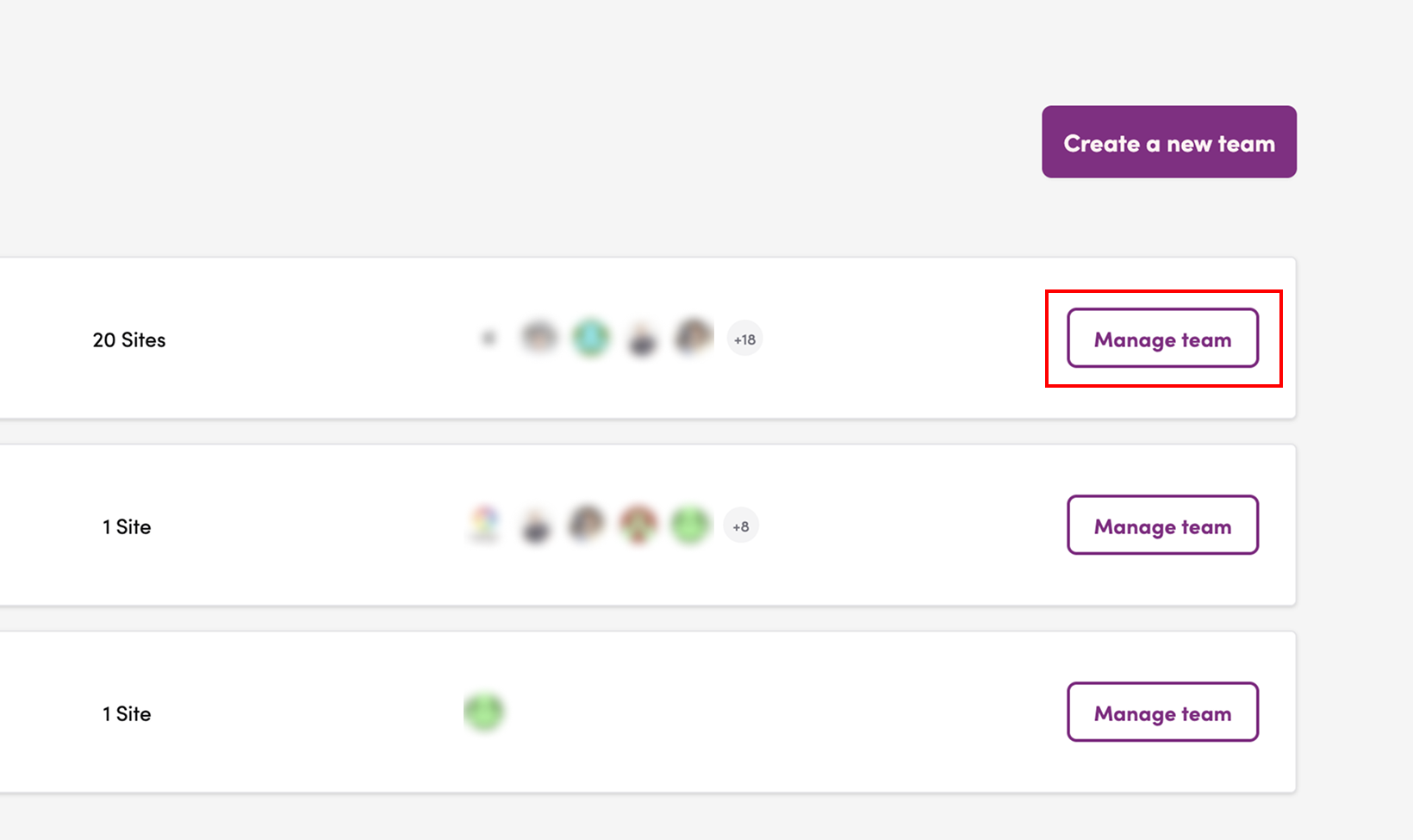
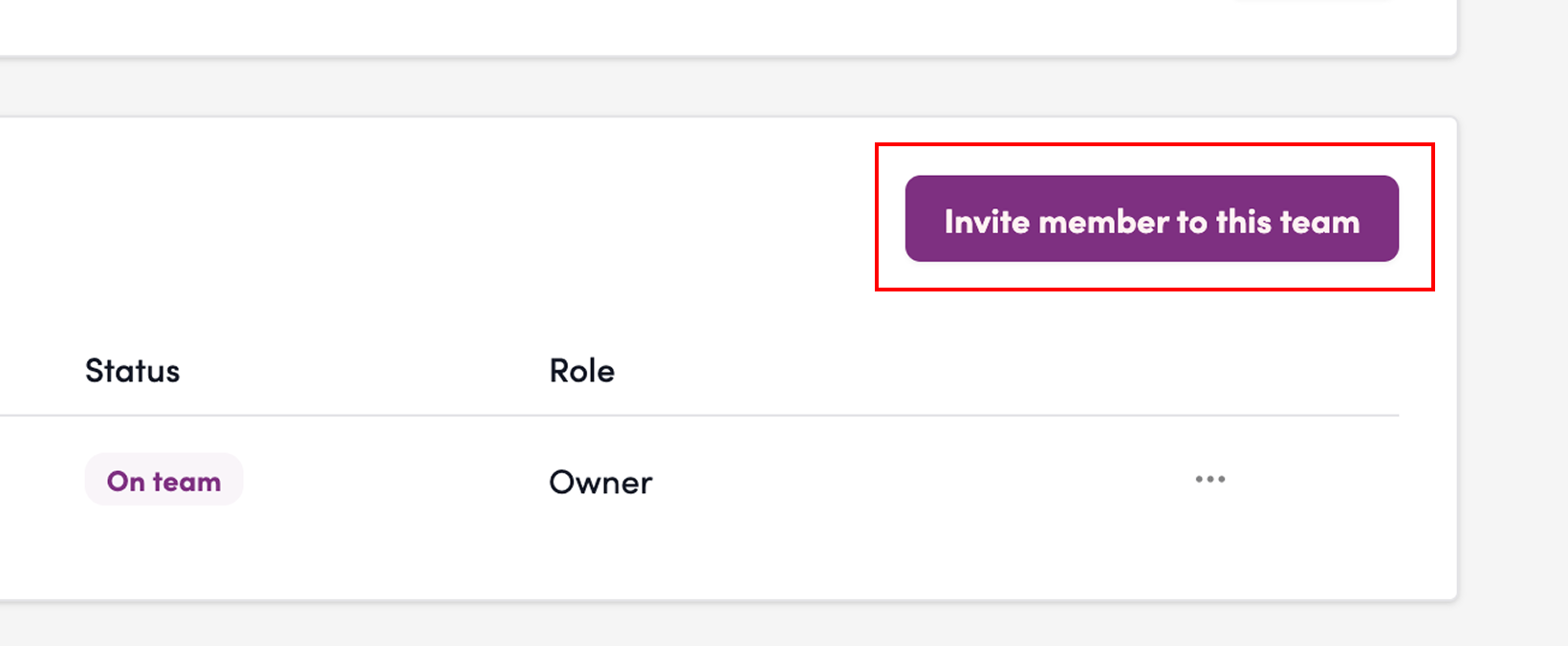
3. Click “Invite Members to Team.”
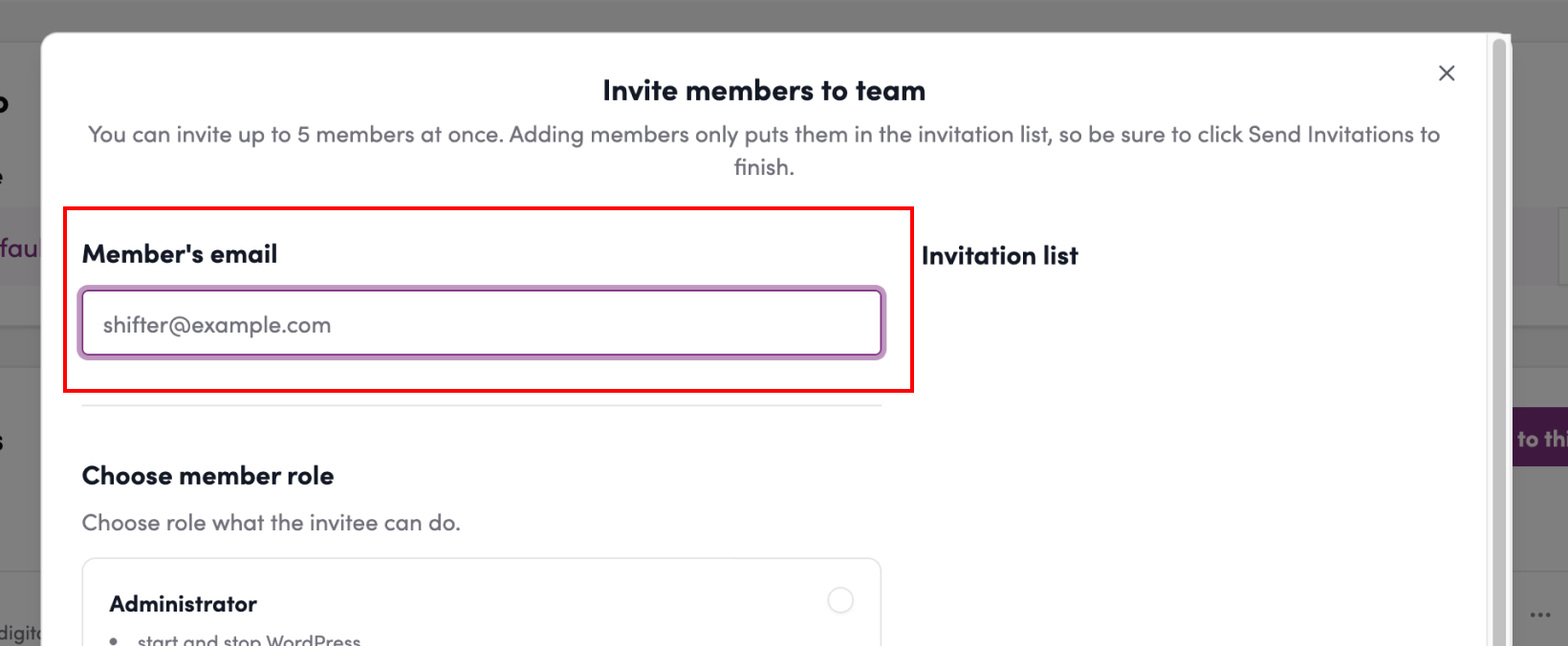
4. Enter the member’s email address.
5. Select the member’s role
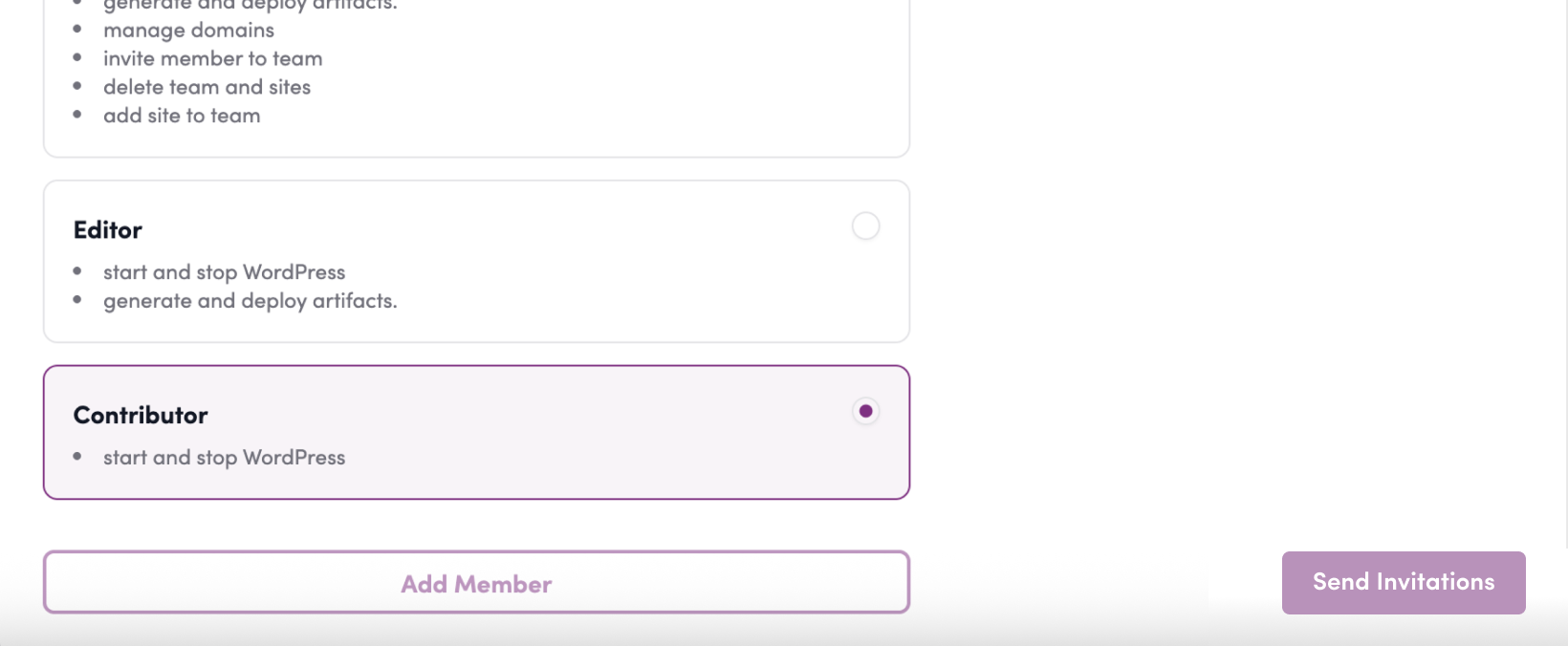
6. Click “Add Member”
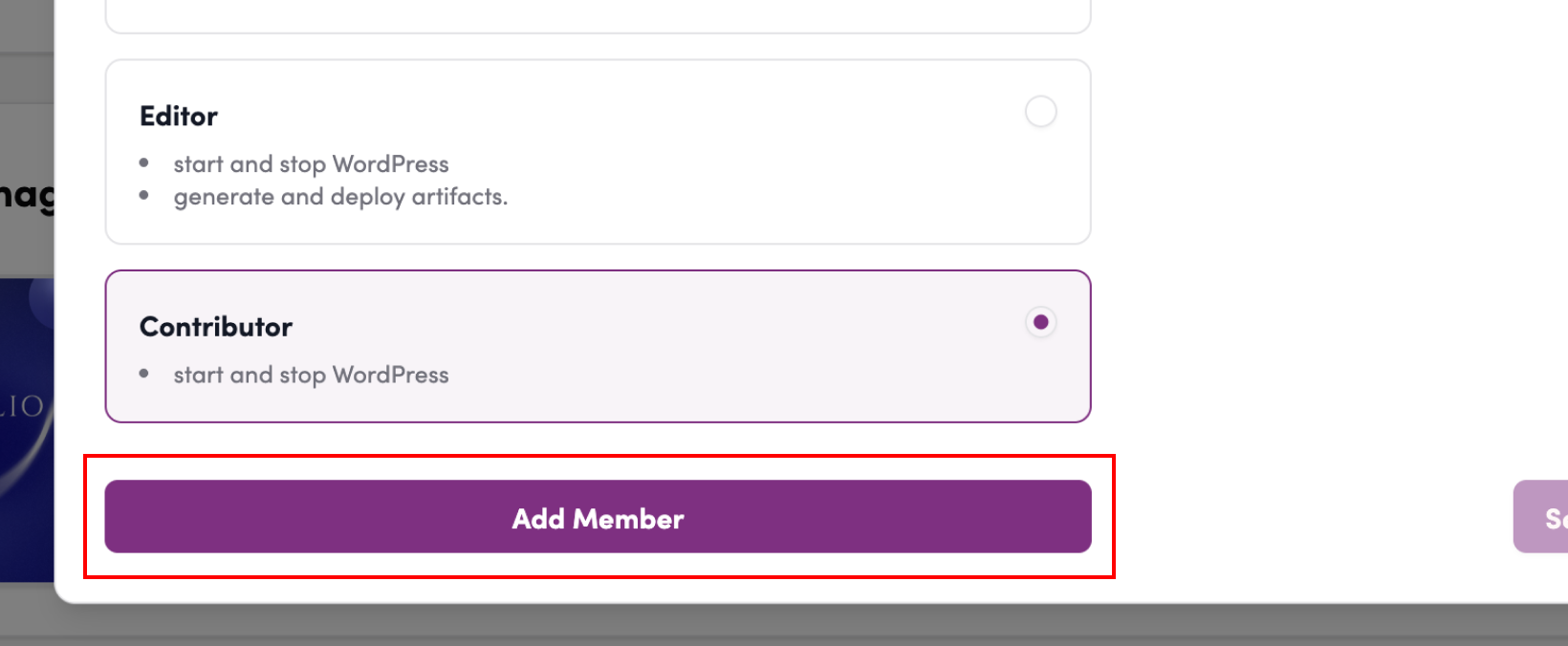
7. Review the invitation list
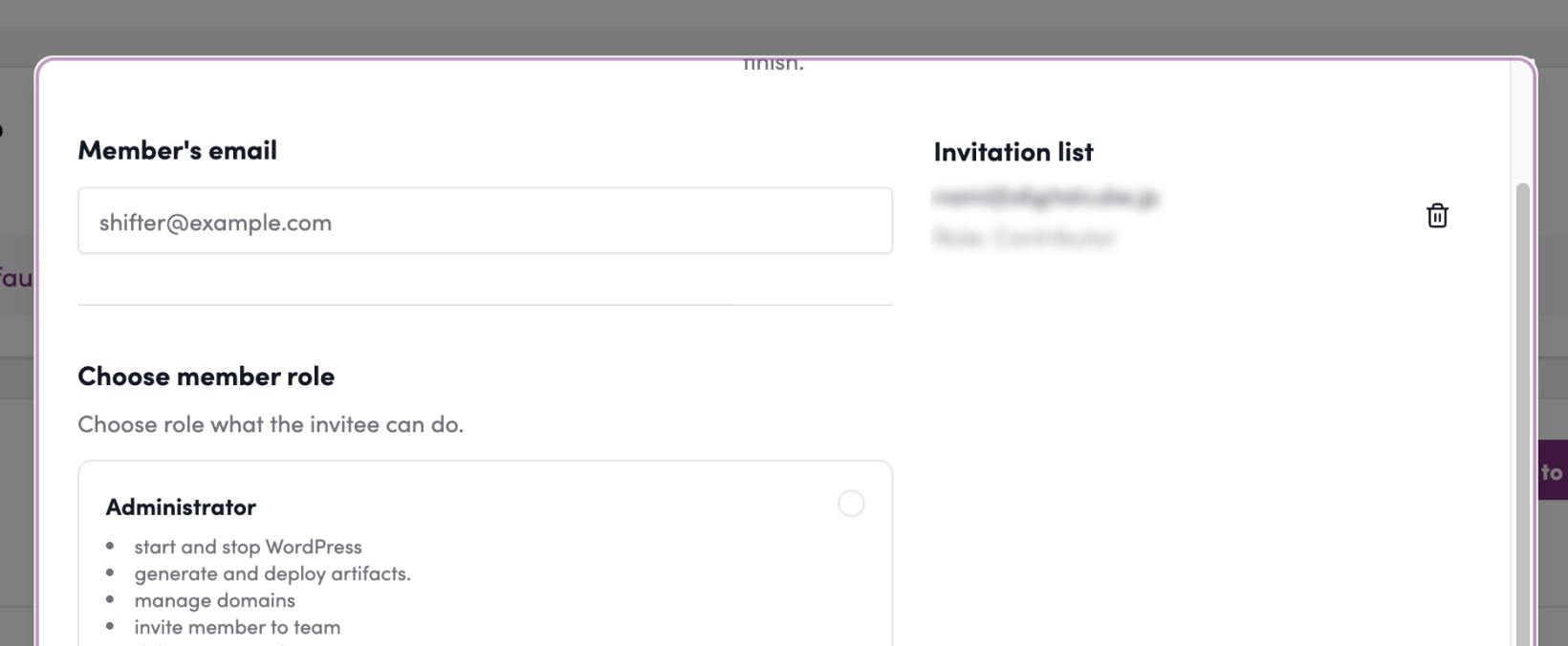
8. Click “Send Invitation” 9. Click “Add Member”
10. Click “Send Invitation”
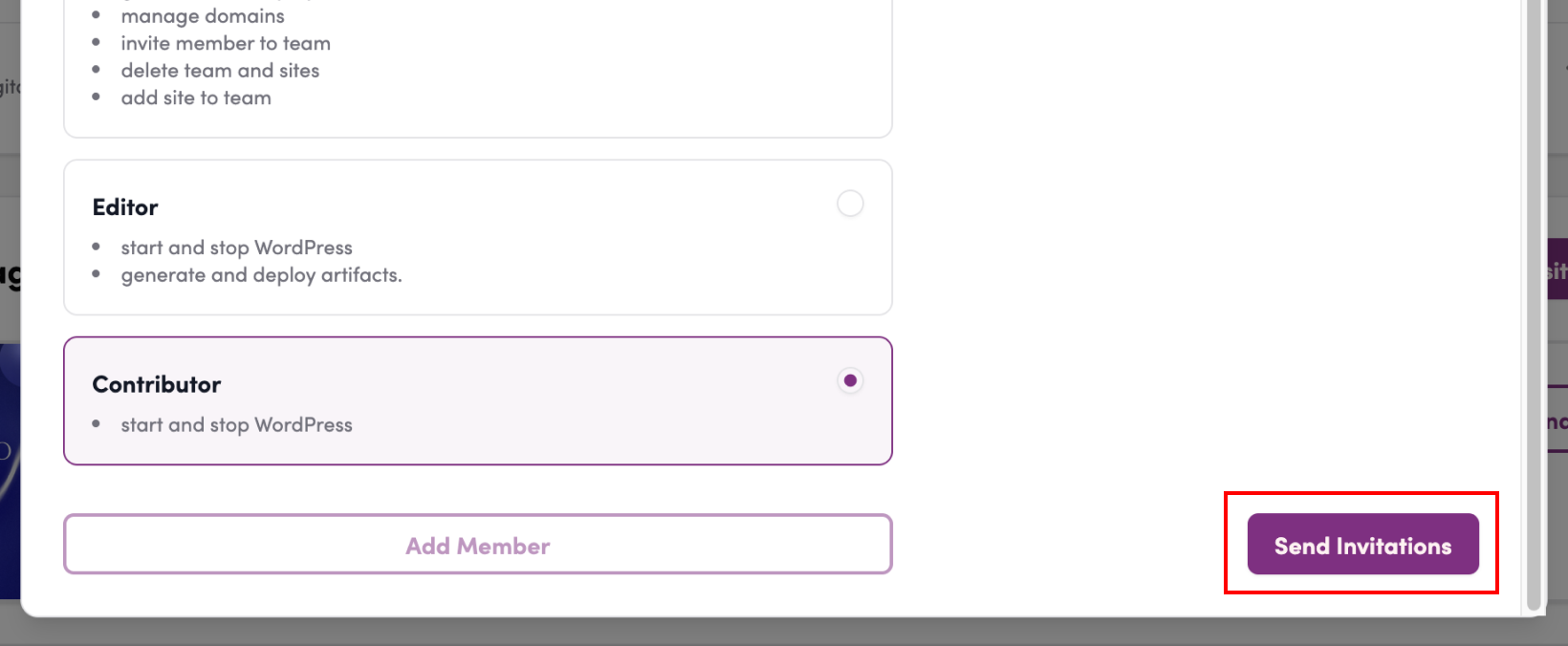
11. Invitation complete

Steps for Users Invited to the Team
12. Go to the section for the team name you’re invited to
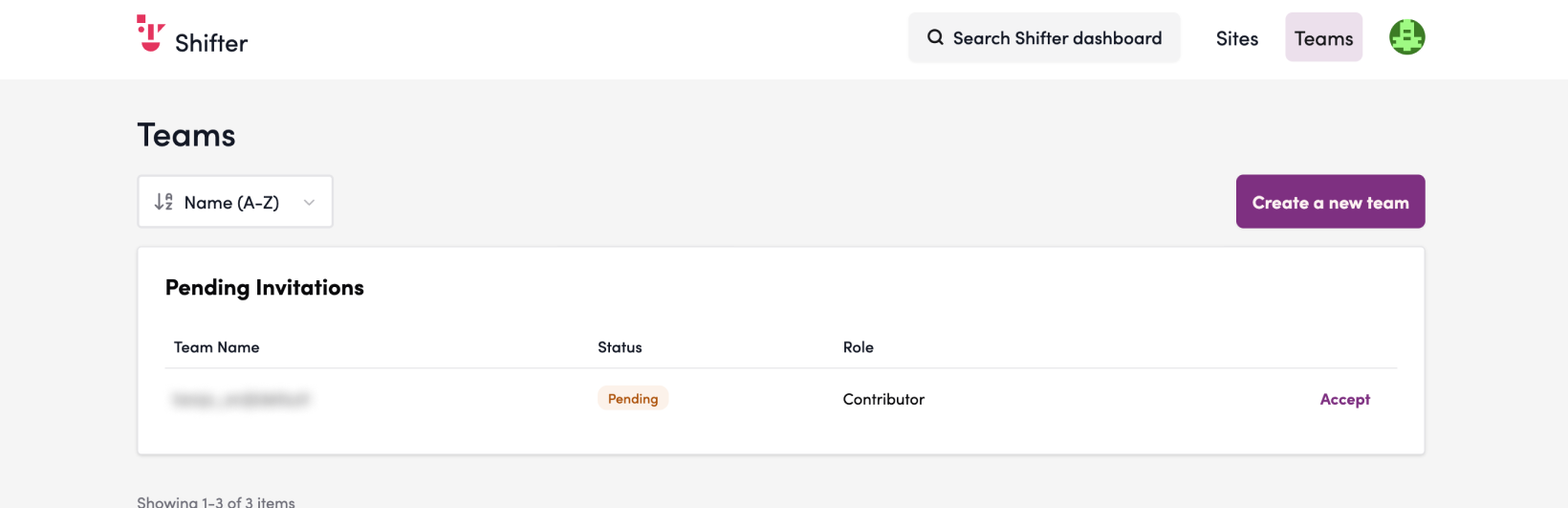
13. Click “Accept”
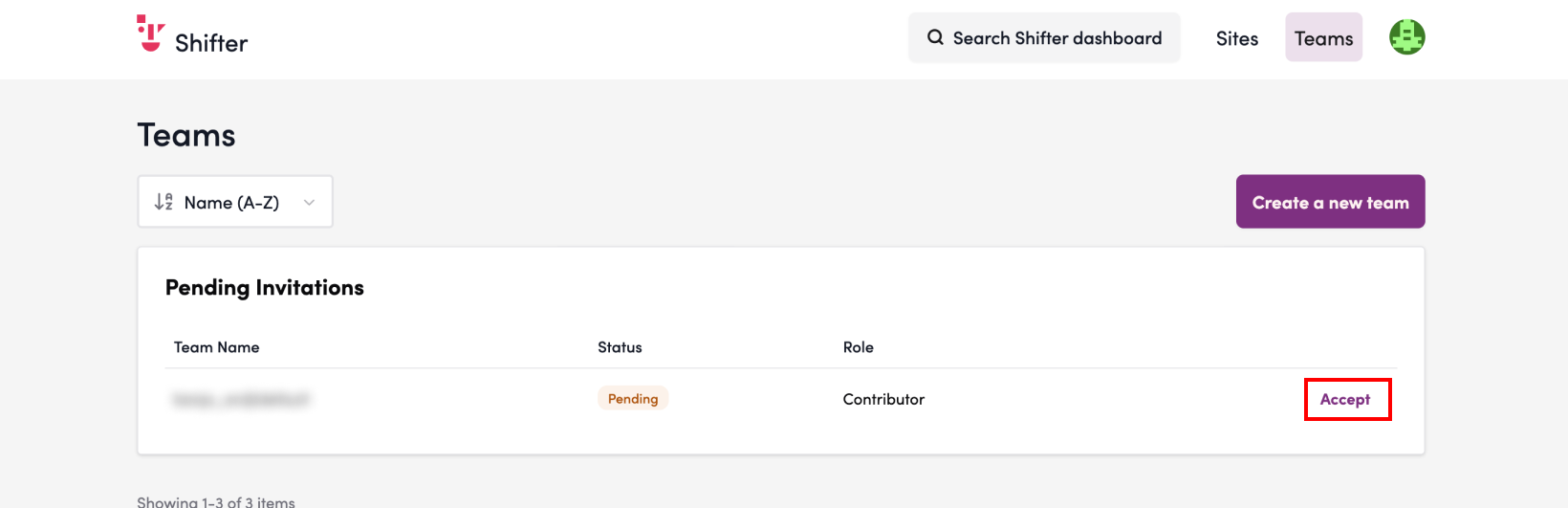
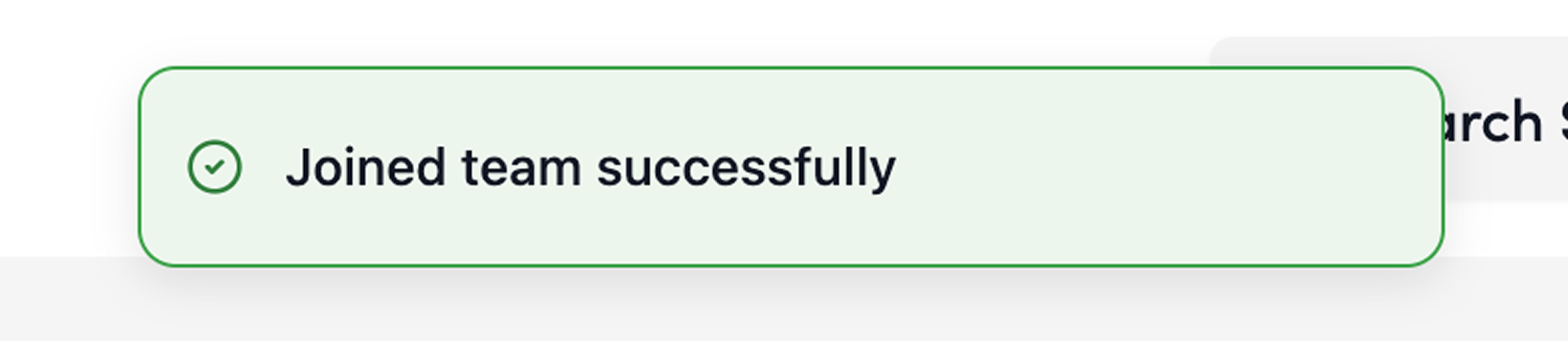
14. A pop-up will appear saying “You’ve joined the team”
Status, Errors, and Warnings
Status Pending
- Pending: The invitation has been sent and is awaiting acceptance
- : Currently a member of the team
Errors
“User not found. Please check that the email address is correct and that a Shifter account has been created.”
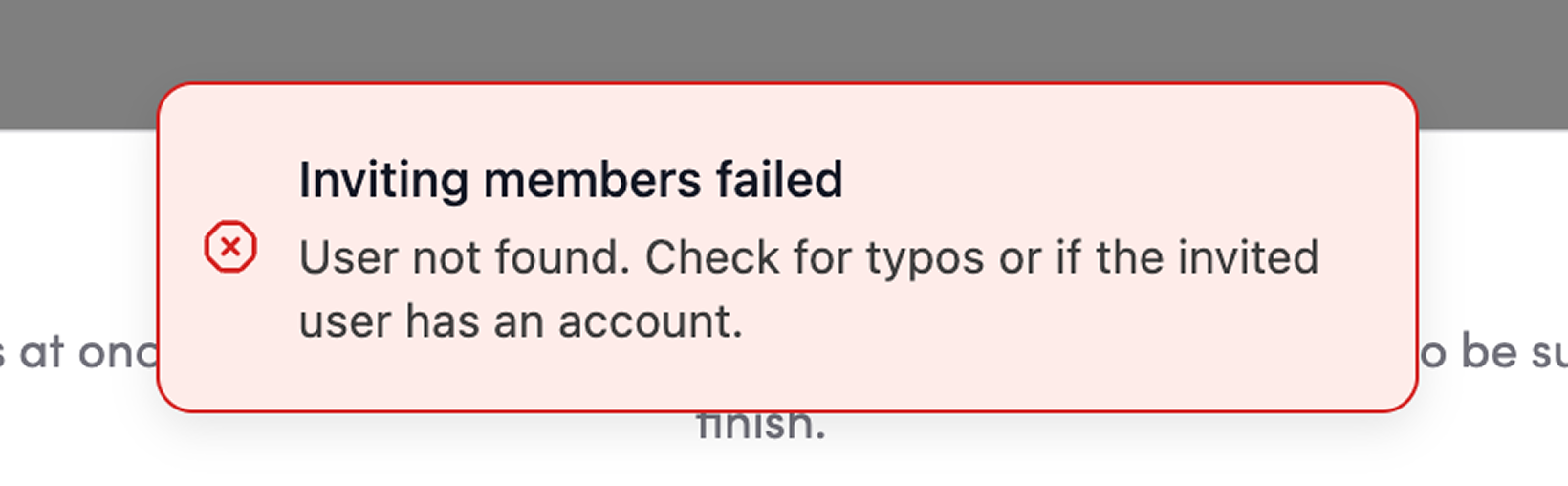
Please verify that a Shifter account has already been created using the recipient’s email address and that the email address is correct.