
When using our chat-based technical support, we may ask you to perform certain steps to allow our support team to access your site. Please follow the steps below to grant access.
Important Notes
- Before inviting the support account to your site, please use the contact form to inform us of the current situation.
- The support account will be invited as a site administrator.
- Once the issue has been resolved, please remove the support account manually.
Inviting Support to Your Team
1. Use the contact form Provide the following information to support:
- Details of the issue
- The domain name of the affected site
- Site ID
- Team ID
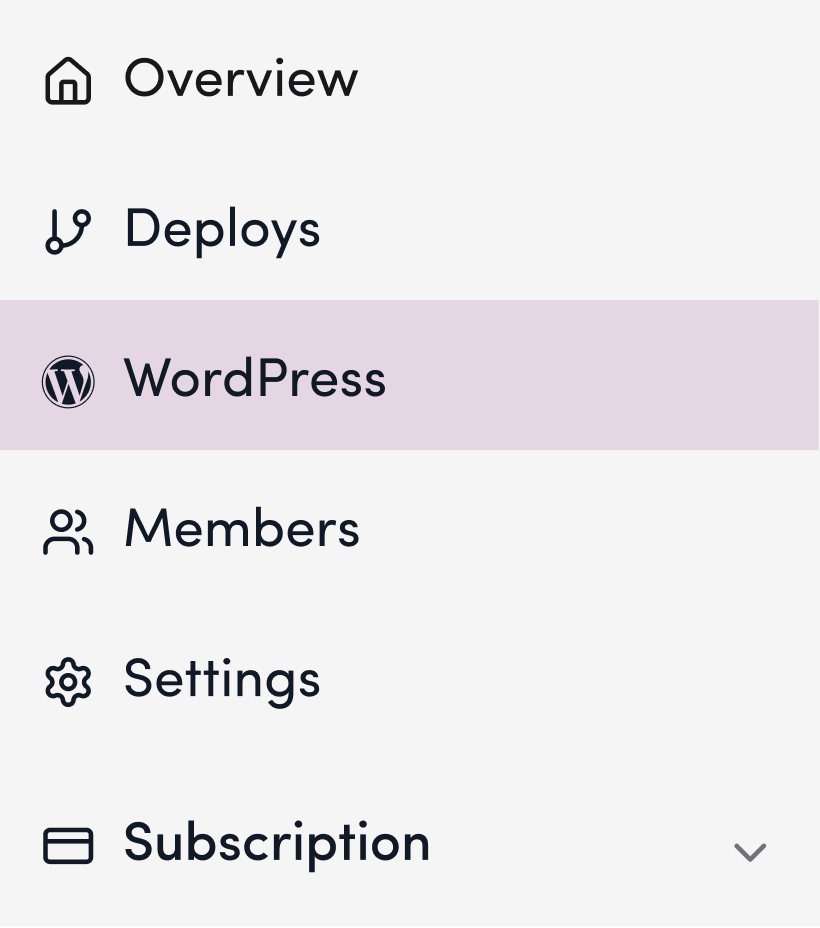
2. Click “WordPress” on the site’s management page
3. In the “Invite Shifter Support” section, click “Send Invitation”
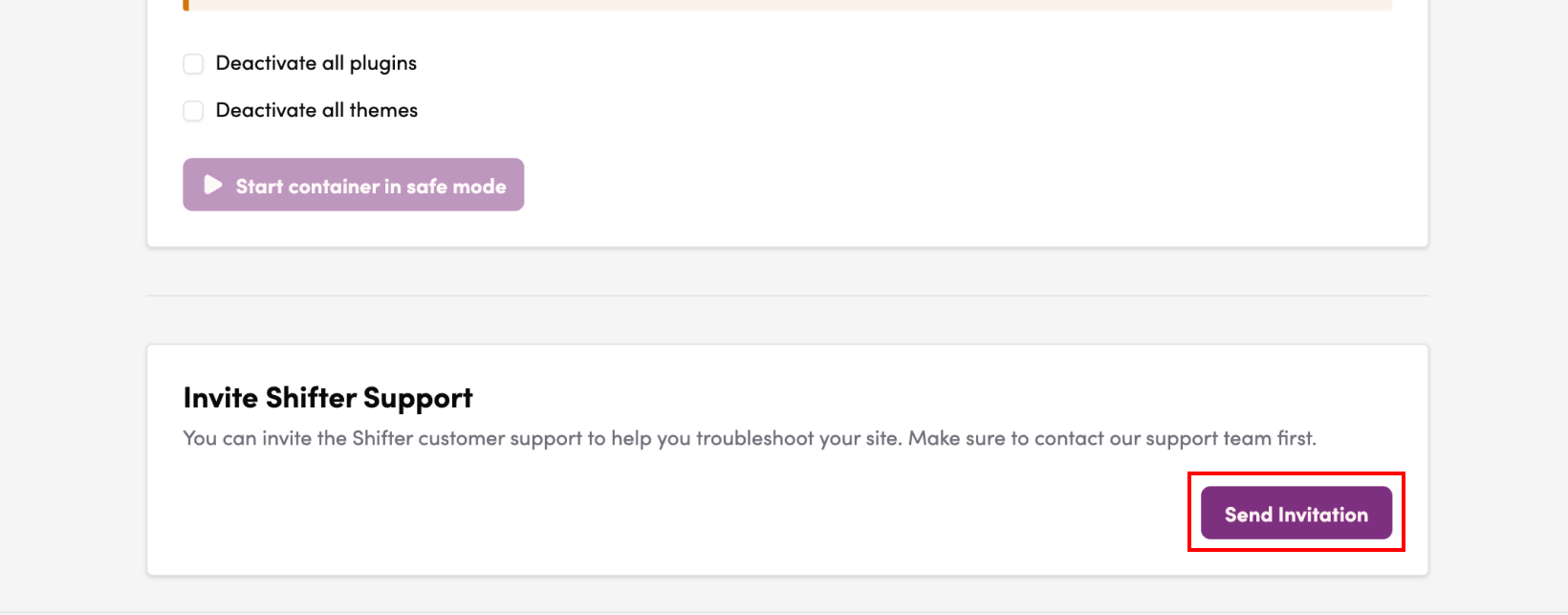
4. Verify that the message “Support invitation sent” appears

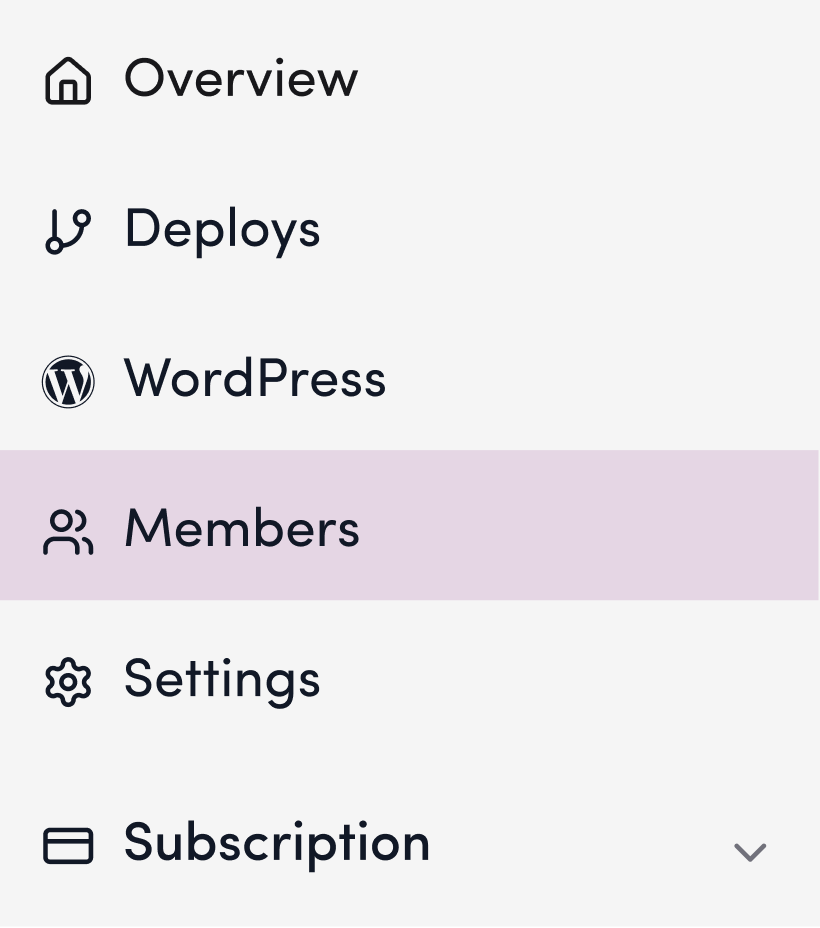
5. Click “Members”
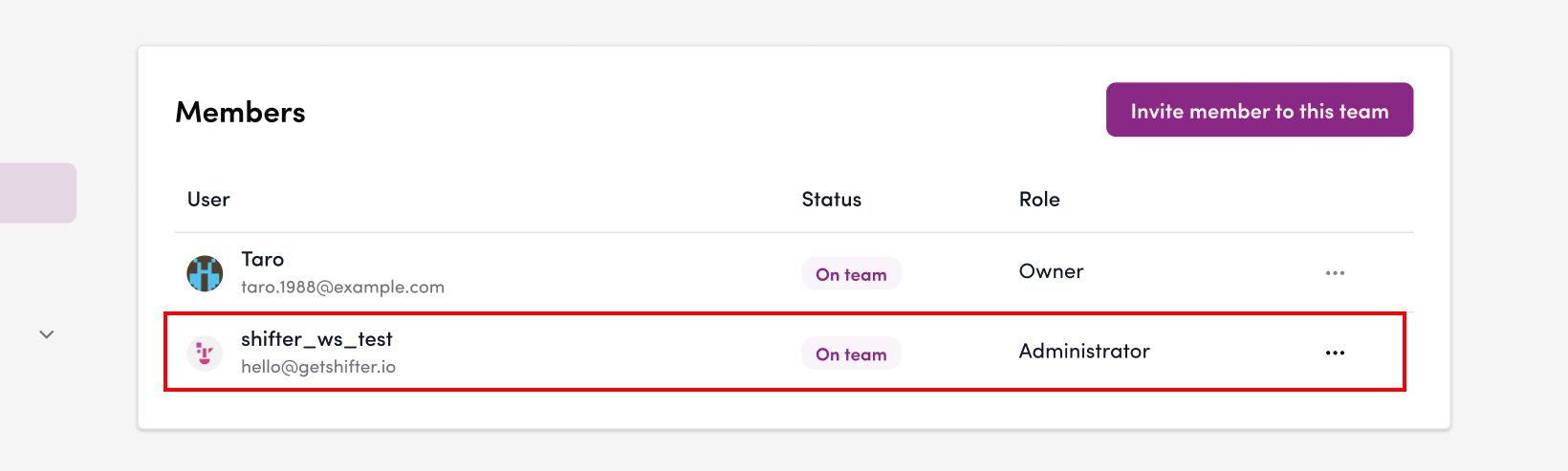
6. Confirm that the user hello@getshifter.io has joined
Removing the Support Account
Once the issue has been resolved, remove the support account manually from the “Members” menu. It will not be removed automatically.