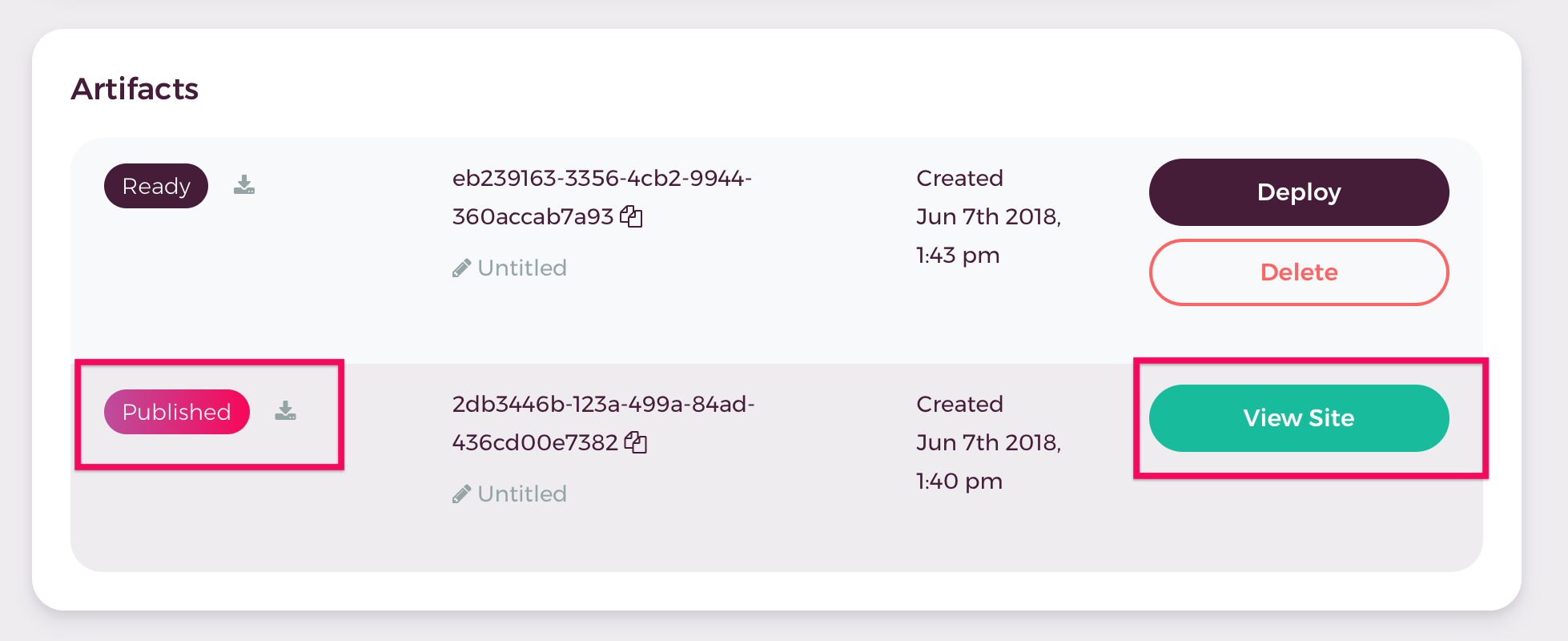
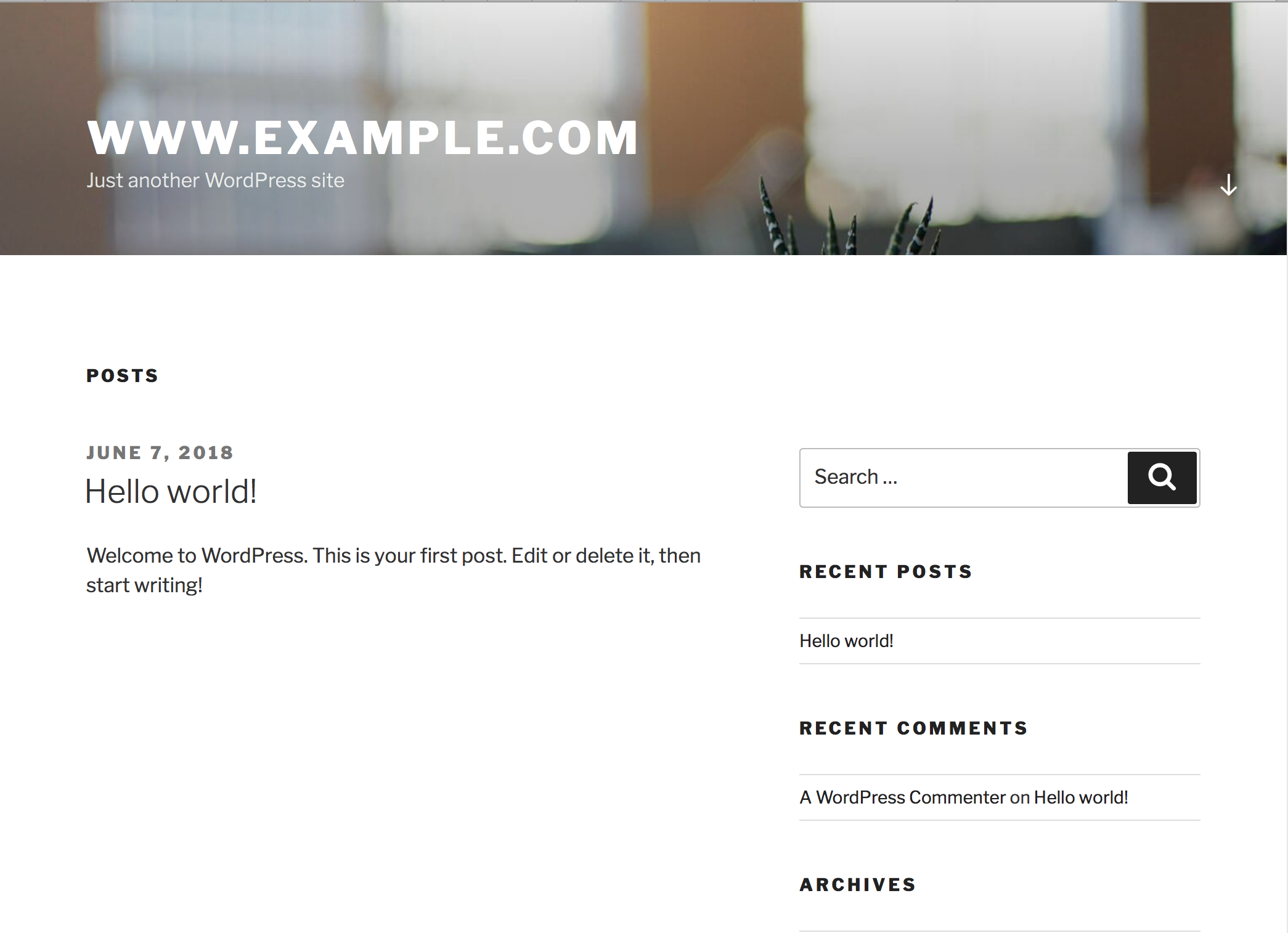
In Shifter, an artifact is a static version (or build) of your WordPress site. It is a copy of your entire site, including HTML, CSS, and assets. To build an artifact, you must first create a site and complete the WordPress installation.
Step 1: Set Up Your Site and WordPress
Step 2: Creating an Artifact
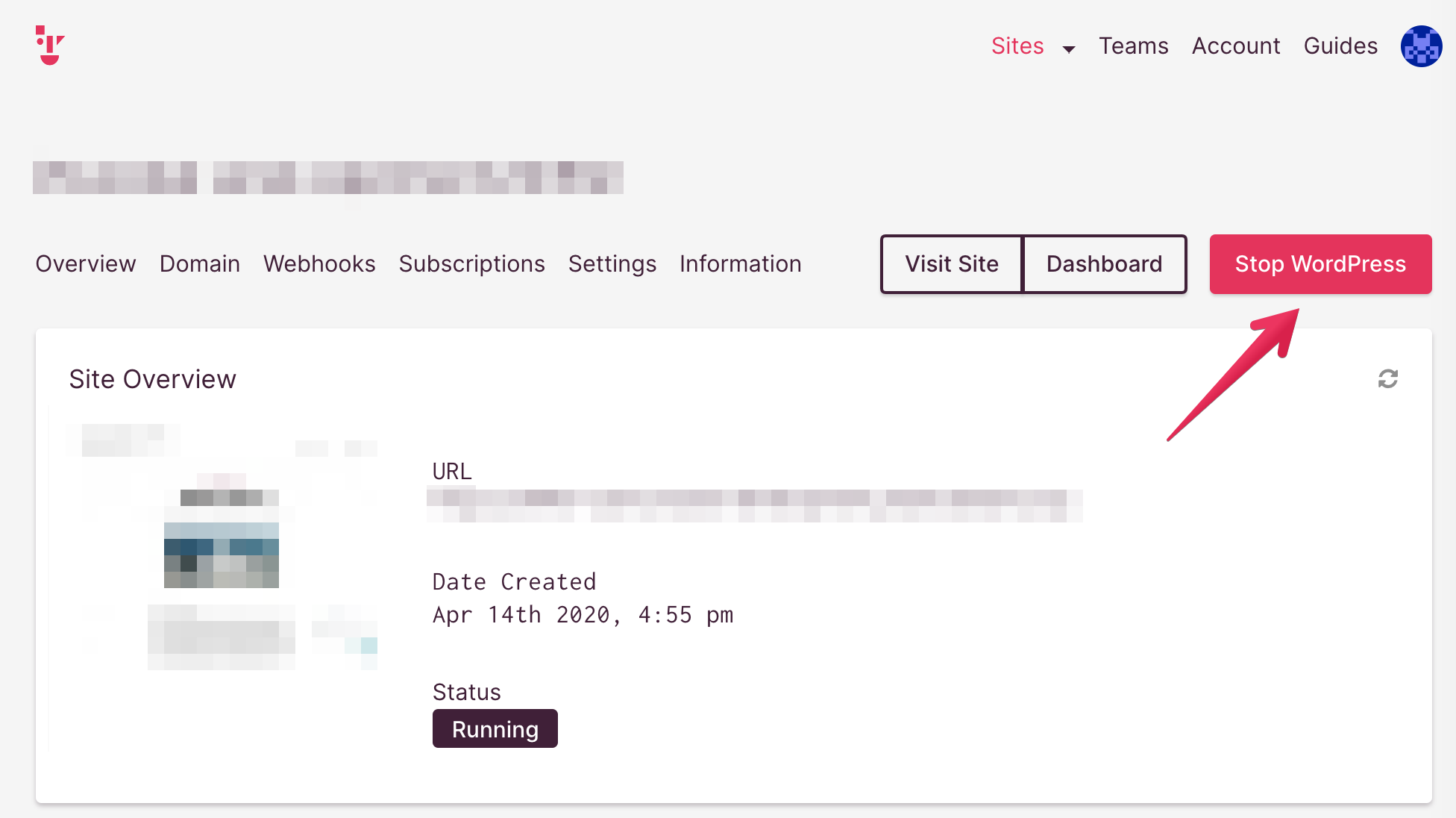
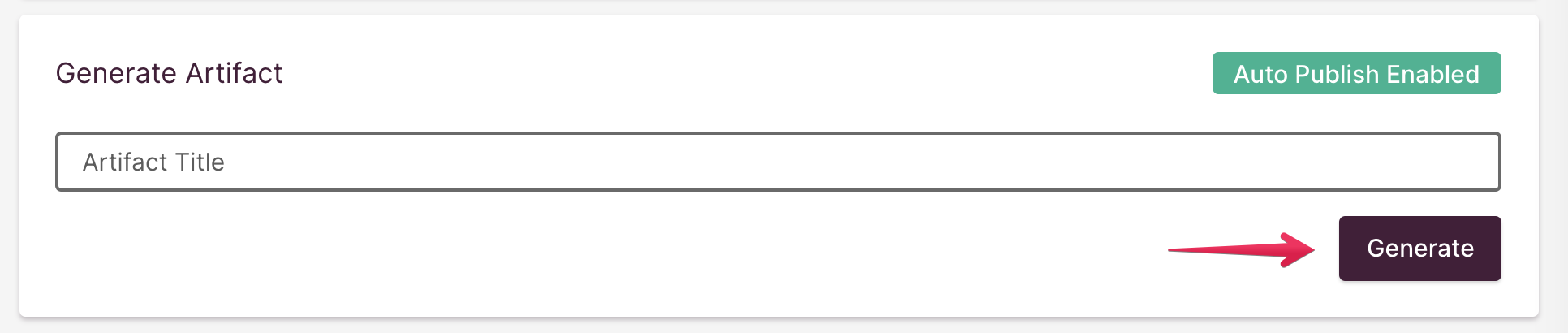
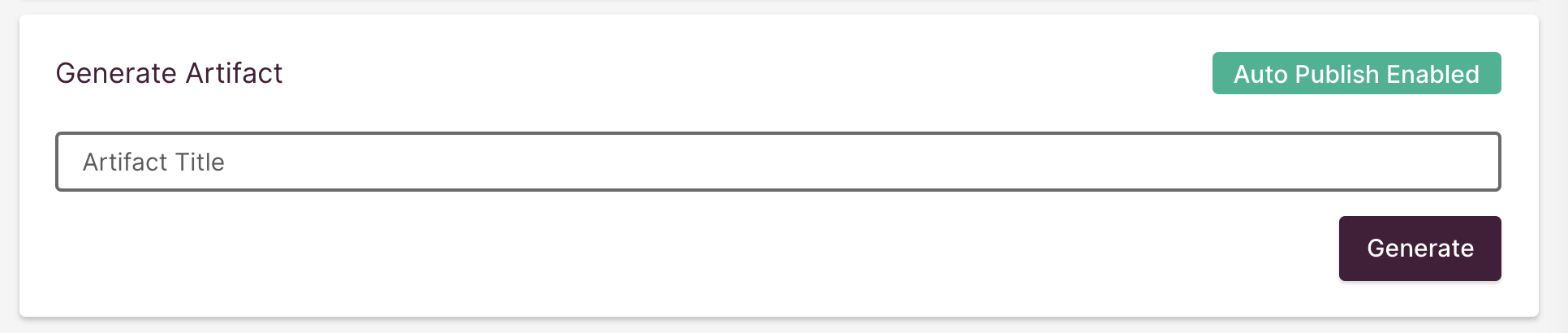
If WordPress is running, the artifact feature will be disabled. First, stop WordPress if it is running, and then create an artifact in the “Generate Artifact” panel.
Next, name the artifact and click the [Generate] button.
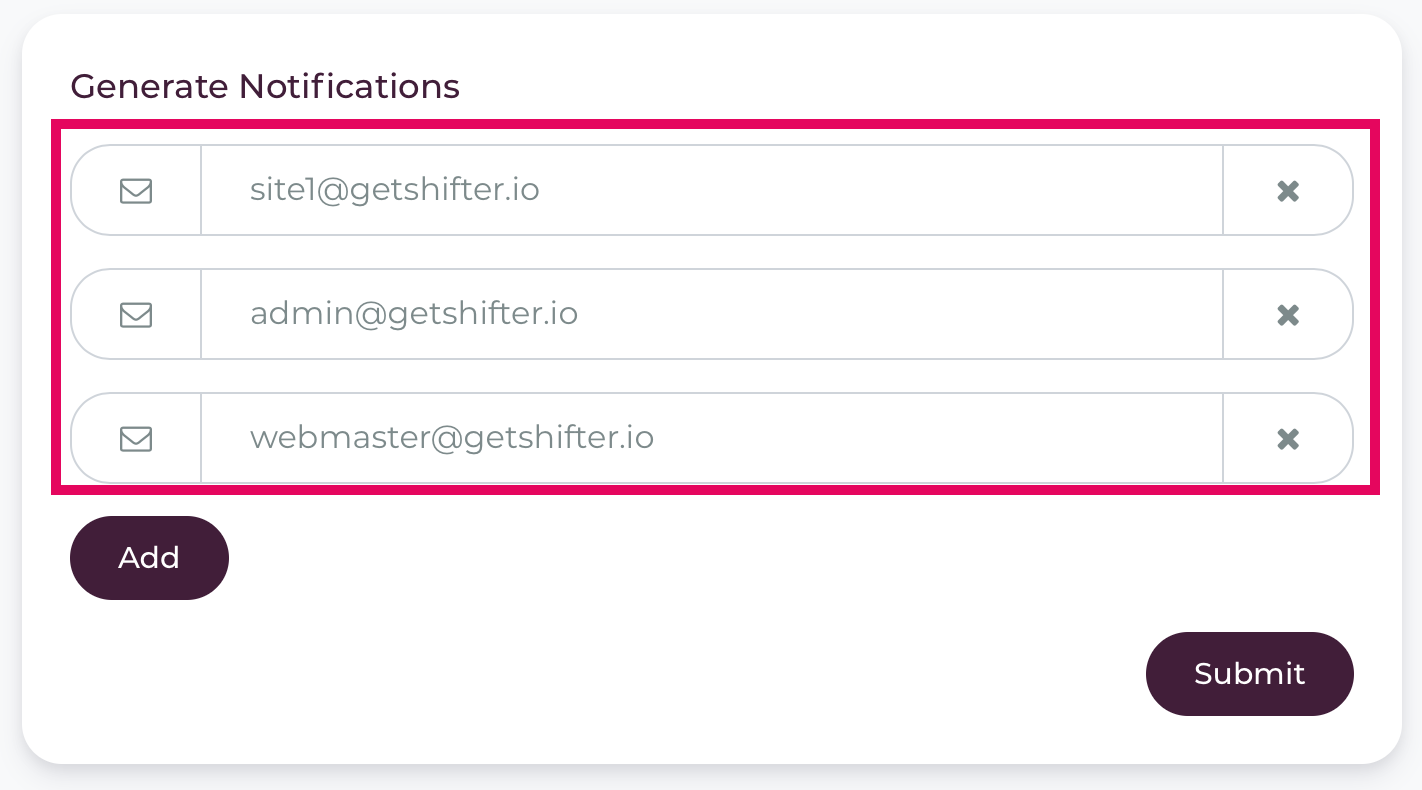
Third, optionally, configure notifications for when generation is complete.
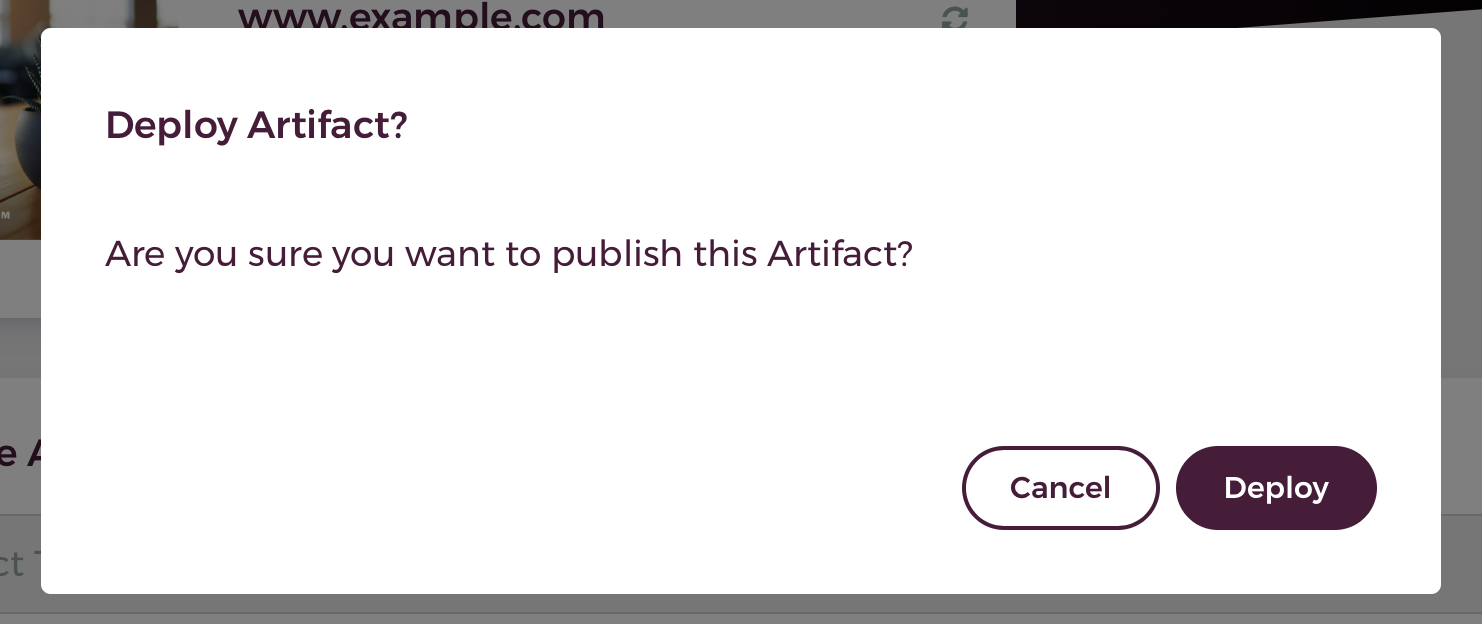
Fourth, click the [Deploy] button to confirm.
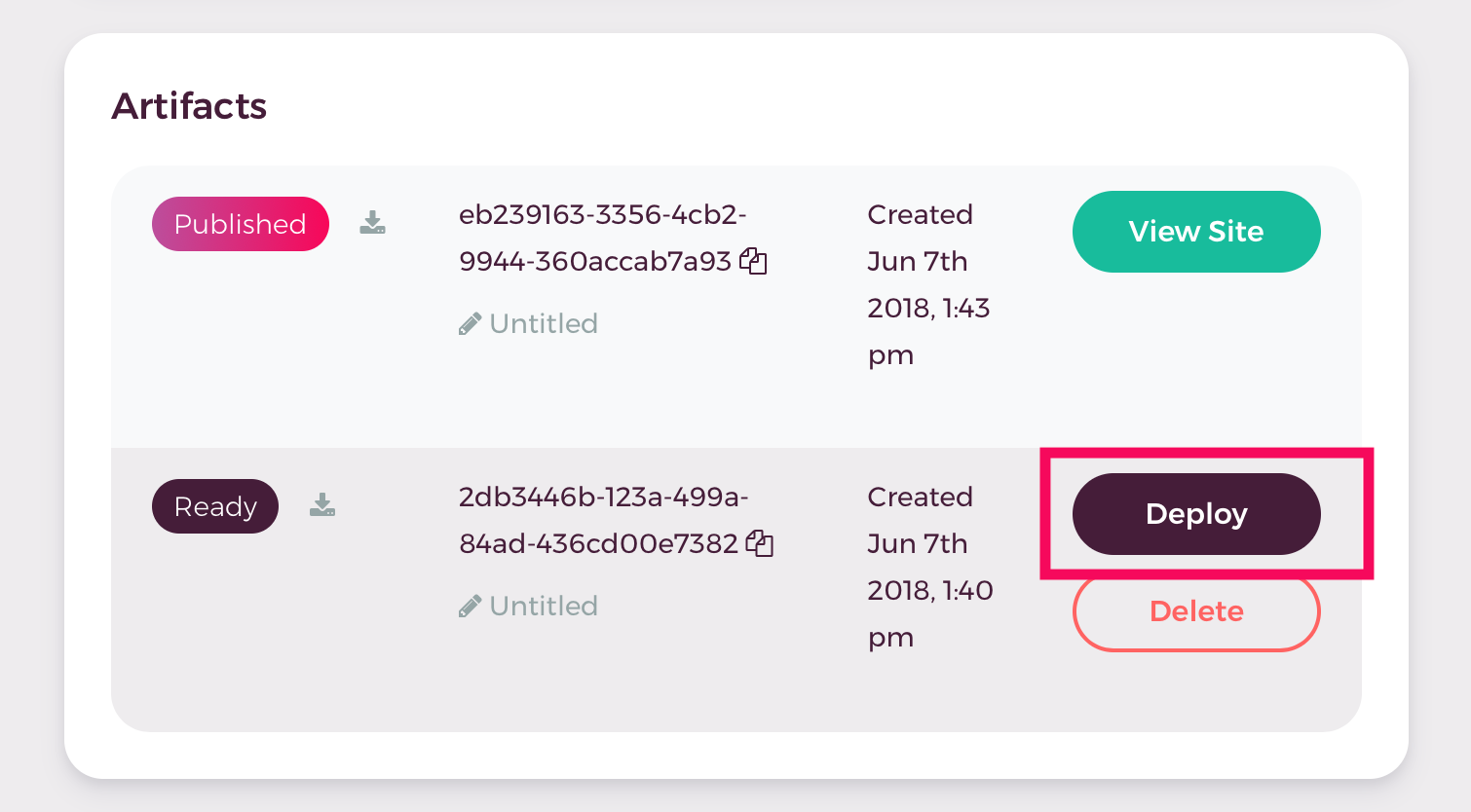
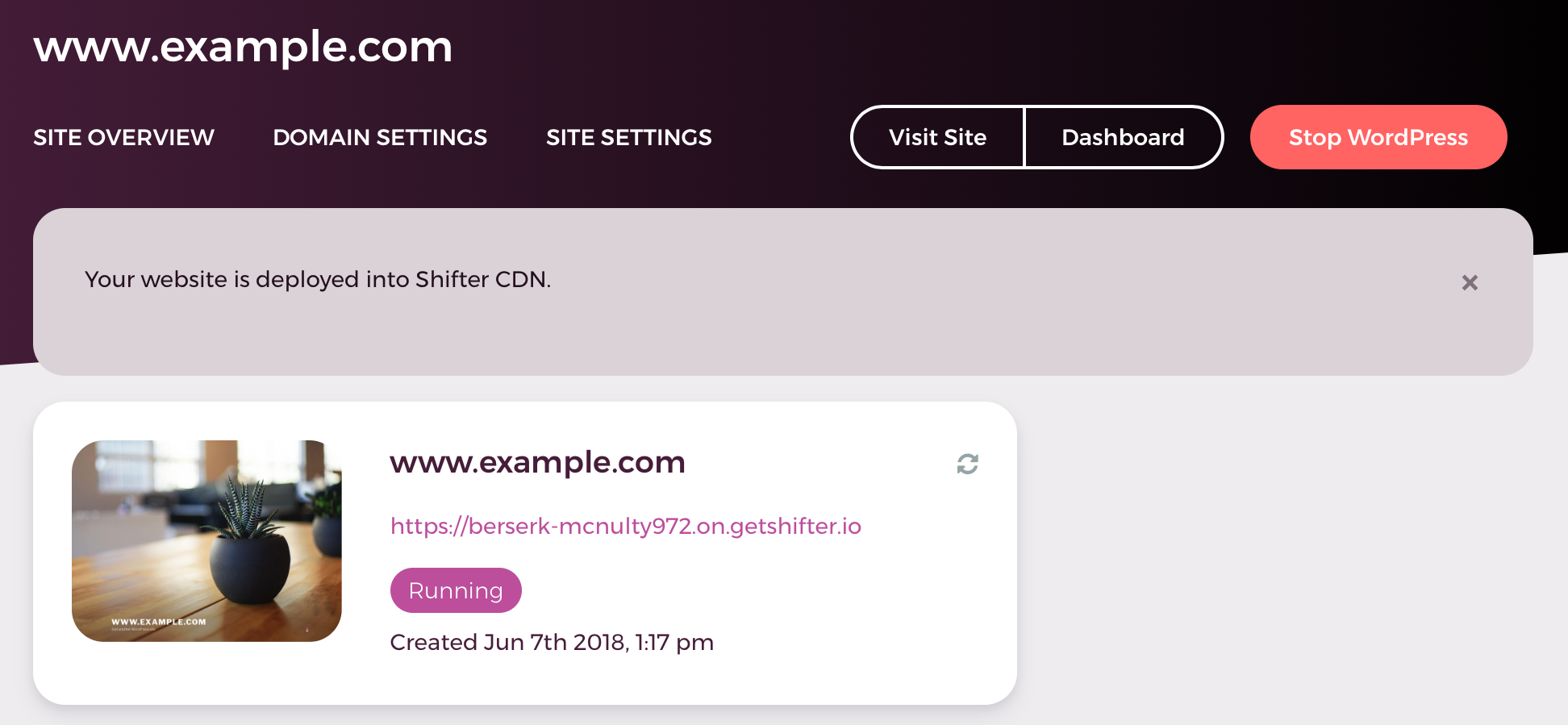
Fifth, verify that the artifact’s status is “Published,” then click [View Site].