
The Importance of Backups
There is a risk that a website may become irrecoverable if data is lost for any reason. Therefore, regular backups are extremely important.
While Shifter provides an automatic backup feature, we recommend that you also create your own backups to prepare for any unforeseen circumstances.
How to Back Up
Manual Backups
For instructions on how to create your own backups, please refer to the “Export” section on the following page.
How to Migrate a WordPress Site to Shifter
Automatic Backups
In Shifter, if you enable “Automatic Backup Generation” in the site’s “Settings” menu, backups will be created each time a backup is generated.
Up to 10 generations of automatic backups can be stored; those older than this will be deleted.
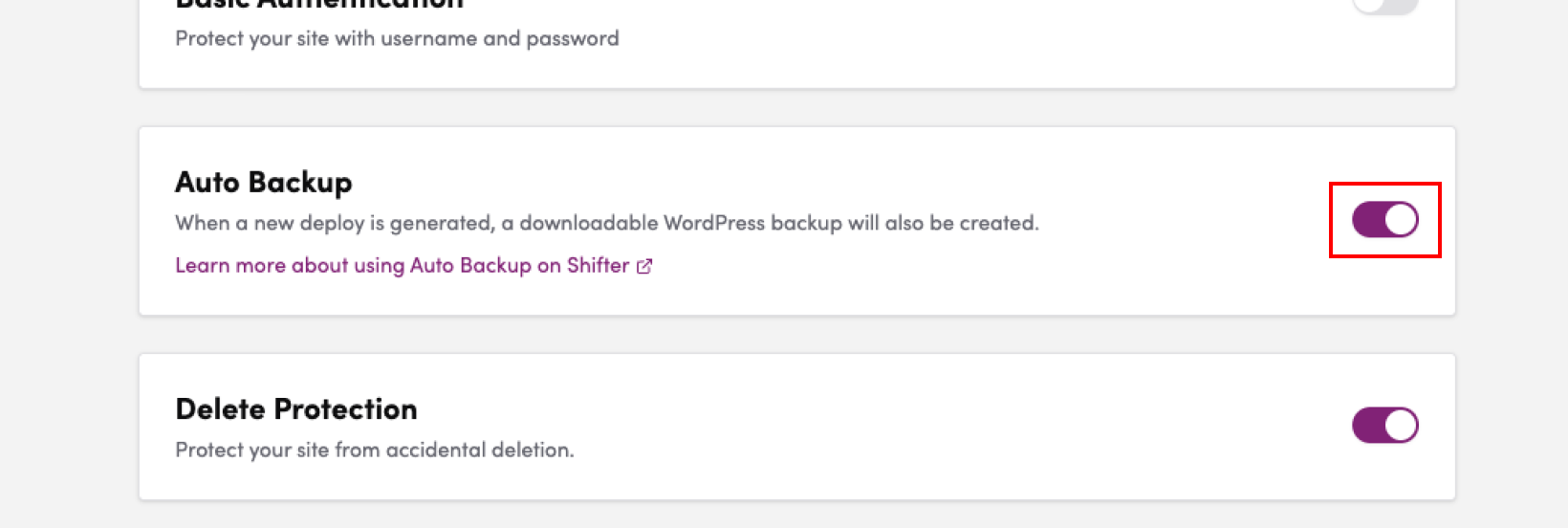
How to Download Backup Data
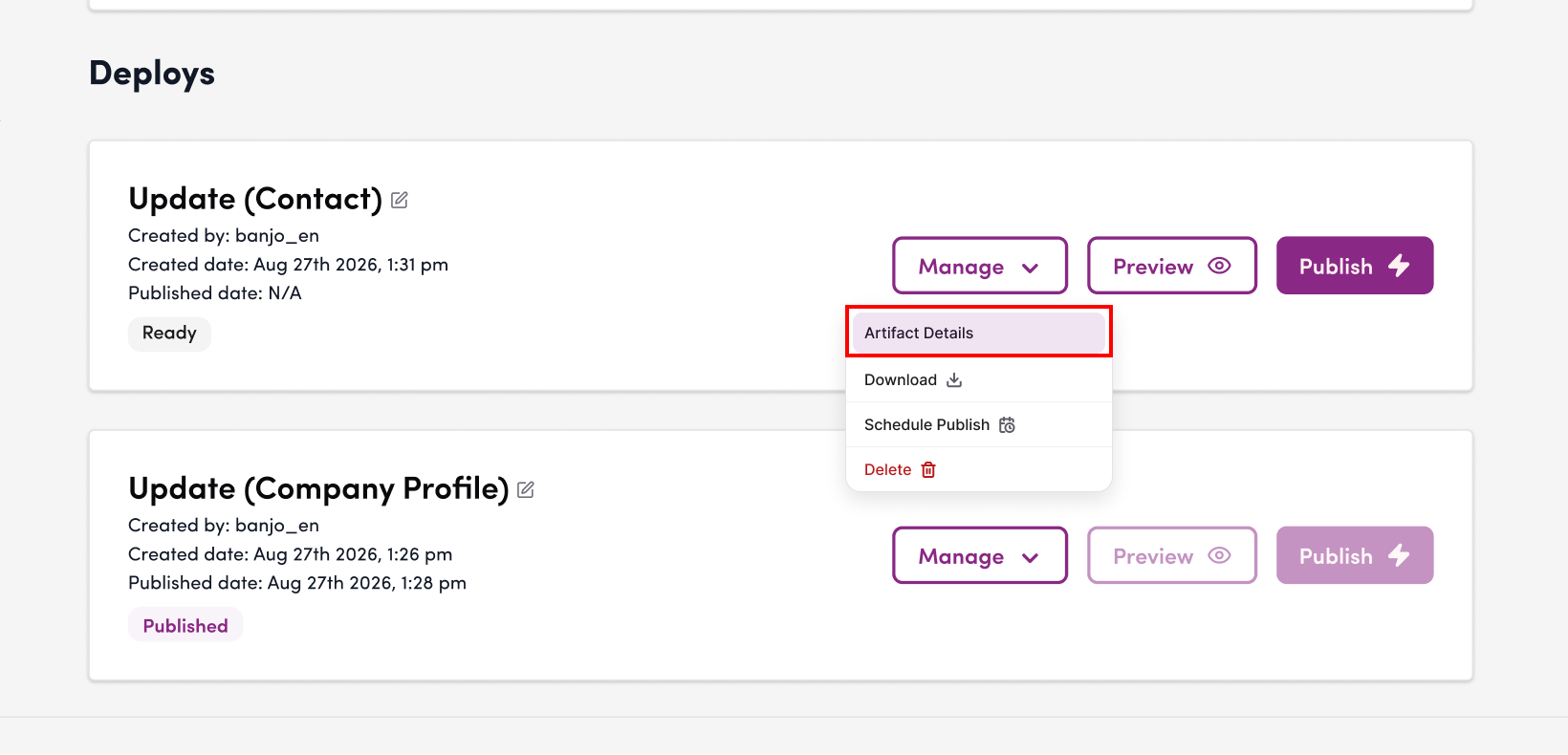
1. To download backup data saved by the automatic backup feature, click the “Site Details” menu located within the “Manage” button for each artifact.
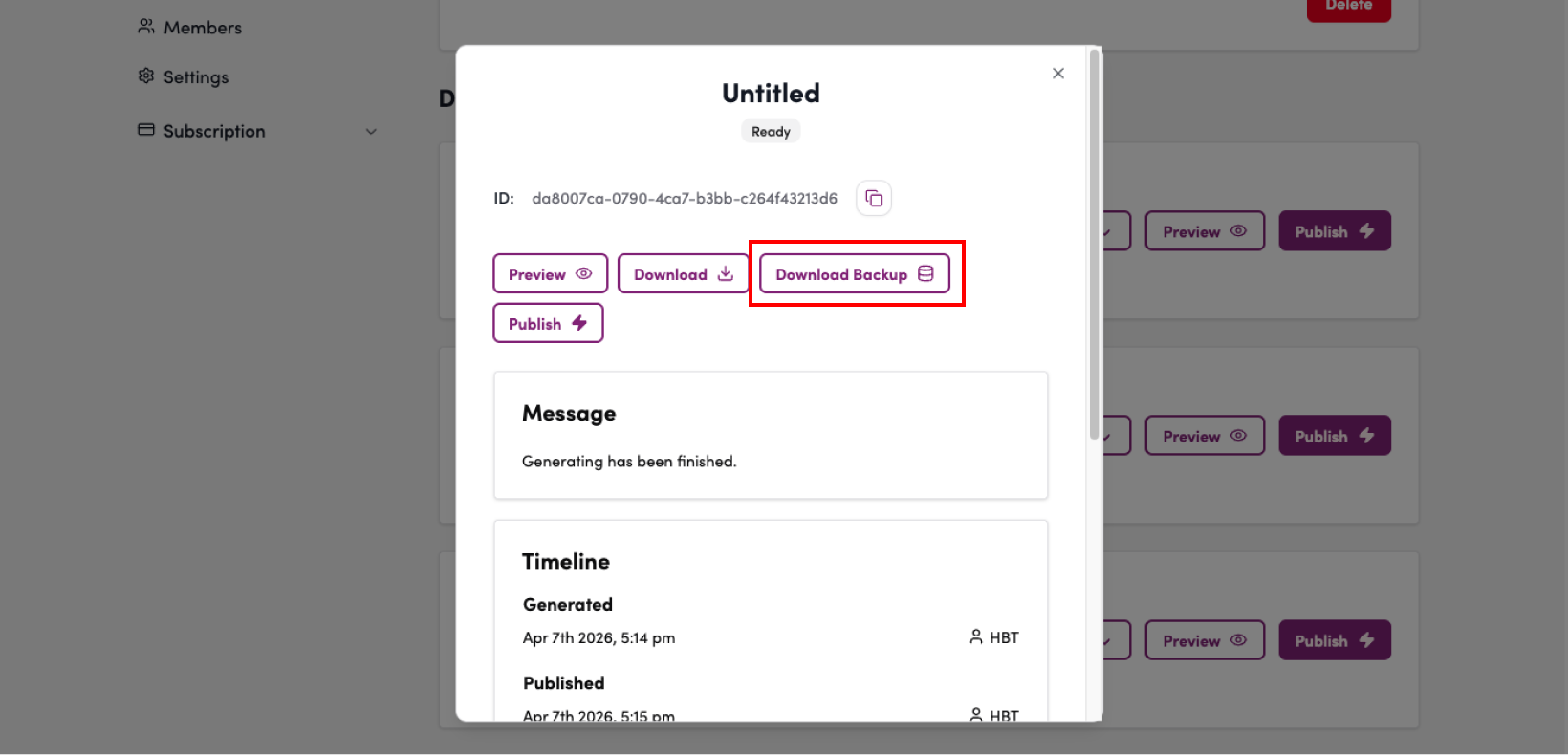
2. Click the “Download Backup” button under the “Automatic Backup” section.
How to Restore from a Backup
For instructions on how to restore your site from a backup file, please refer to the “Import” section on the following page.
How to Migrate a WordPress Site to Shifter
That concludes our explanation of backing up and restoring WordPress sites.