
1. Launch WordPress and log in to the WordPress dashboard

2. Click “Shifter”
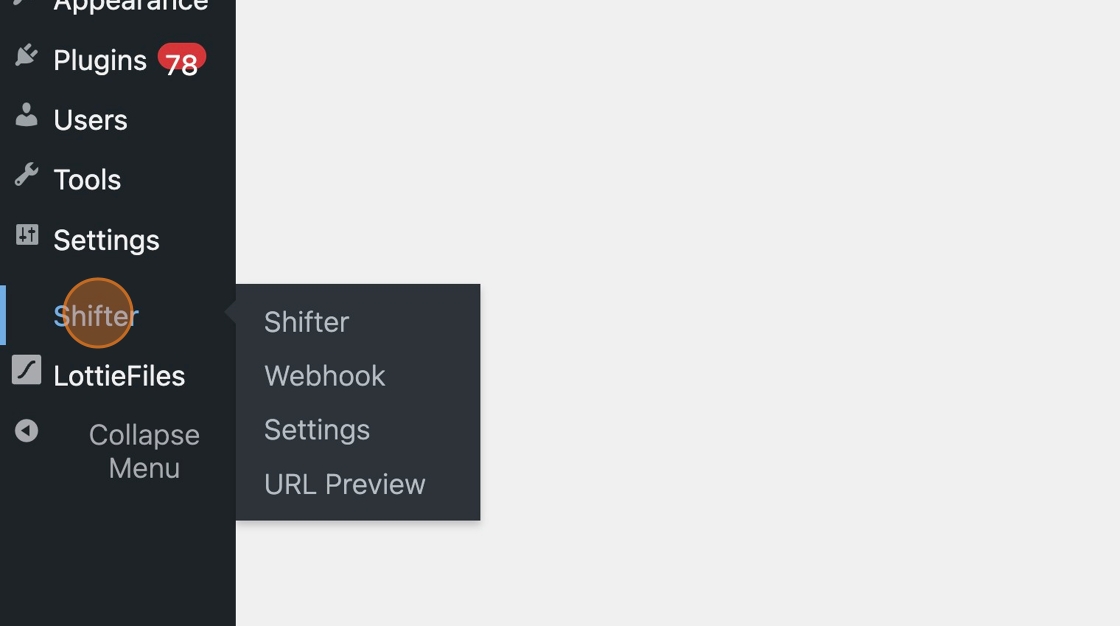
3. Click “Settings”
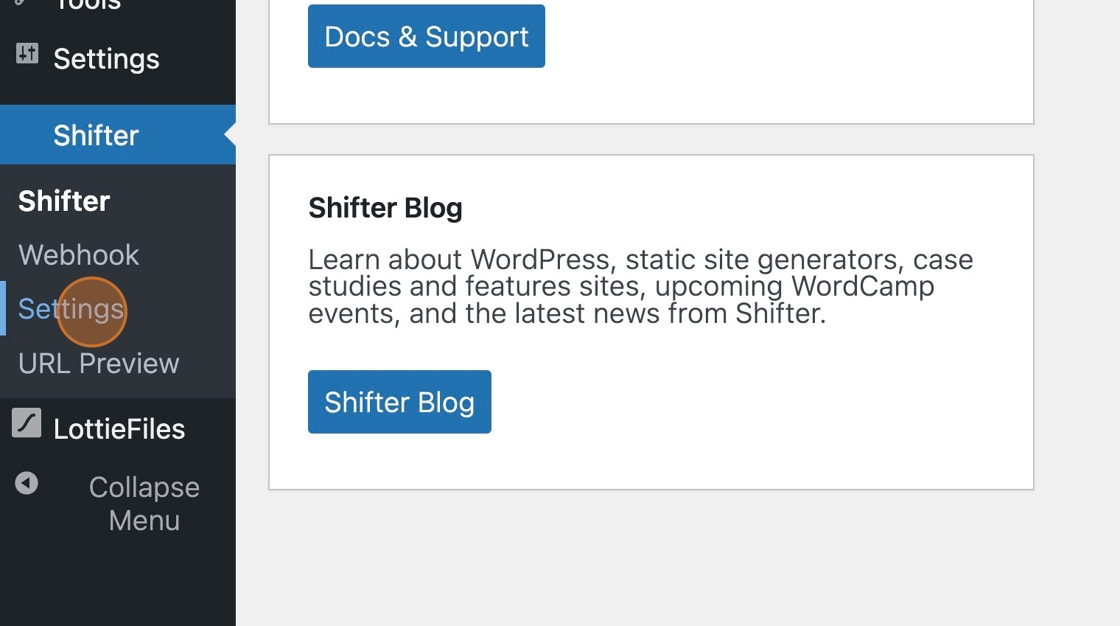
4. The Shifter Generator settings page will appear
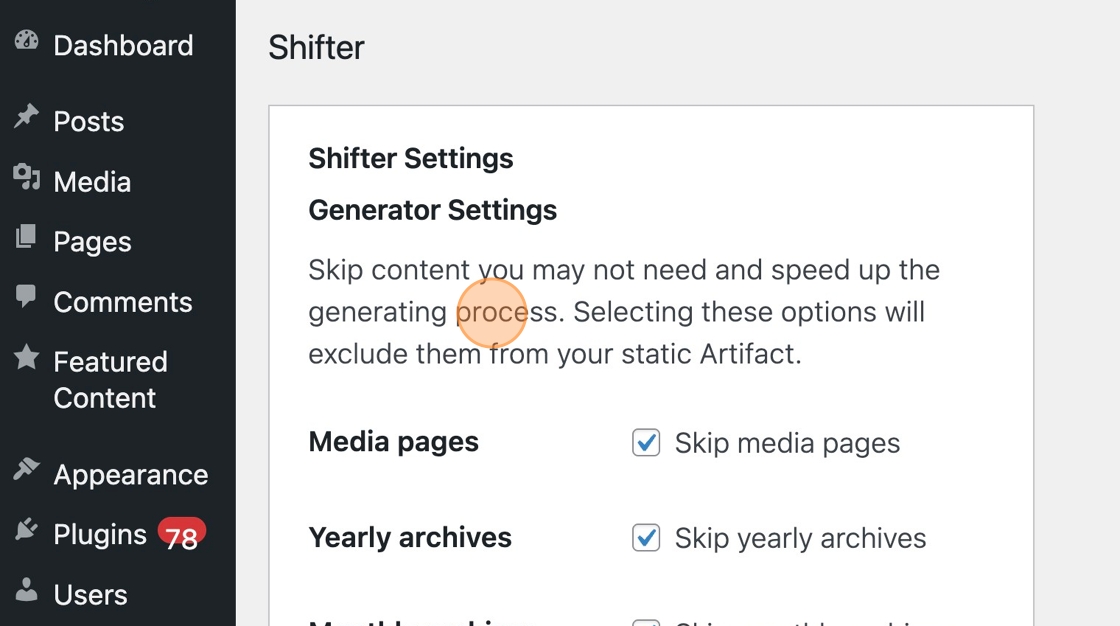
5. Scroll down to “Additional URLs”
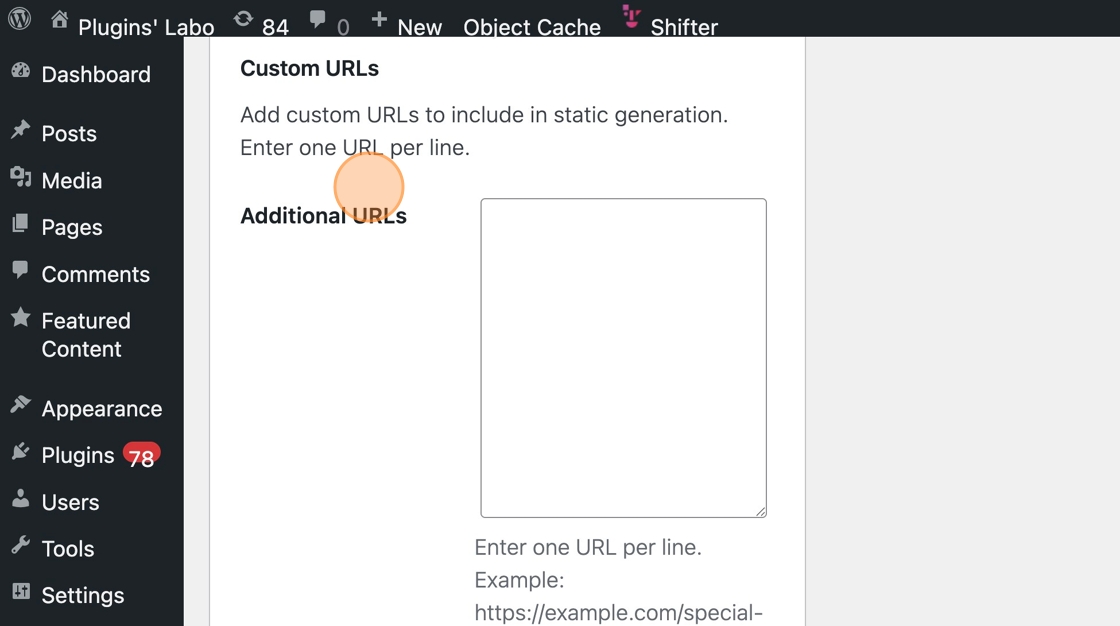
6. Enter the URLs you want to add, one per line
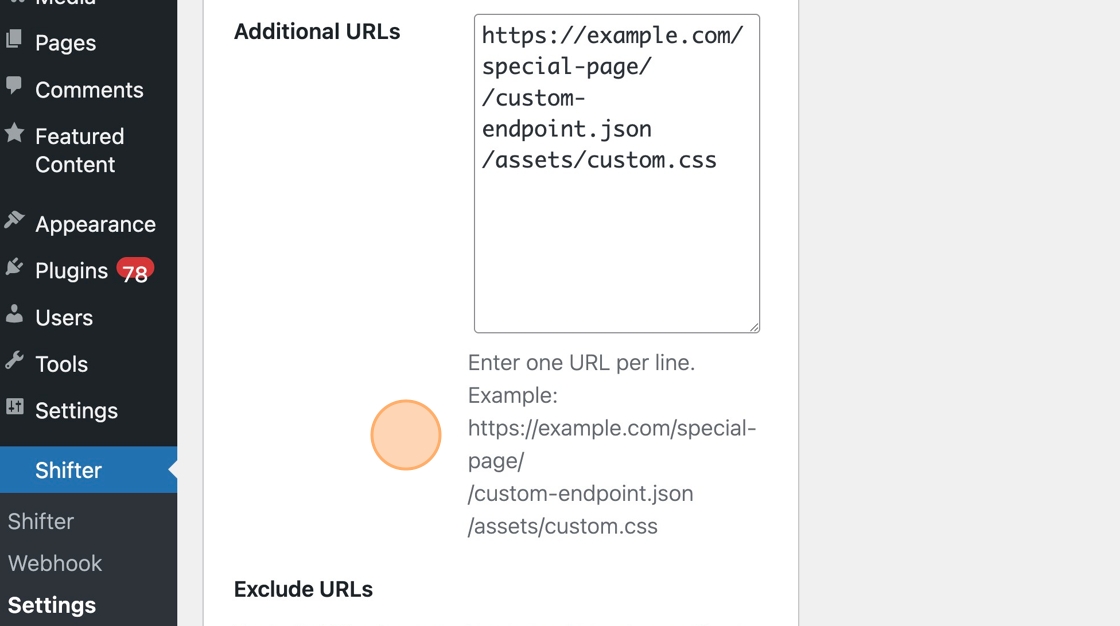
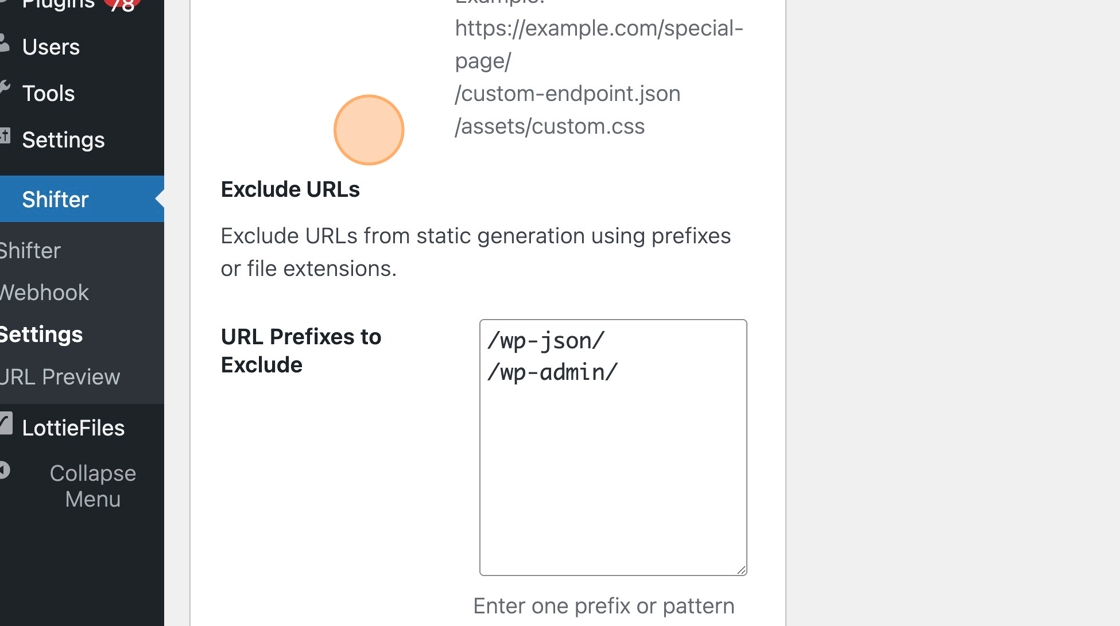
7. Set the prefix for URLs to exclude under “Exclude URLs”
8. Click “Submit” to save your settings
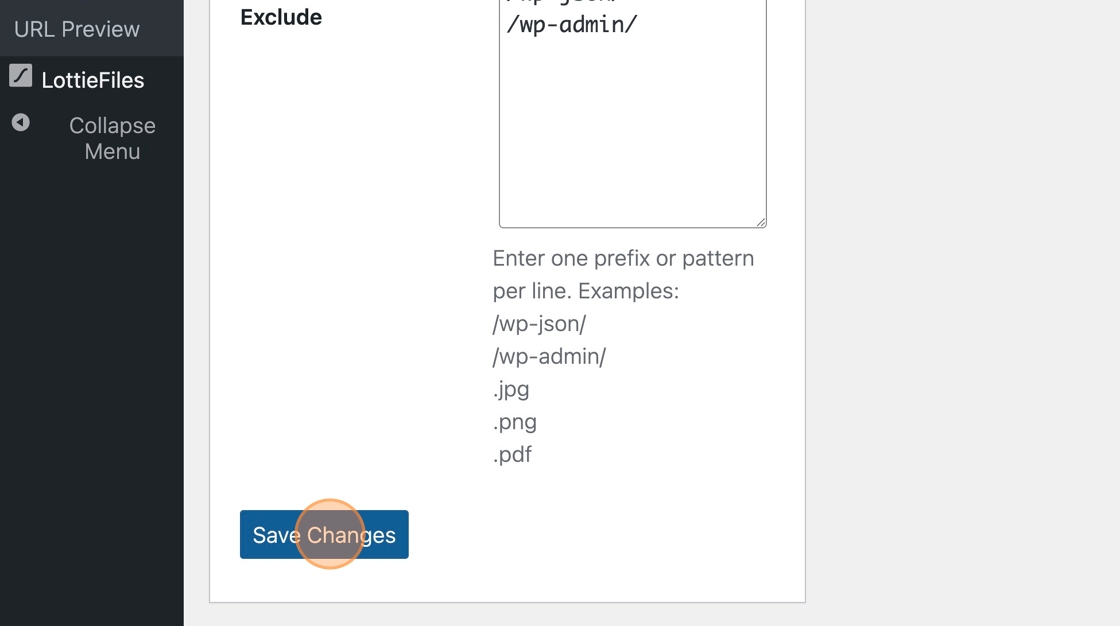
9. The specified URLs will be added or excluded starting with the next generation and staticization process
Important Note
- If you specify the same URL in both “Additional URLs” and “Exclude URLs,” the “Exclude” setting takes precedence, and the URL will be excluded from static generation.
- If you specify a path in “Exclude URLs,” all URLs starting with that path will be excluded from static generation.
Configuration Example: If you specify “/foo,” “/foobar” and “/foo/bar” will be excluded. - If you specify a file extension in “Exclude URLs,” all files with that extension will be excluded from static generation.
Configuration example: If you specify “.jpg,” “sample.jpg” and “random.jpg.png” will be excluded.