
About Shifter Webhooks
Shifter Webhooks can send HTTP requests to other hosts or services based on lifecycle events. For more information, see this documentation (insert link to documentation here).
Step I: GitHub Fork the Repository
Fork the GitHub repository to your GitHub account. If necessary, create a branch for publishing (e.g., Publish or Deployment).
Step II: Connect Your Netlify GitHub Account by Registering the Webhook URL
-
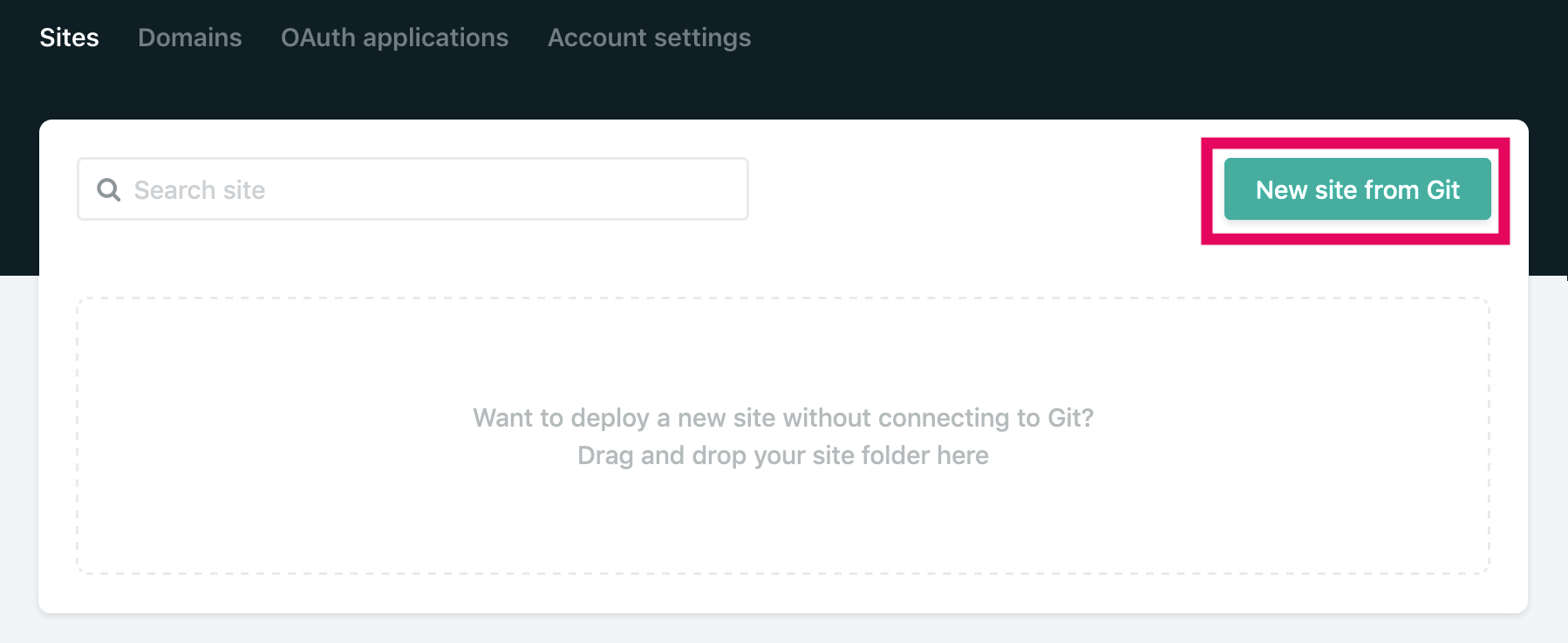
Click the [New site from Git] button.
-
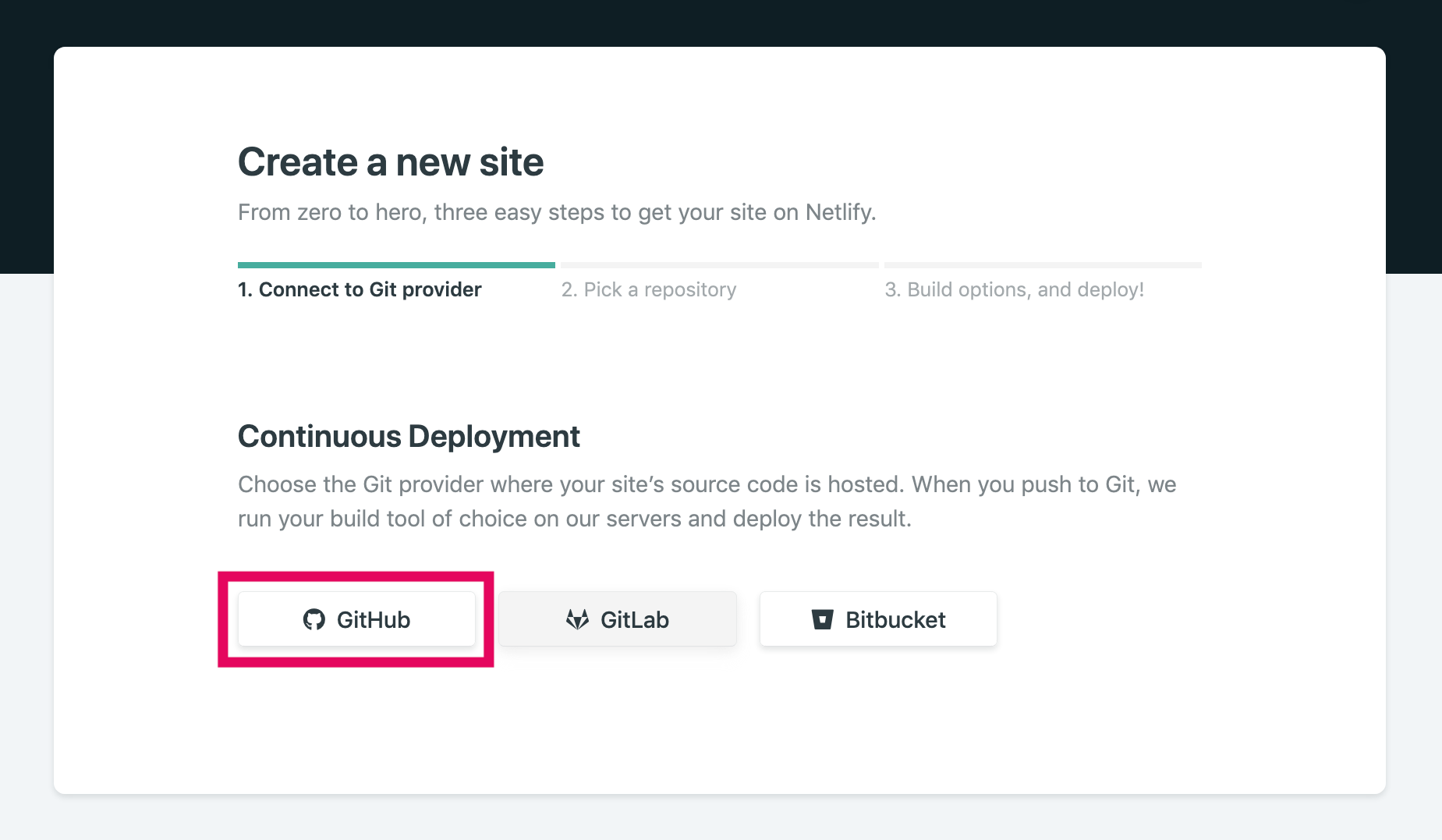
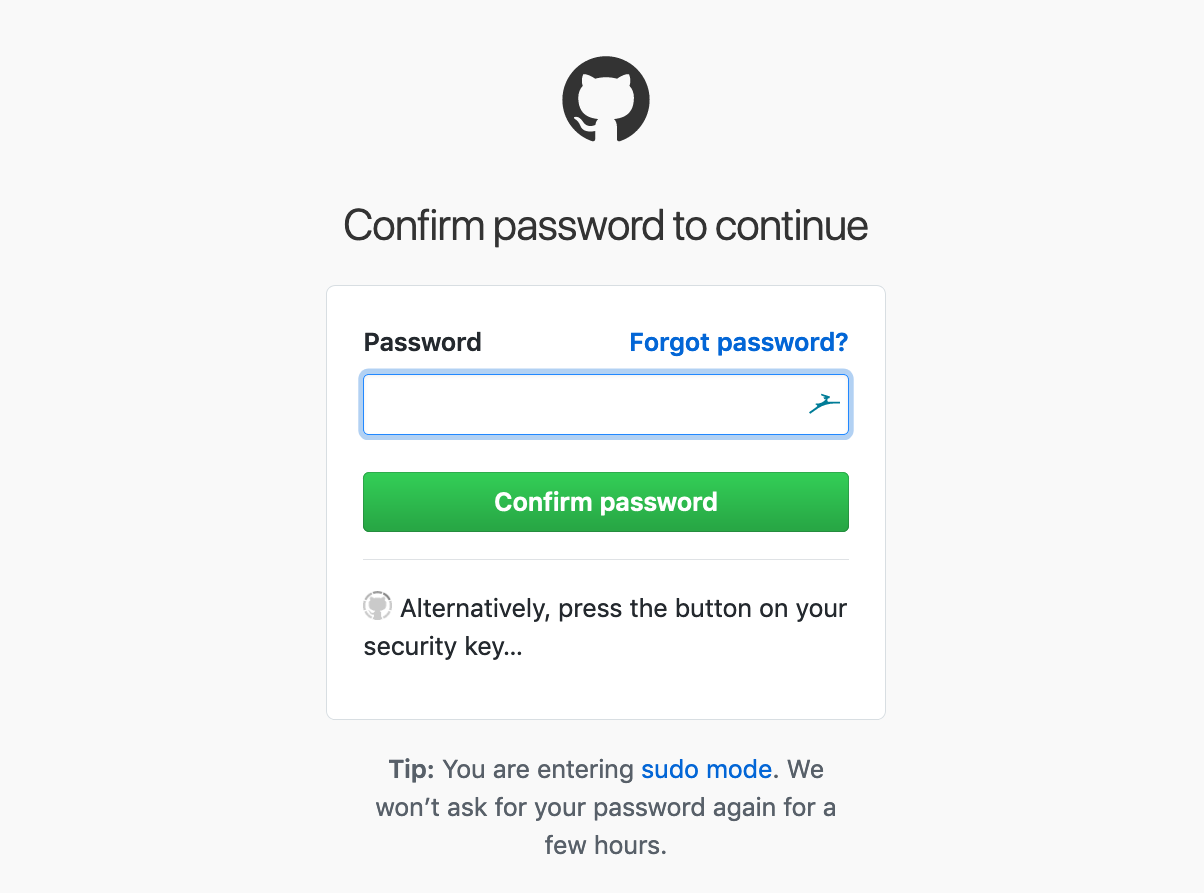
Click [GitHub] to log in.
-
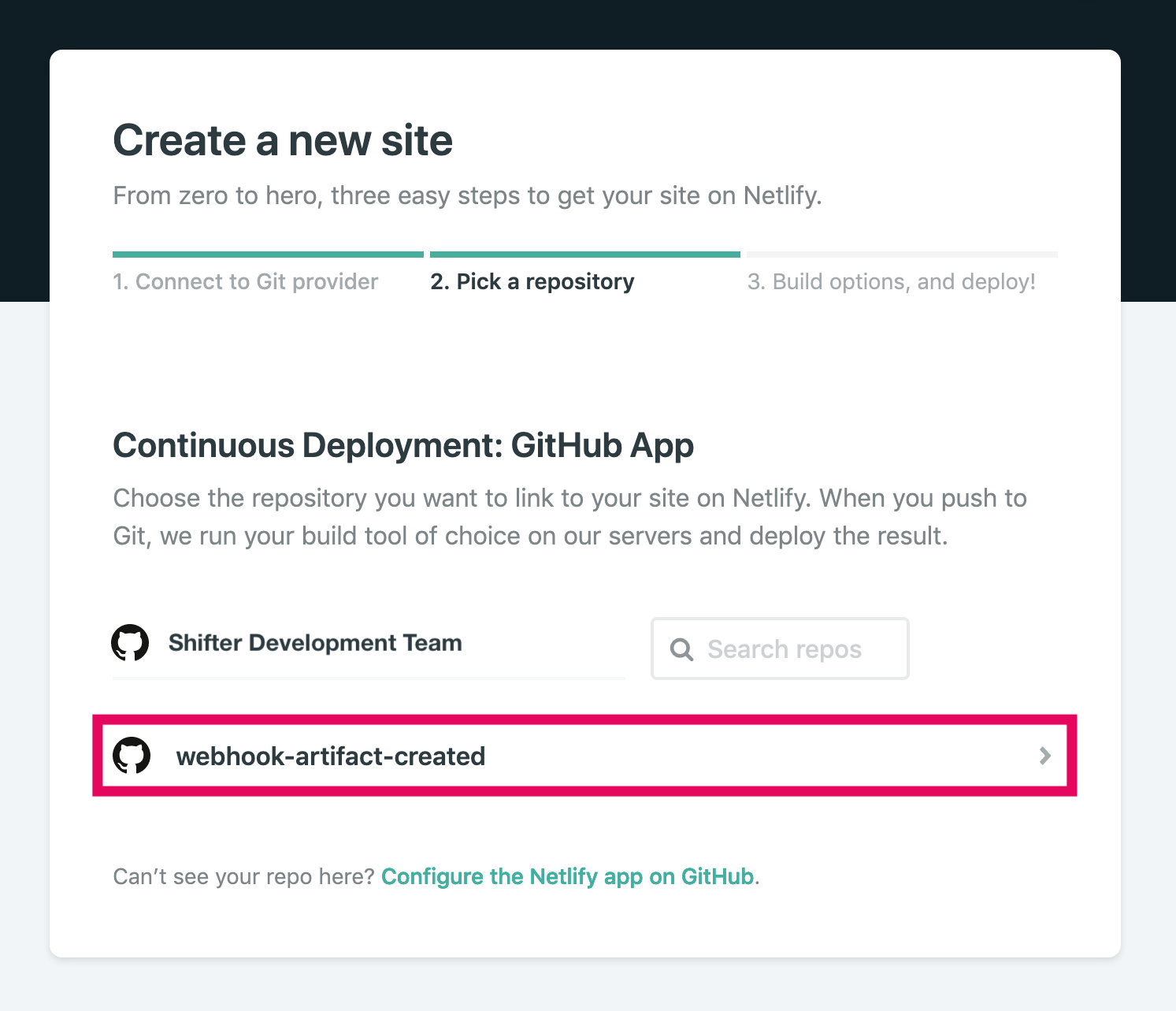
After authenticating with Netlify, select the repository you want to publish via webhook.
-
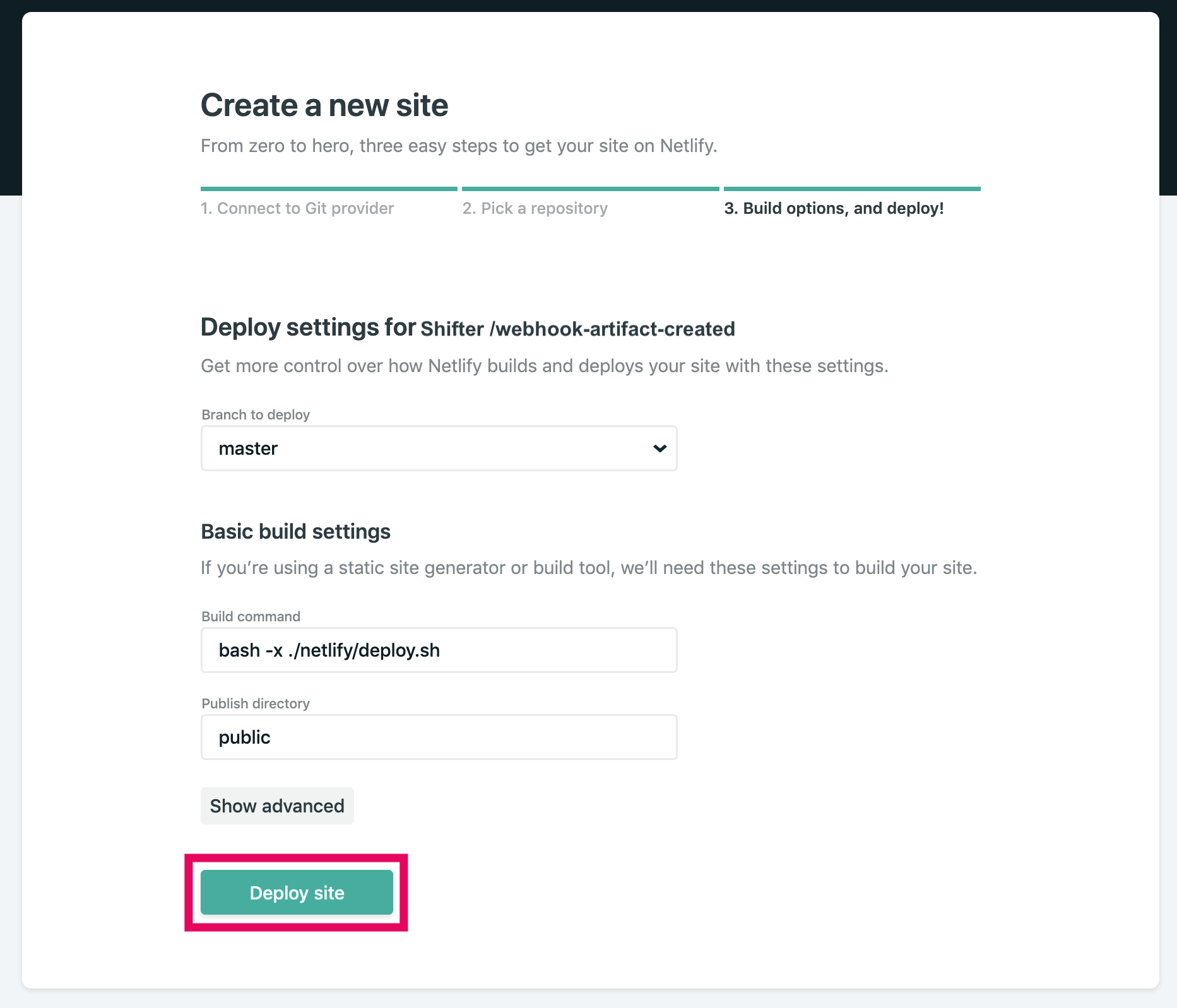
Click the [Deploy site] button.
-
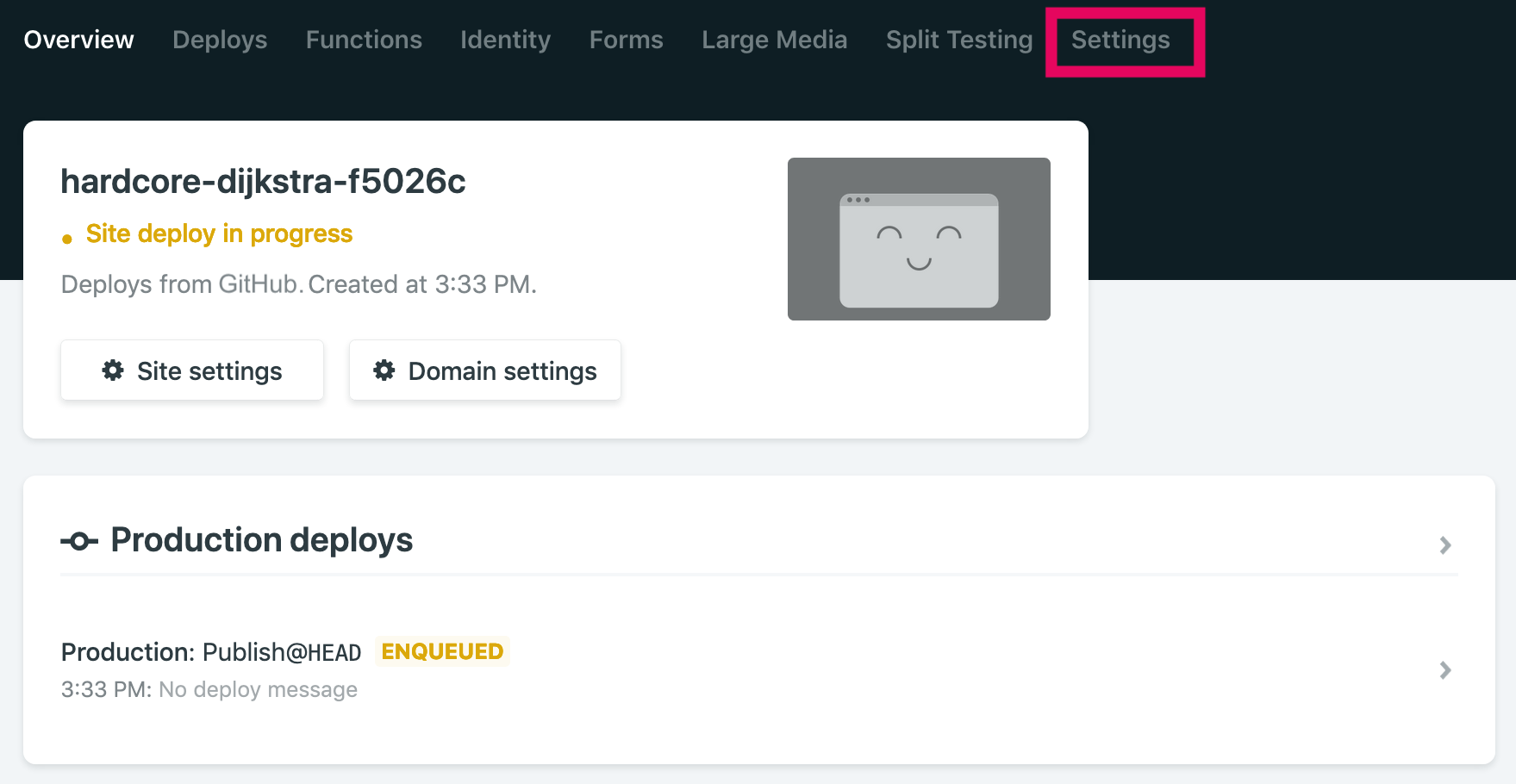
Click the [Settings] menu.
-
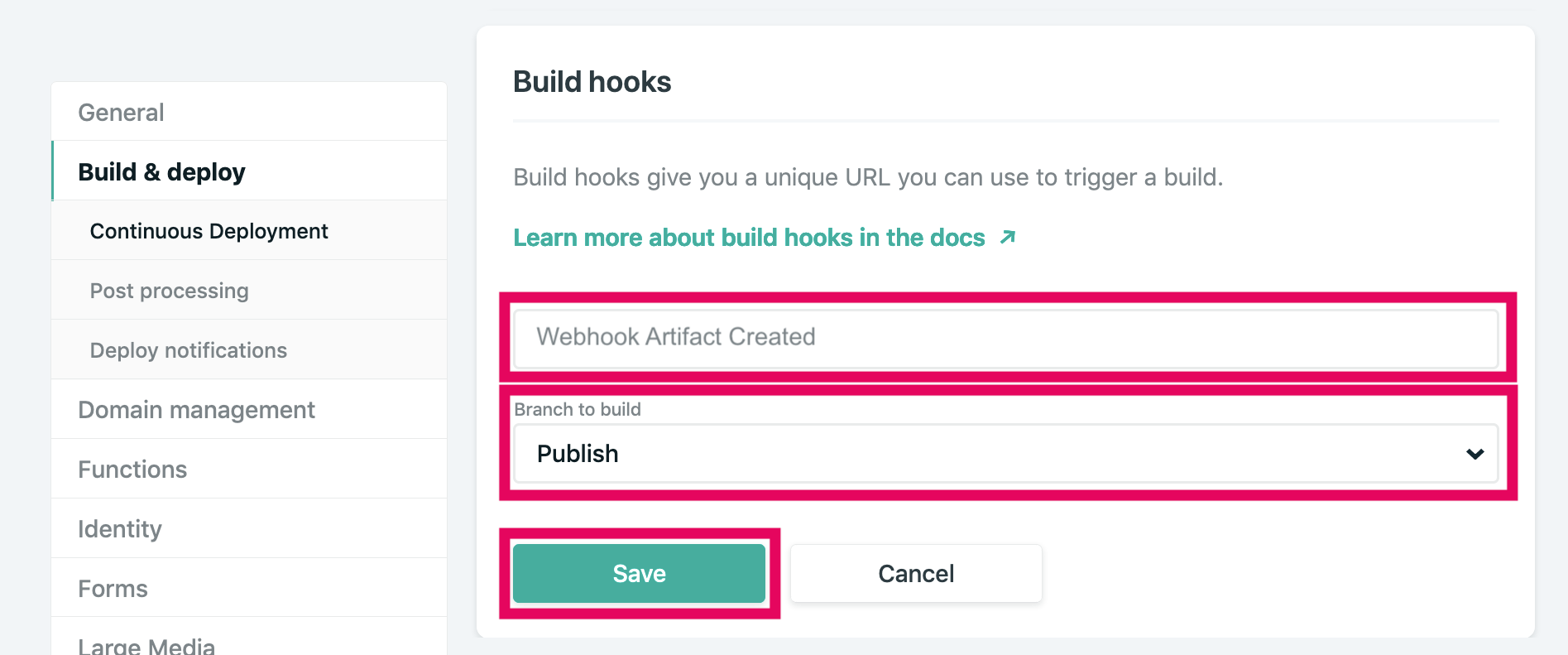
Click [Build & Deploy]. Scroll down to Build hooks, enter a [Build hook name], select [Branch to build], and click [Save].
-
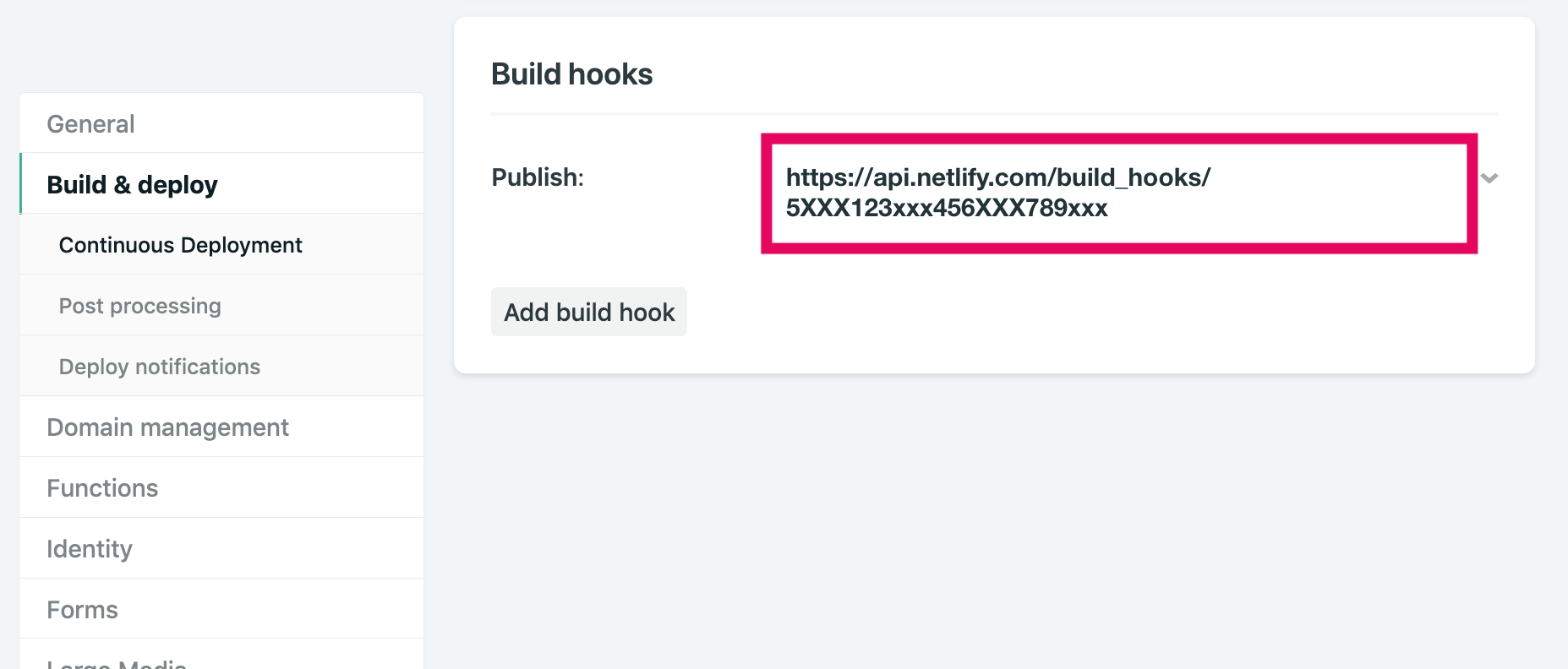
Copy the generated Build hooks URL.
Step III: Configure and test the webhook for publishing to Shifter
-
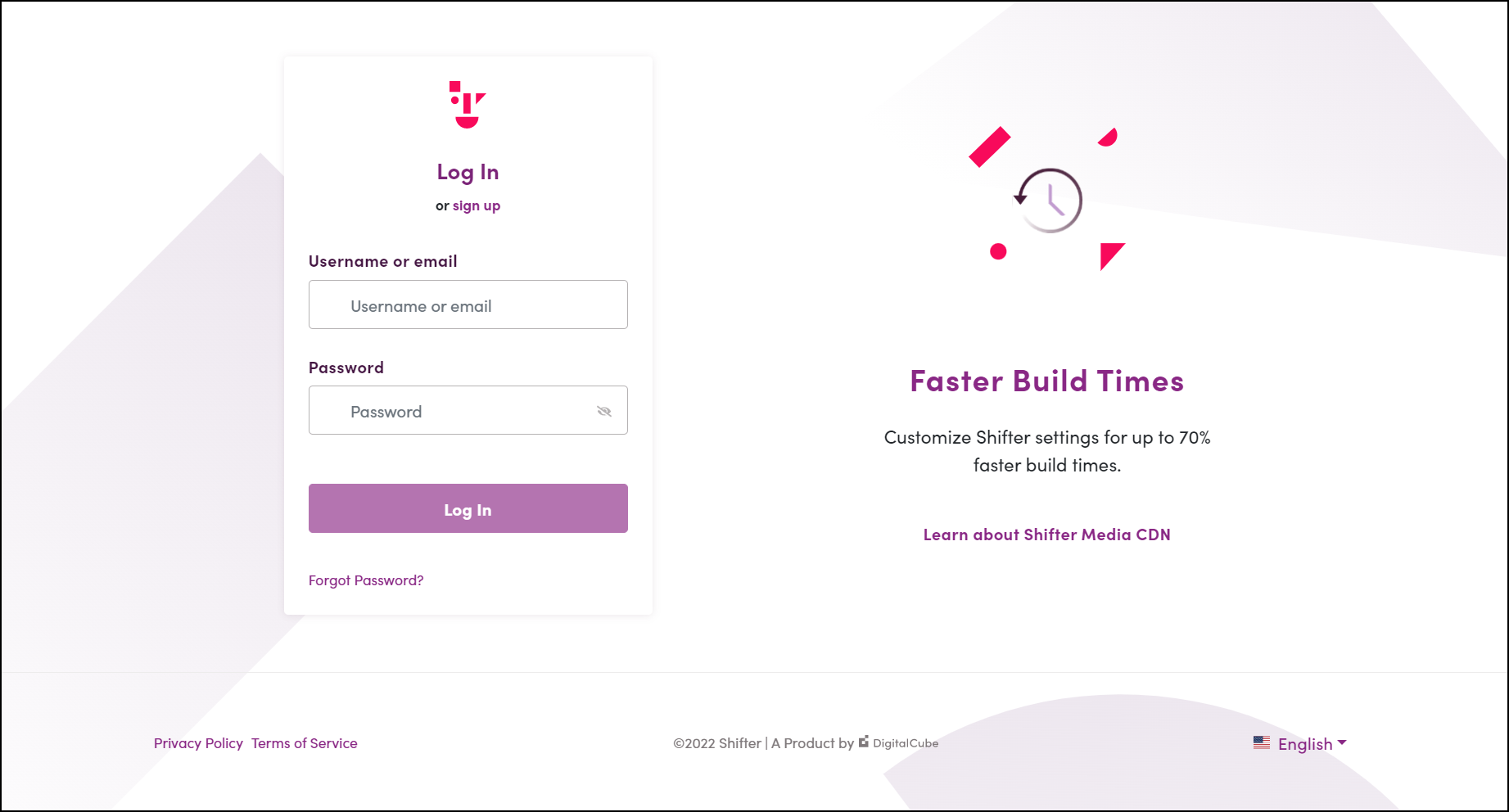
Log in to the Shifter dashboard ( https://go.getshifter.io/).
-
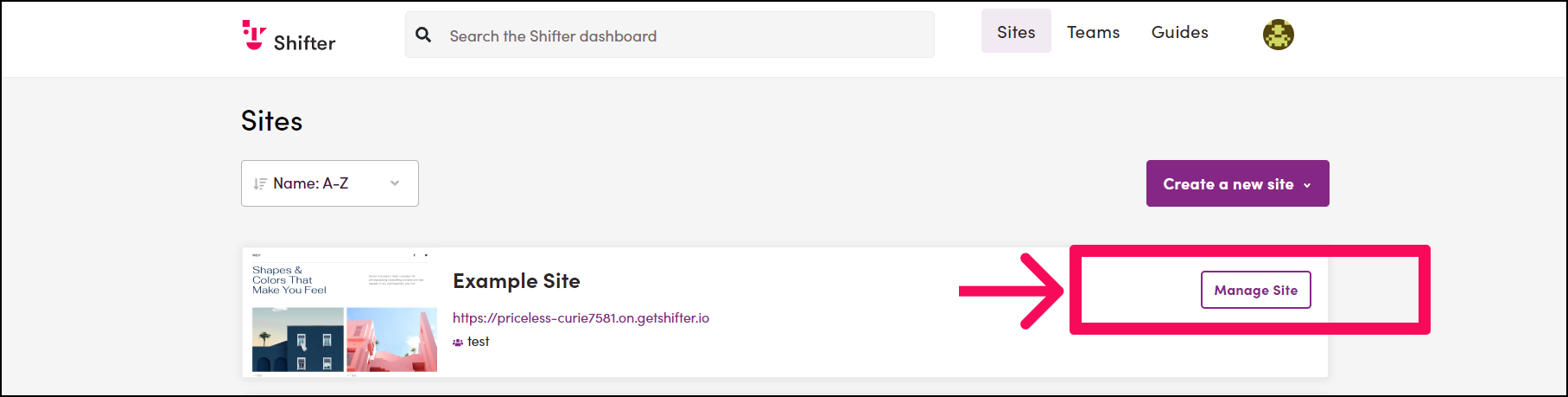
Navigate to the site you want to publish.
-
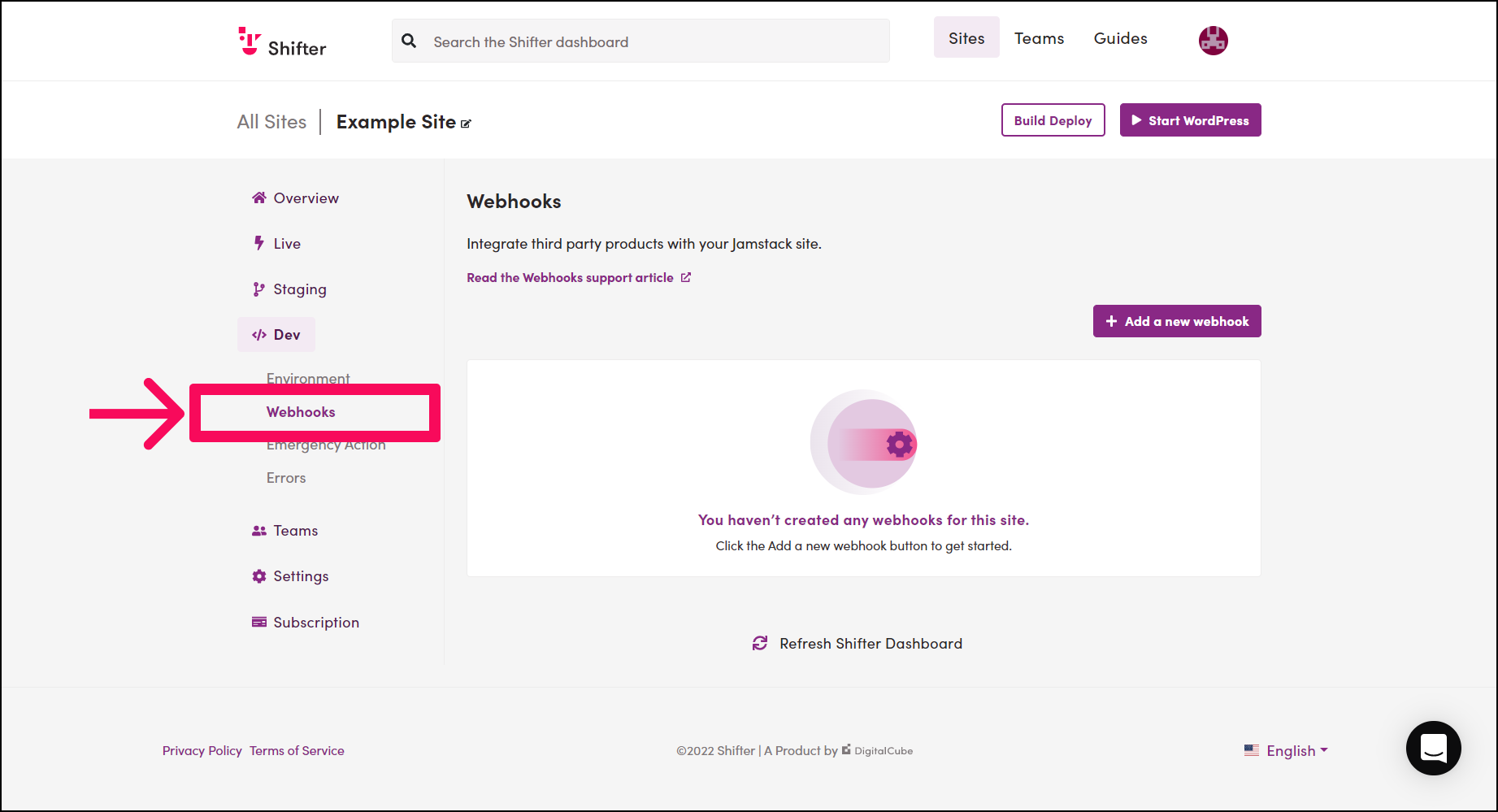
Click [Webhooks] under [Dev] in the site menu.
-
Select or enter the following items:
- Event Type:
Webhook:ArtifactCreated - Method:
POST - URL: Paste the Build hooks URL generated by Netlify that you copied earlier
- Headers Key (Optional)
- Headers Value (Optional)
- Event Type:
-
Click [Submit].
[IMAGE_PLACE_HOLDER_11]
Webhook Body:
The following items will be sent to Netlify.
site_id: Your site IDartifact_id: Artifact IDdownload_url: Base64-encoded URLsignature
Make sure the Webhook status is set to Enabled.
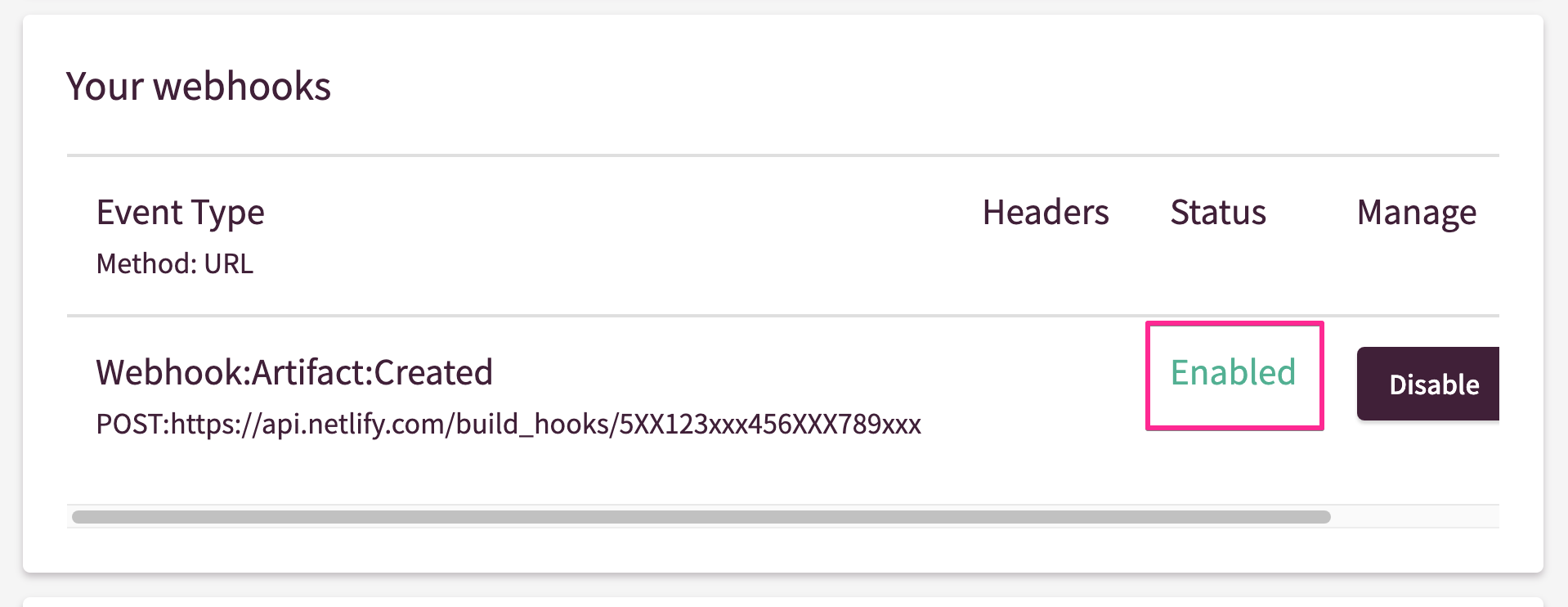
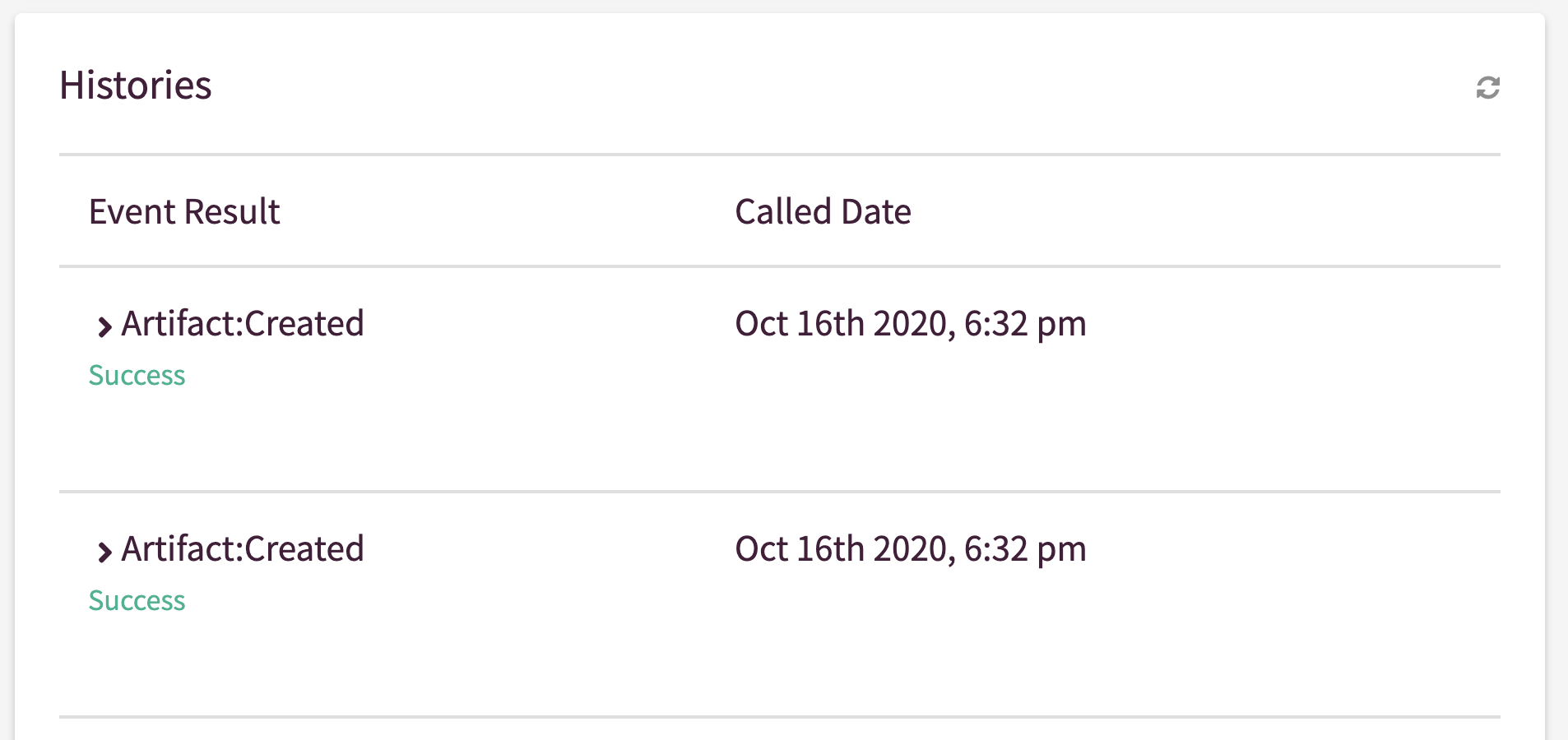
Next, build the artifact, then scroll down this page to check the publication status. If the Netlify webhook was published successfully, 200 (OK) should be displayed.
Need another integration?
You can use webhooks to send events to various destinations, such as GitLab and WordPress. You can also integrate Netlify with Slack to receive status notifications. Check out Netlify’s blog posts and support documentation on webhooks.