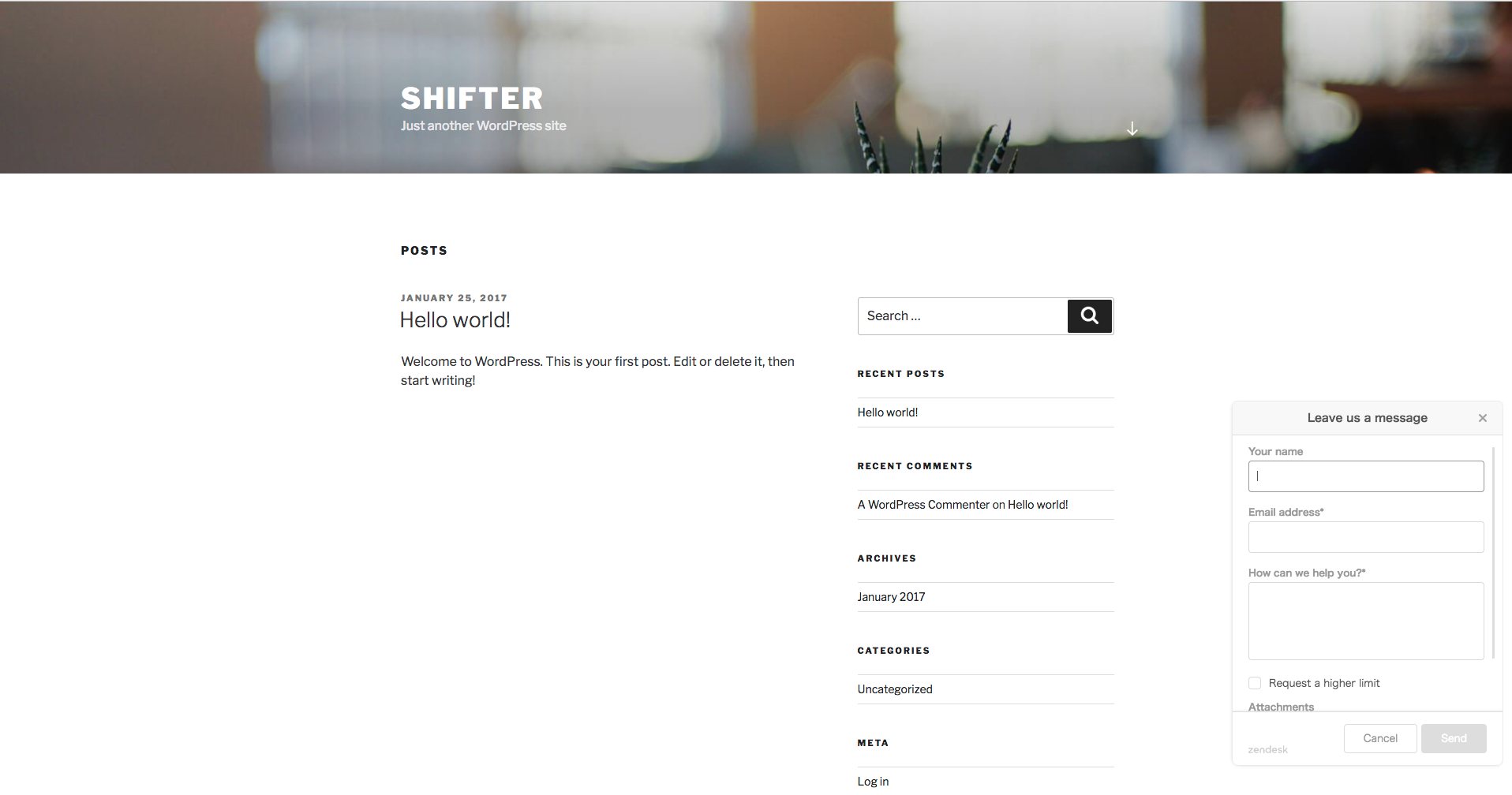
By integrating Zendesk with your WordPress website, you can provide your users with an interactive help widget.
Zendesk Integration Steps
Follow the steps below to integrate Zendesk with WordPress.
Step 1: Create a Zendesk Account
First, sign up for Zendesk. You can create a Zendesk account on the “Let’s get started” page.
Step 2: Install the Zendesk Integration Plugin
Install the Zendesk integration plugin on your WordPress site hosted on Shifter. Zendesk provides the “Zendesk Support for WordPress” plugin to connect your WordPress site to Zendesk. Install and activate it.
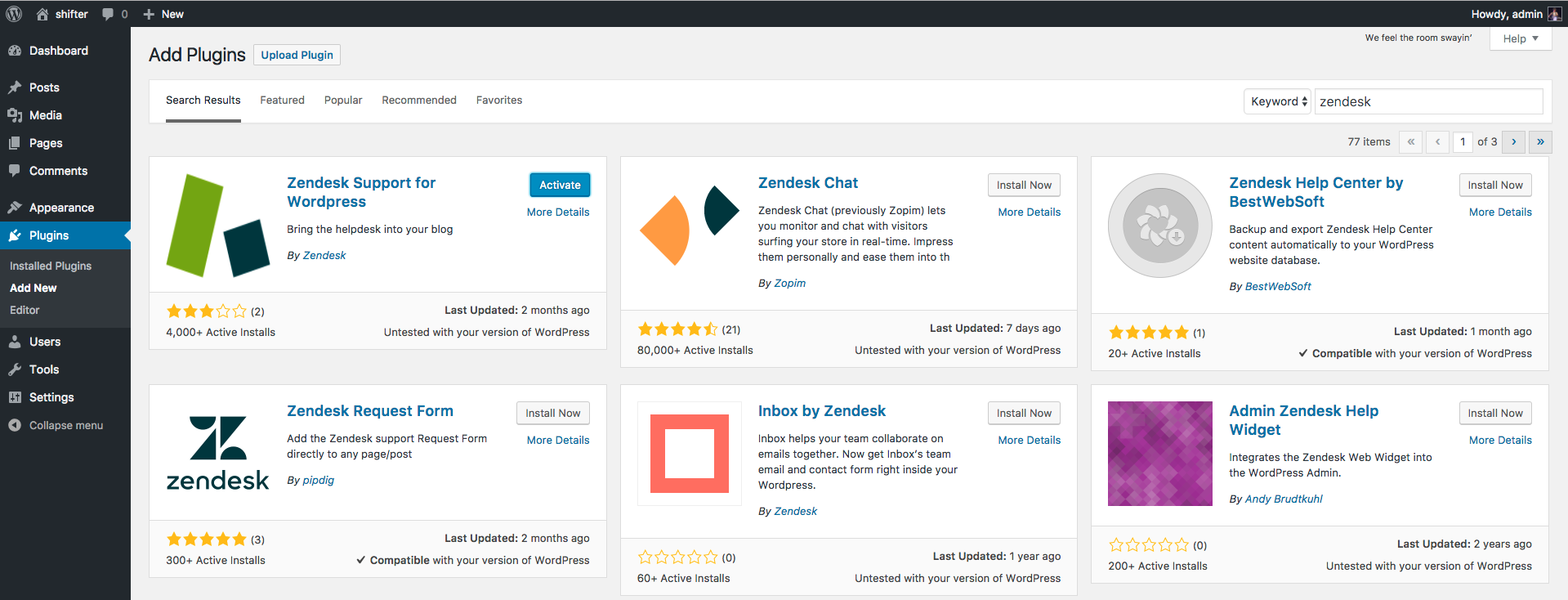
Step 3: Configure the Plugin
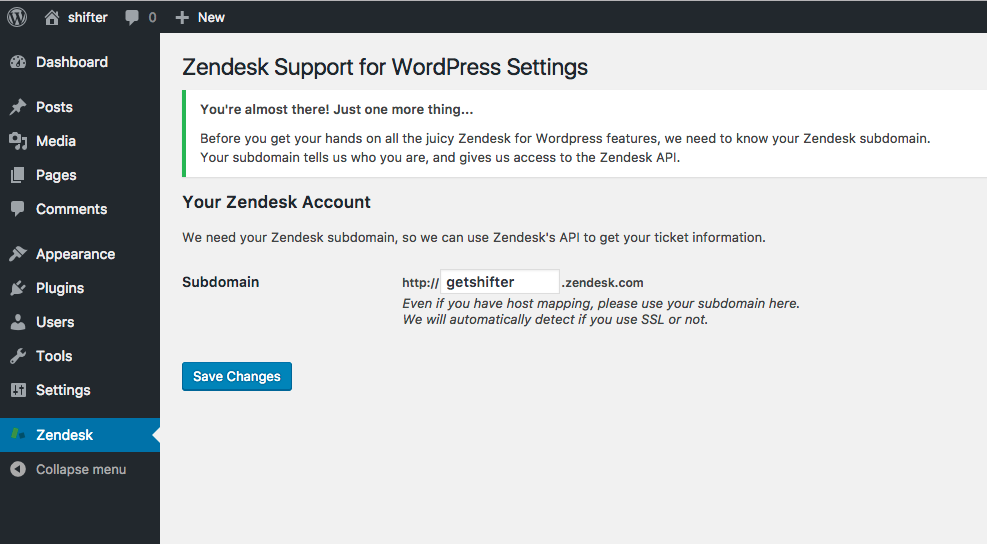
Once activated, a [Zendesk] menu will appear in the sidebar of your WordPress dashboard. Enter your Zendesk subdomain and click [Save Changes] to complete the initial setup.
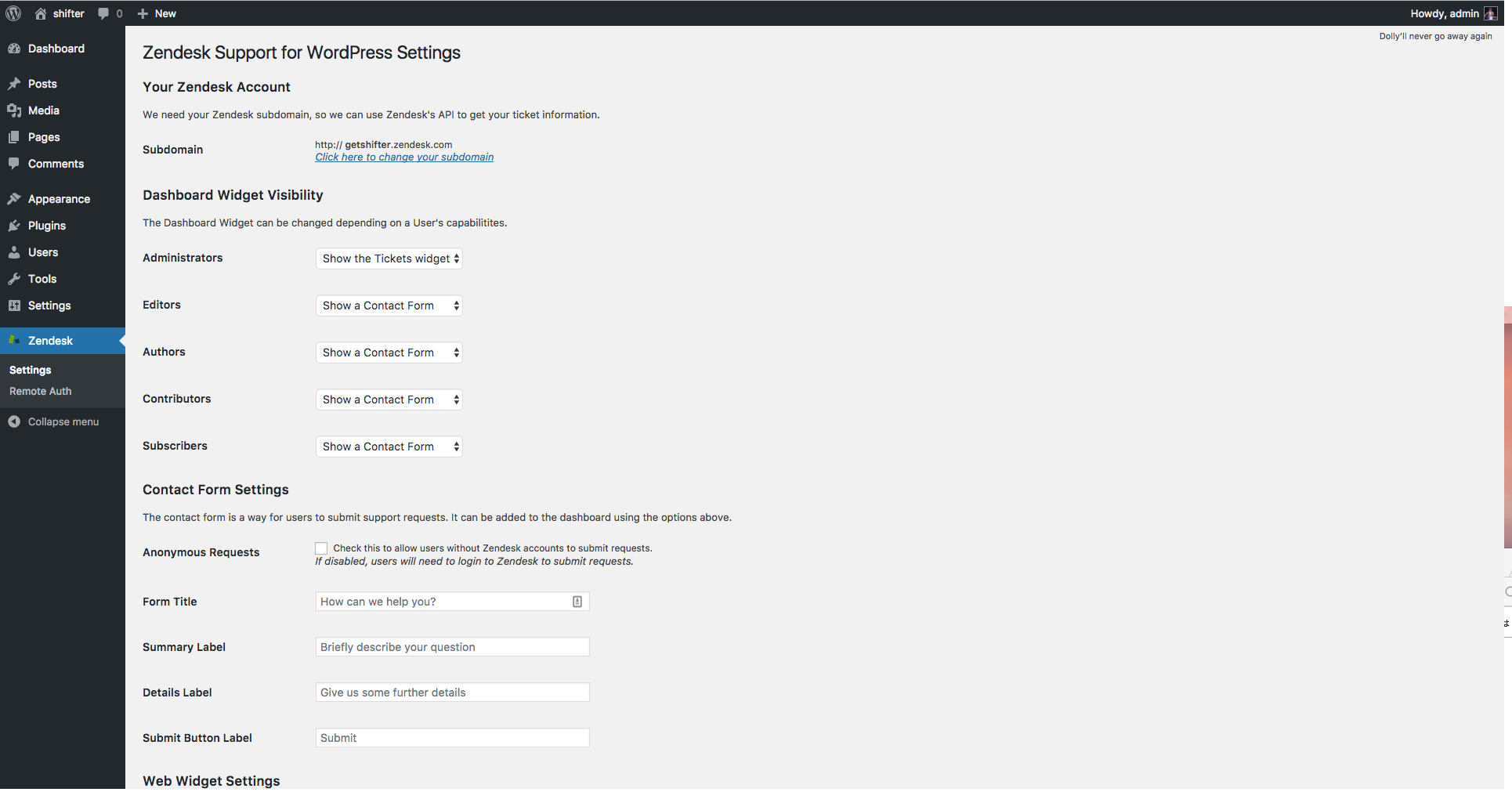
After the initial setup, you can modify the widget settings (display options, contact form, etc.).
Once the setup is complete, the “Zendesk Support for WordPress” plugin will add a widget to the lower-right corner of your site.
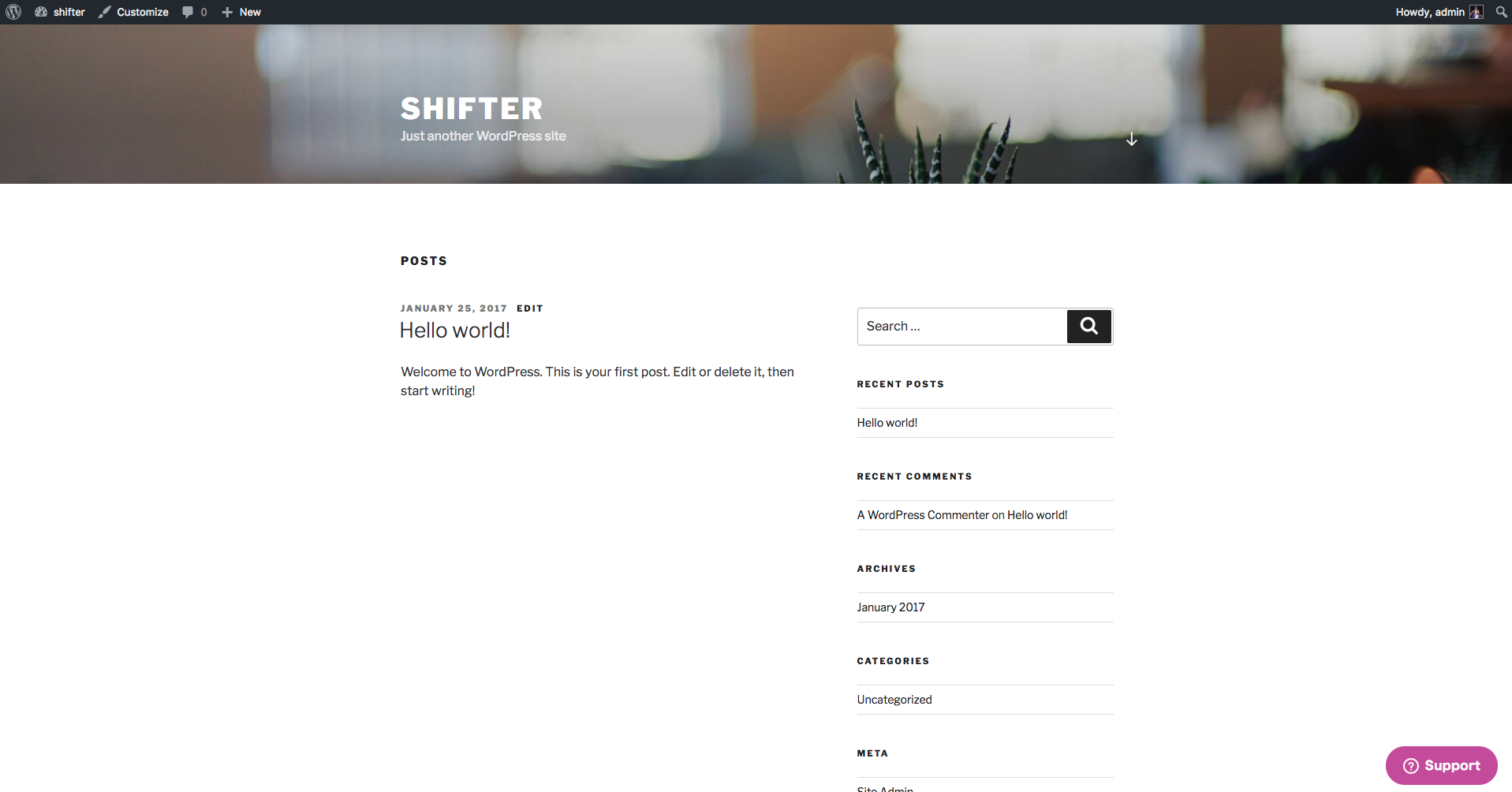
Step 4: Generate Your Site
Enable Zendesk Support and generate your site. Of course, the Zendesk widget will work on sites generated by Shifter as well.
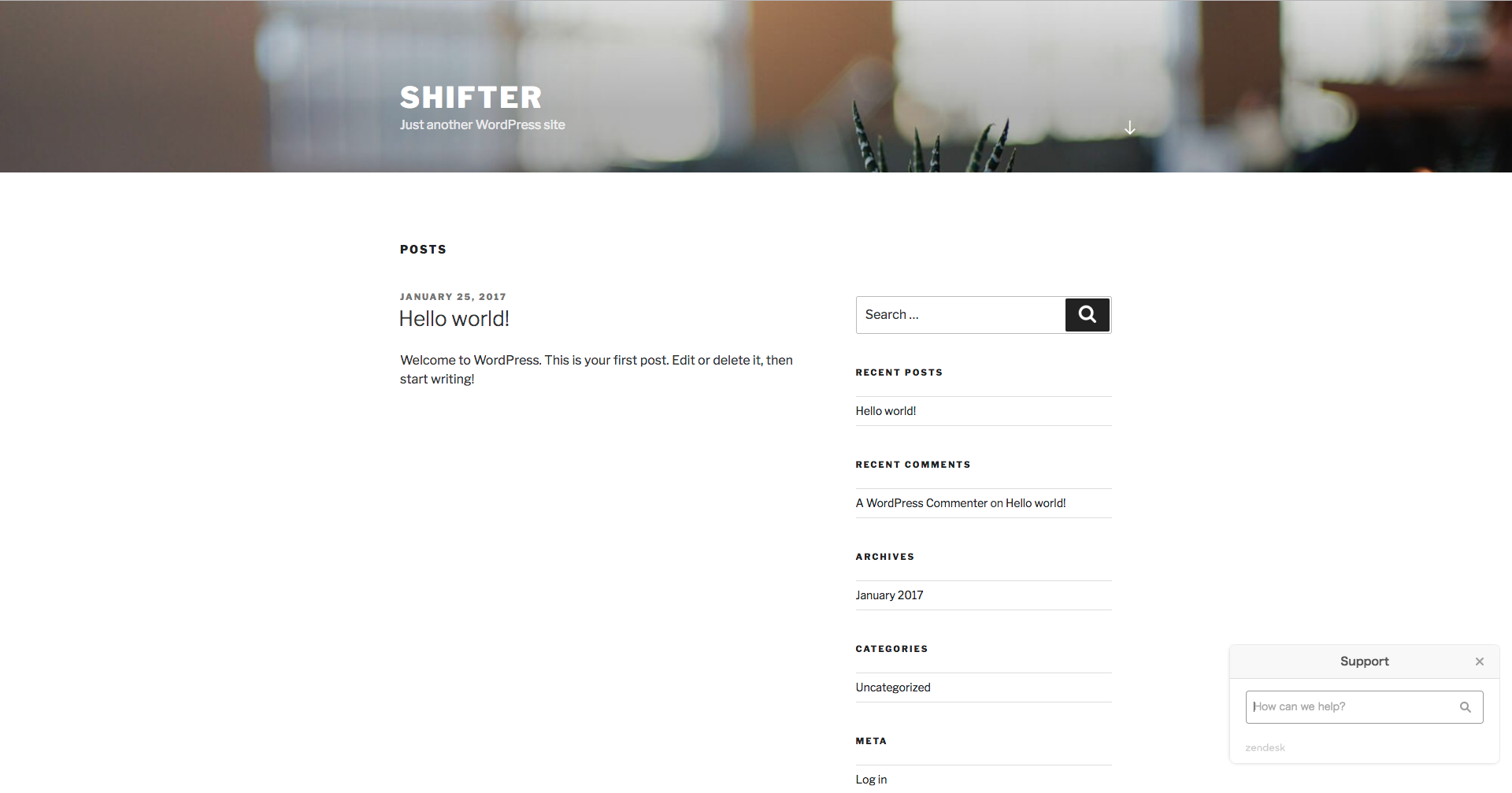
You can quickly search the Help Center.
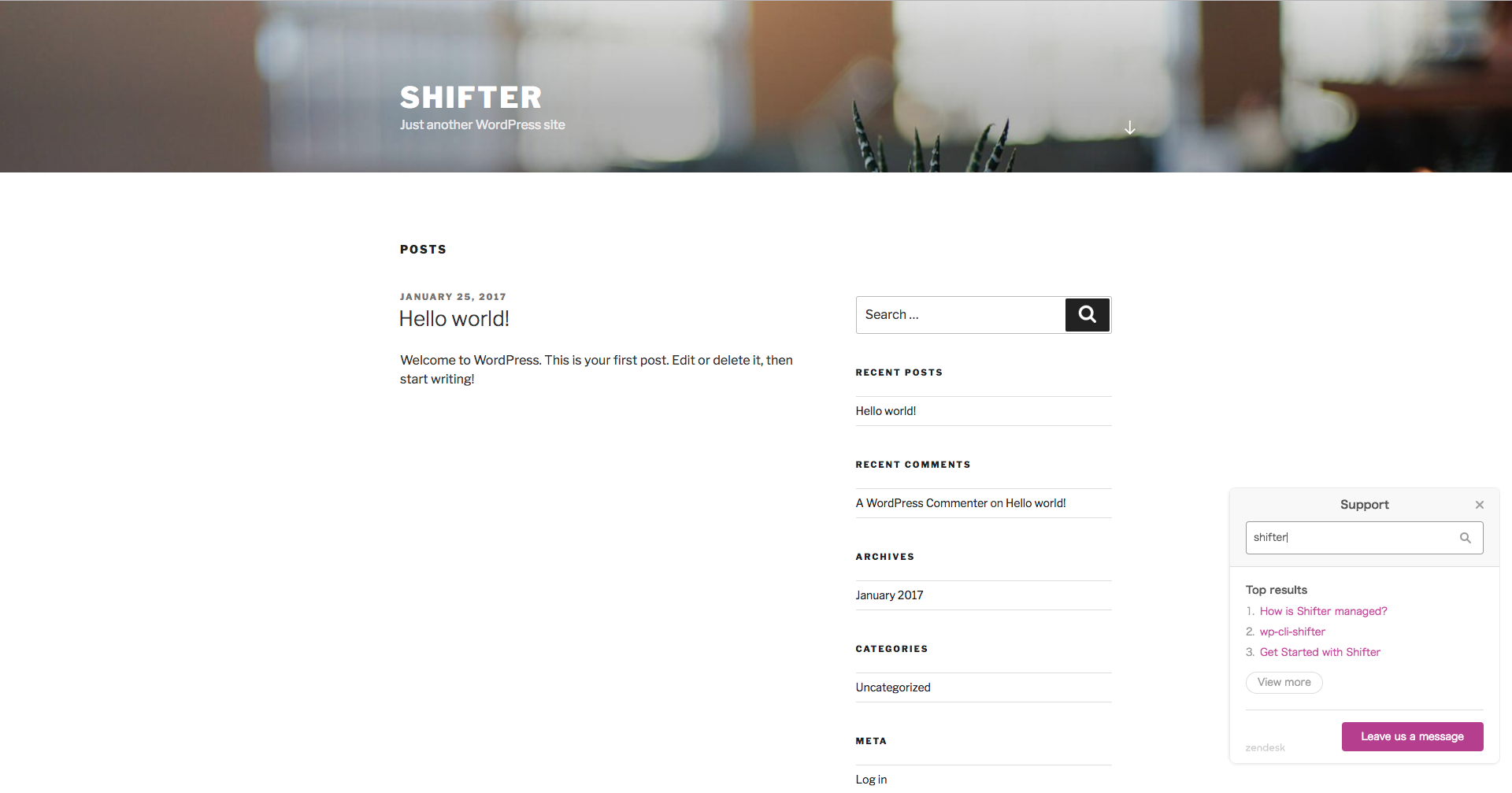
Messaging with Zendesk also works without any issues.