
You can delete an Artifact by following the steps below.
-
Log in to the Shifter dashboard ( https://go.getshifter.io/admin/sites).
-
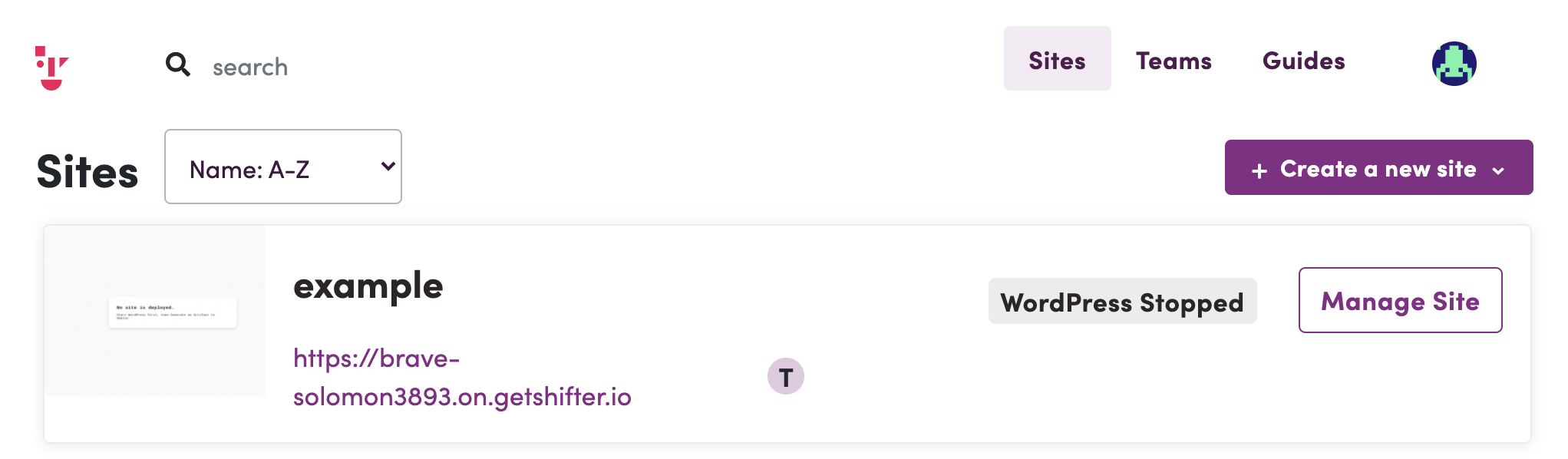
Go to [Manage Site].
-
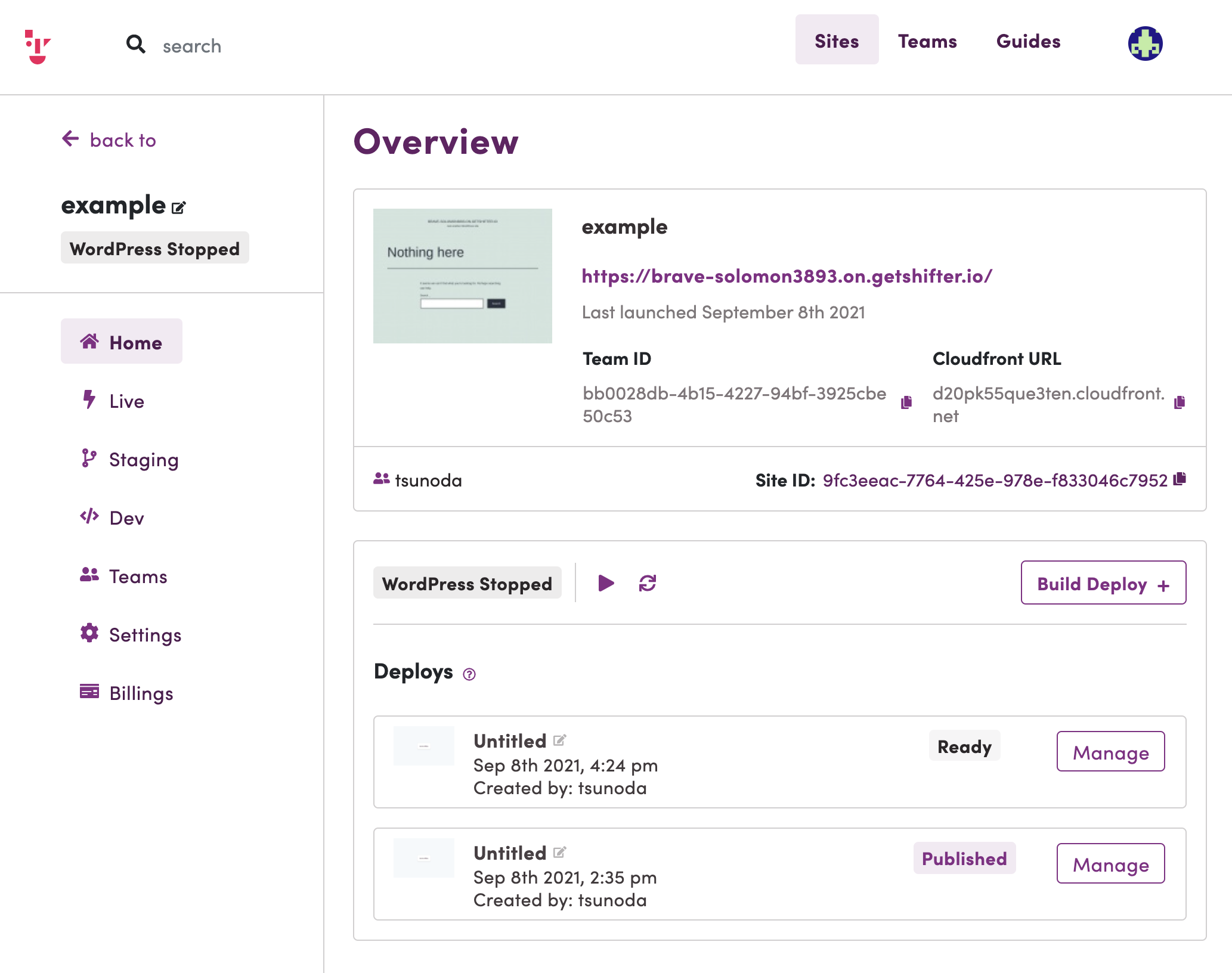
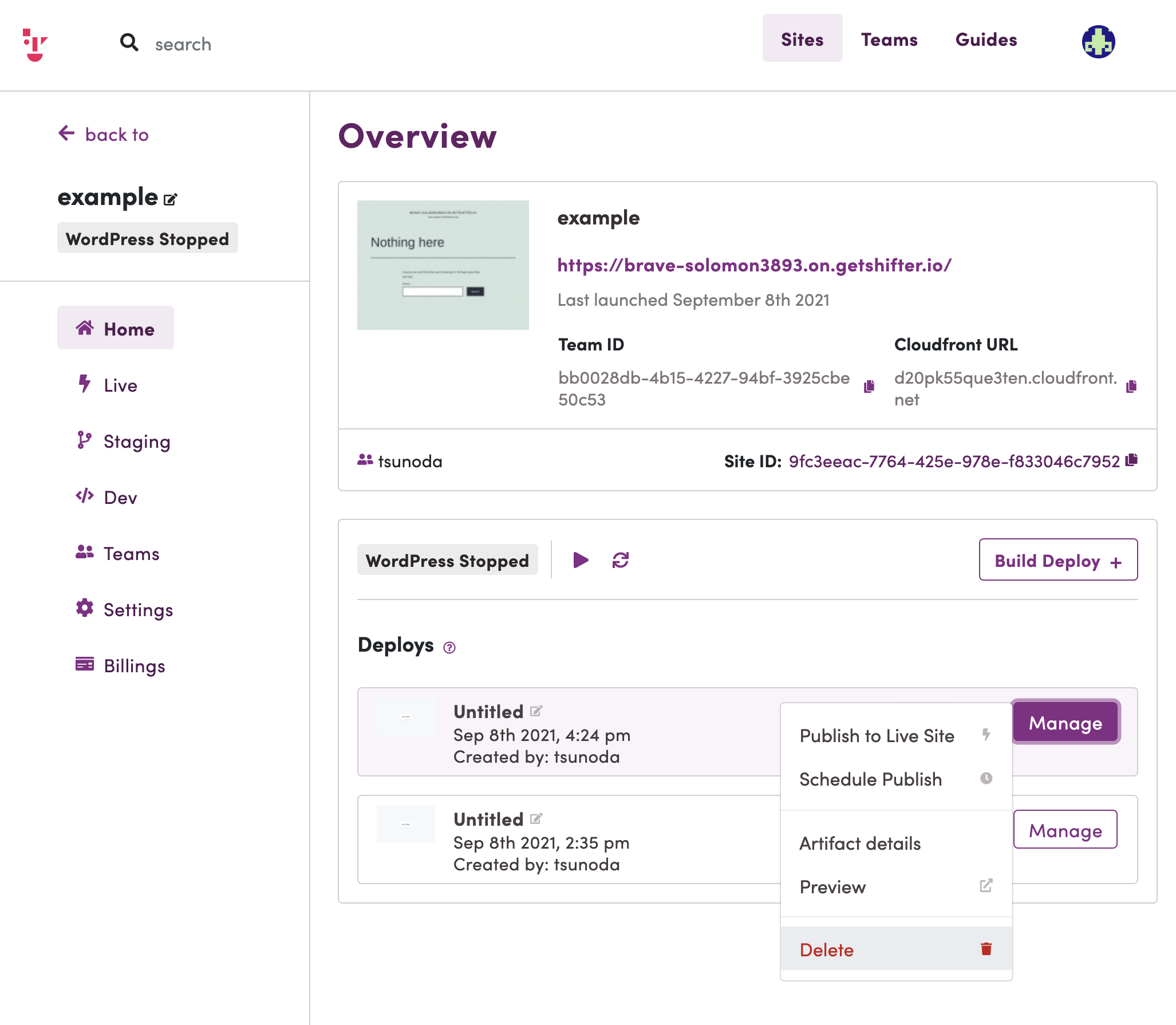
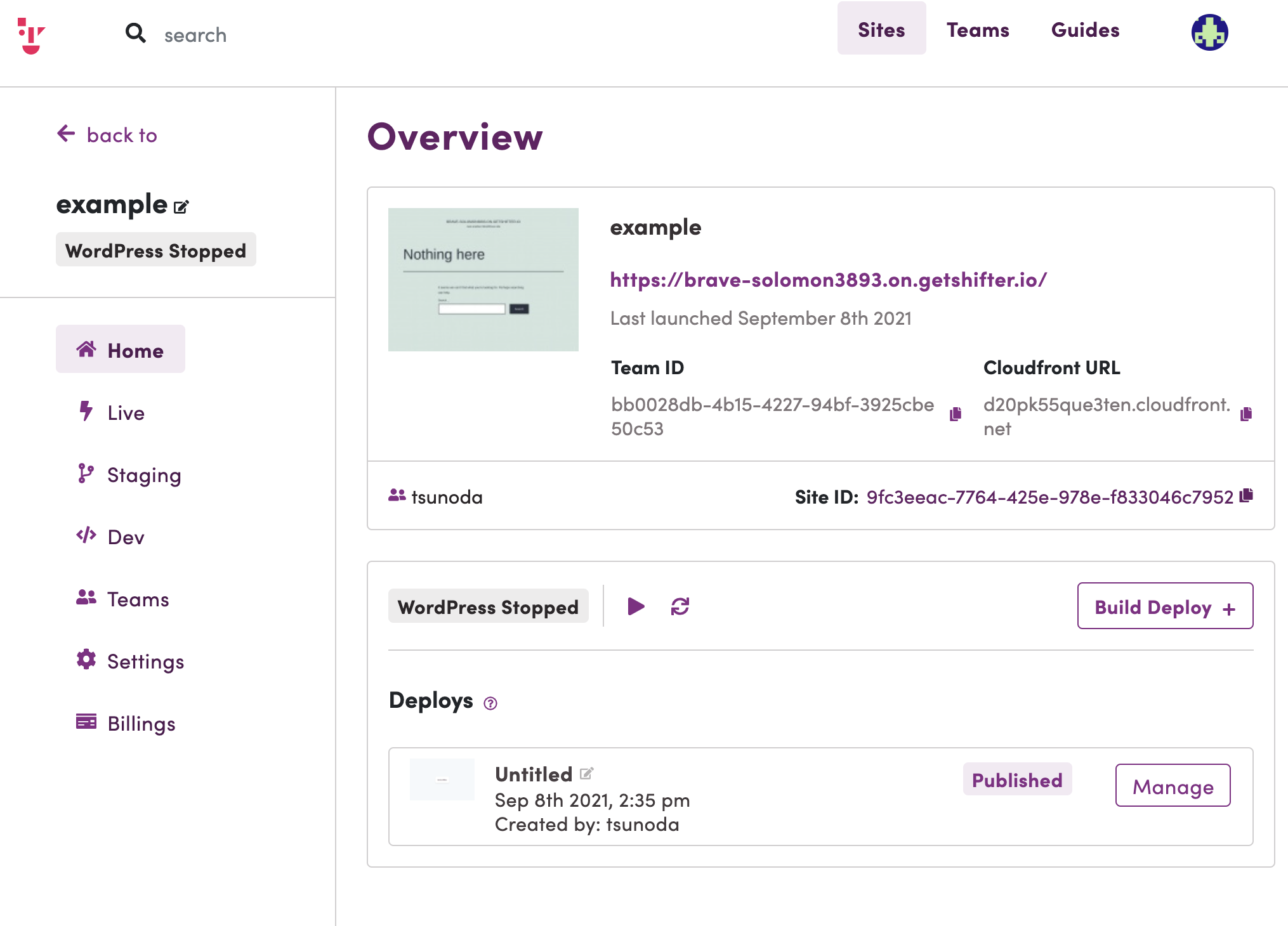
Go to Home and click the [Delete] button. Make sure the status of the target Artifact is “Ready.”
-
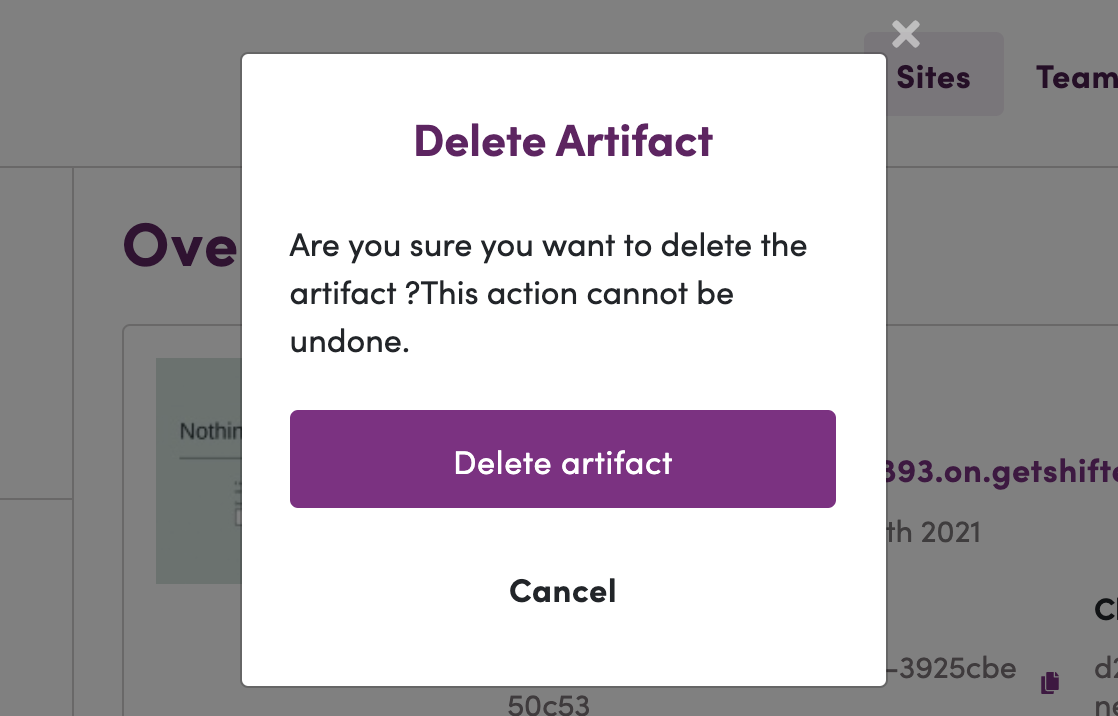
Click the [Delete artifact] button to proceed.
-
The artifact has been deleted.
-
That’s it!