
Add or Update Billing or Payment Information
How to Add or Update Registered Credit Card Information
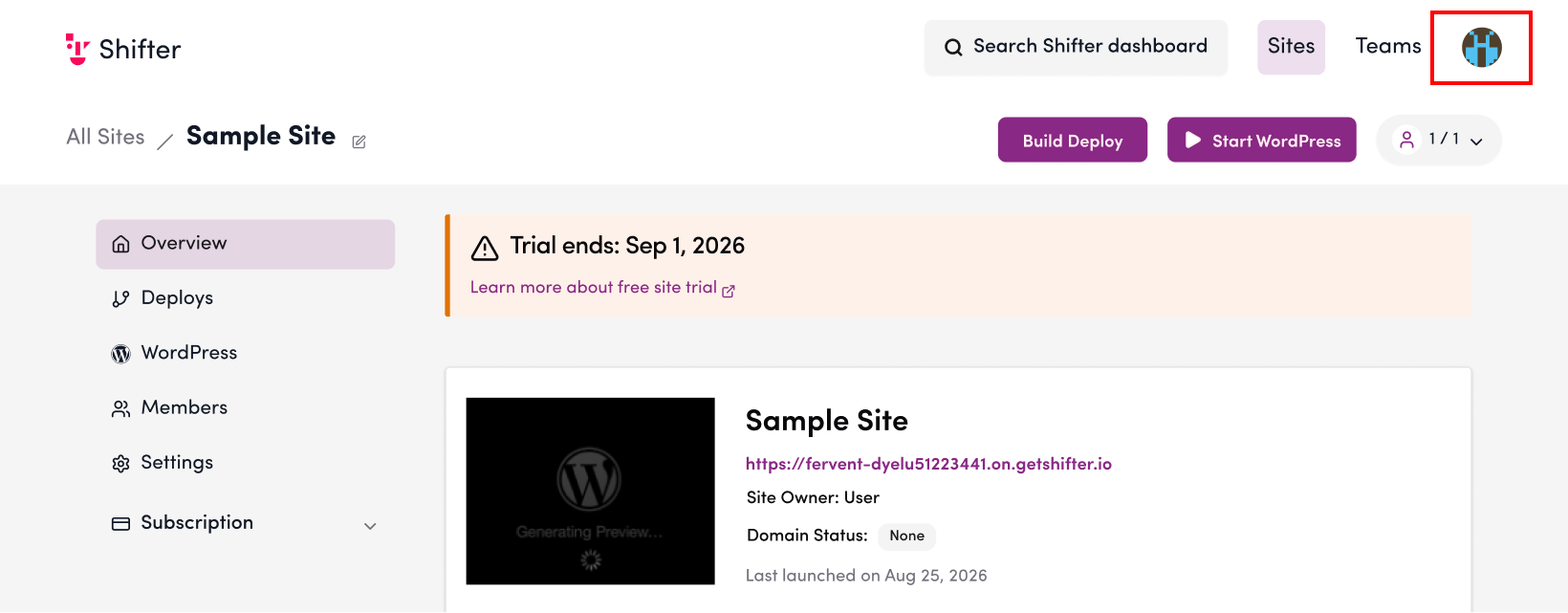
1. Click the account icon on the Shifter dashboard
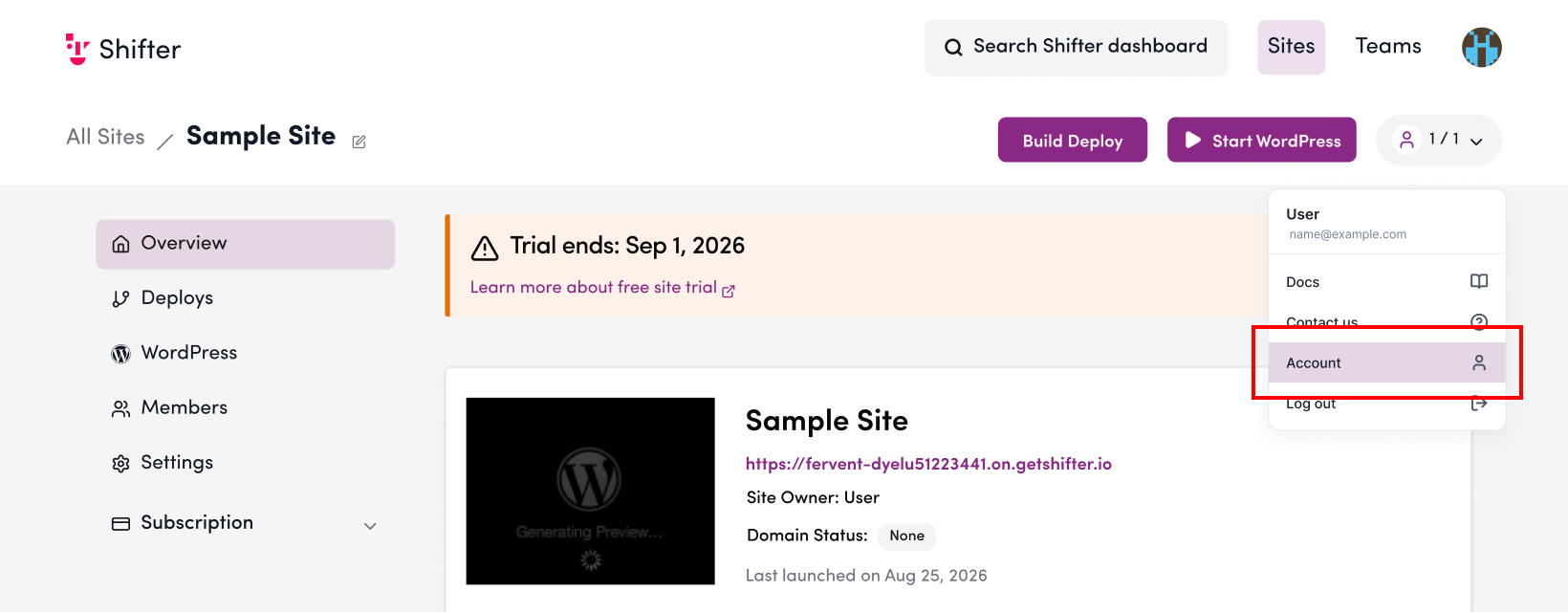
2. Click “Account”
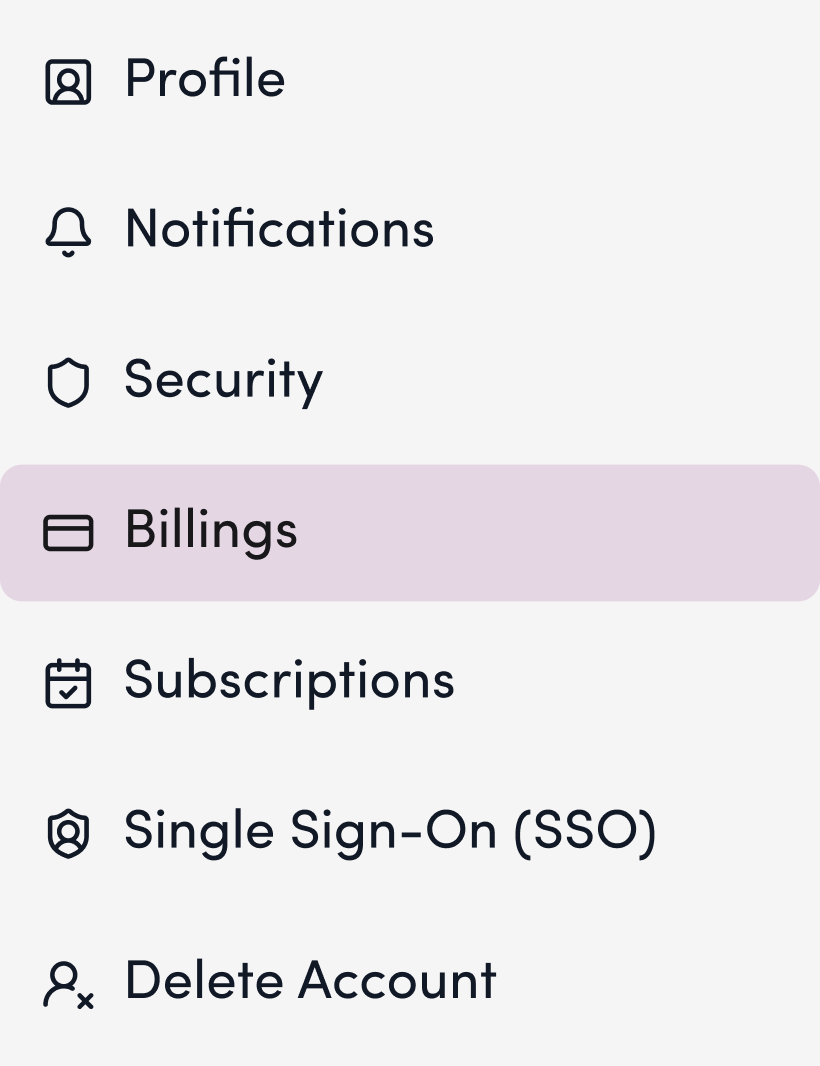
3. Click “Payment Information”
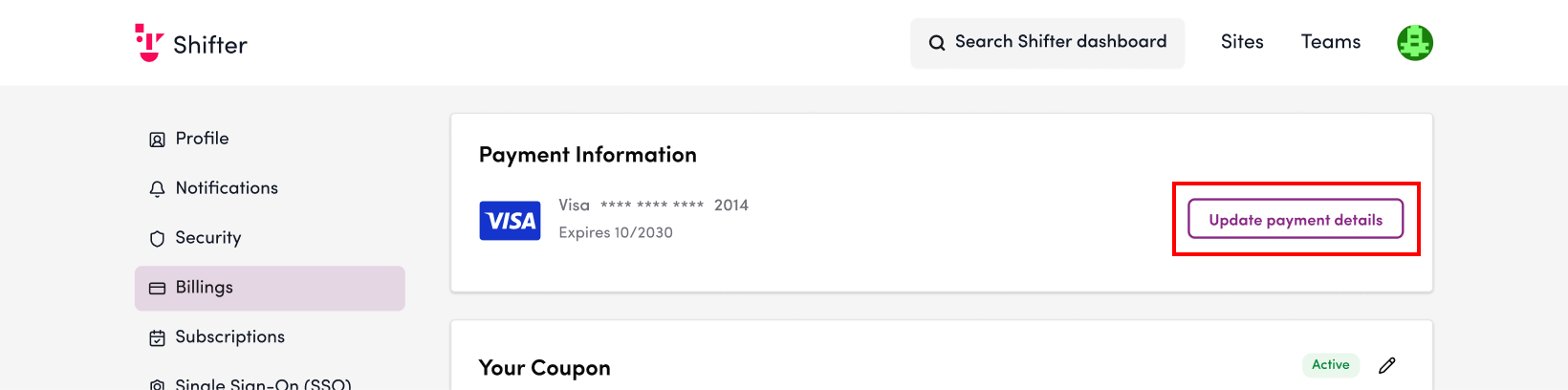
4. Click “Update Payment Method”
5. Enter the cardholder’s name, card number, expiration date, and security code
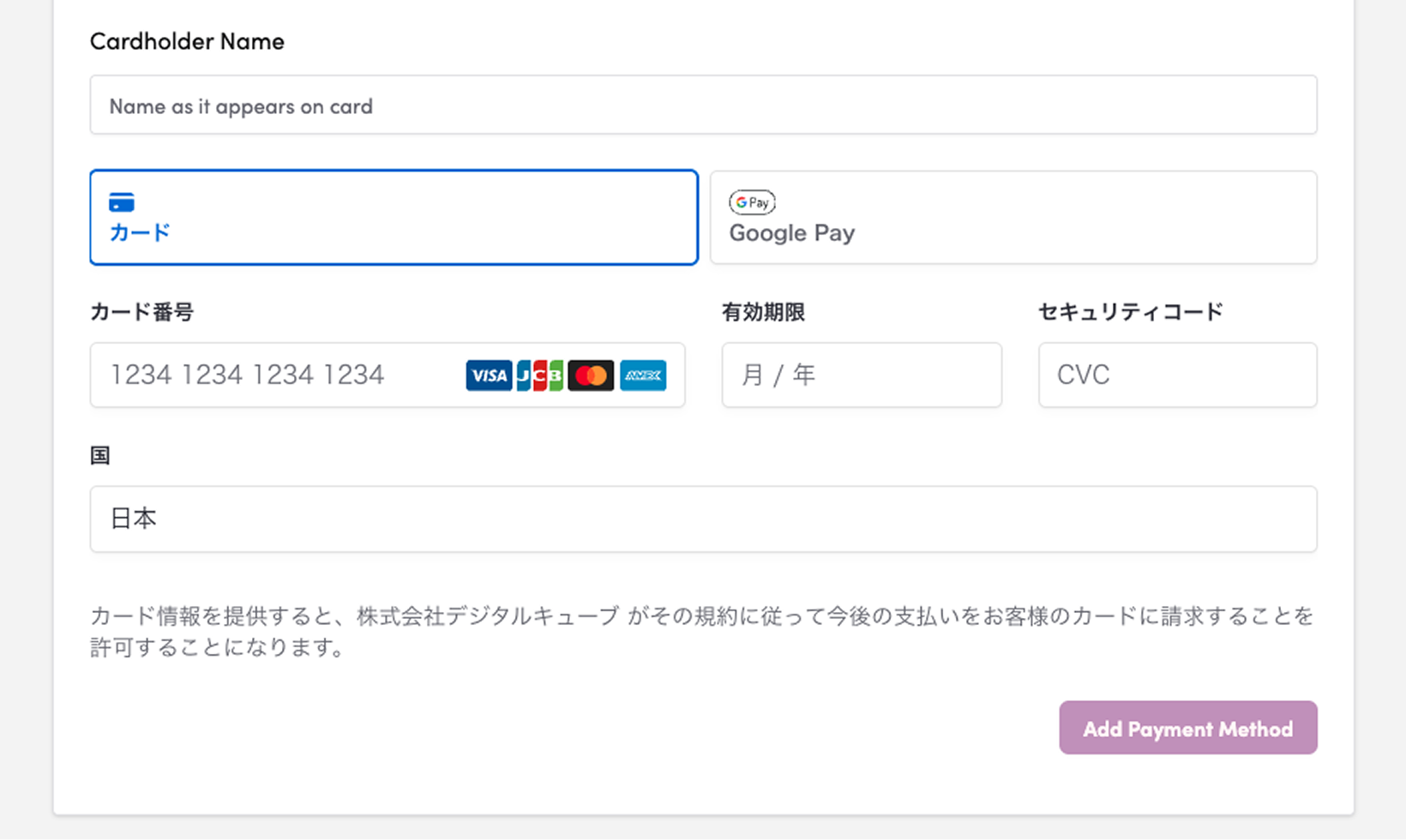
6. Click “Add Payment Method”

For cards that support 3D Secure, a screen for identity verification by the card issuer (such as entering a one-time password) will appear. Please complete this verification.
7. If the message “Card saved” appears, the update was successful

8. Verify that your credit card information has been updated correctly
