
In some WordPress environments, uploaded images may not be displayed.
To resolve this, you must take one of the following actions:
A. Enable Media CDN to offload images
B. Enable custom fields to display images within the edit page
Here, we’ll guide you through Option B: How to enable custom fields to display images within the edit page.
1. The inserted image is not displayed

2. Click the three-dot icon in the upper-right corner

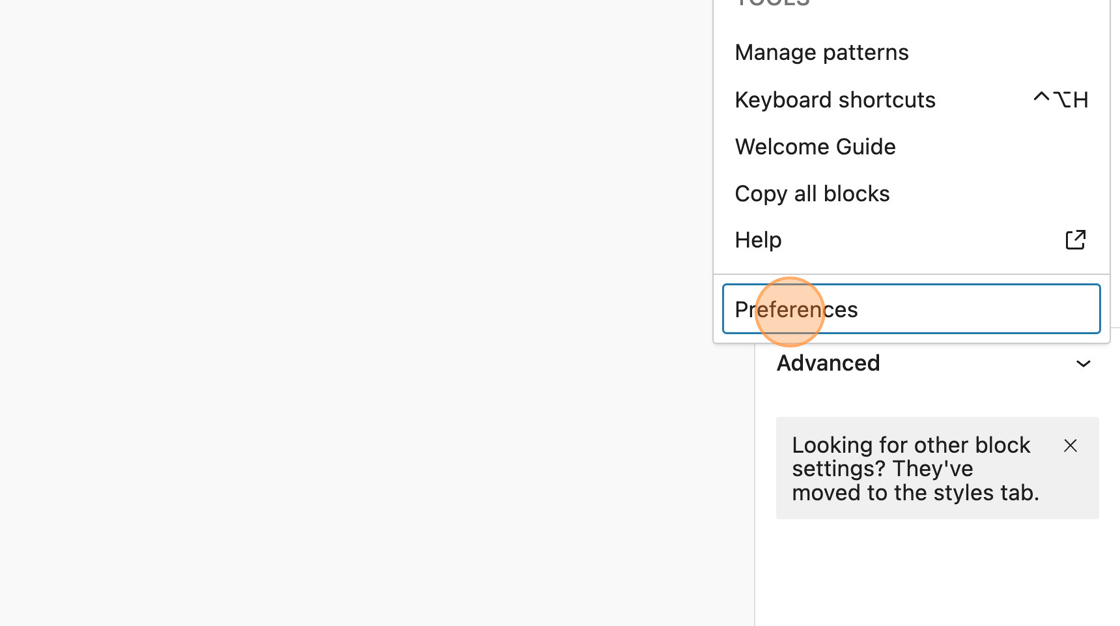
3. Click [Preferences]
4. Click the [Custom fields] toggle switch to enable it

5. Click [Show & Reload Page]

6. The image is now displayed.
