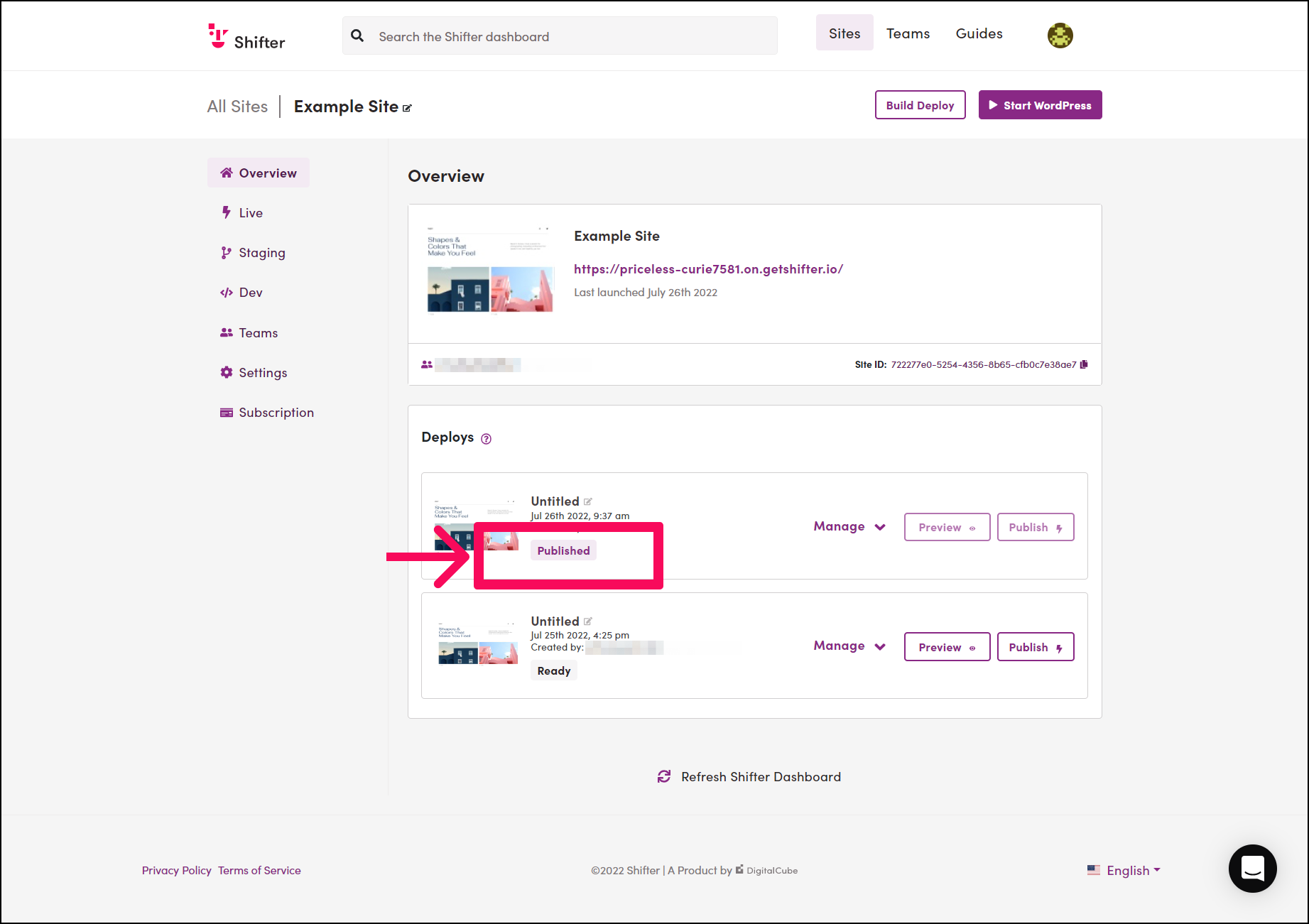
The following steps explain how to automatically publish artifact deployments in Shifter.
Procedure
- Log in to the Shifter dashboard:
- Go to the Shifter dashboard and log in.
- Select a site:
- Click the site for which you want to enable “Automatic Deployment.”
- Go to Site Settings:
- After selecting the site, go to [Site Settings].
- Enable Automatic Deployment:
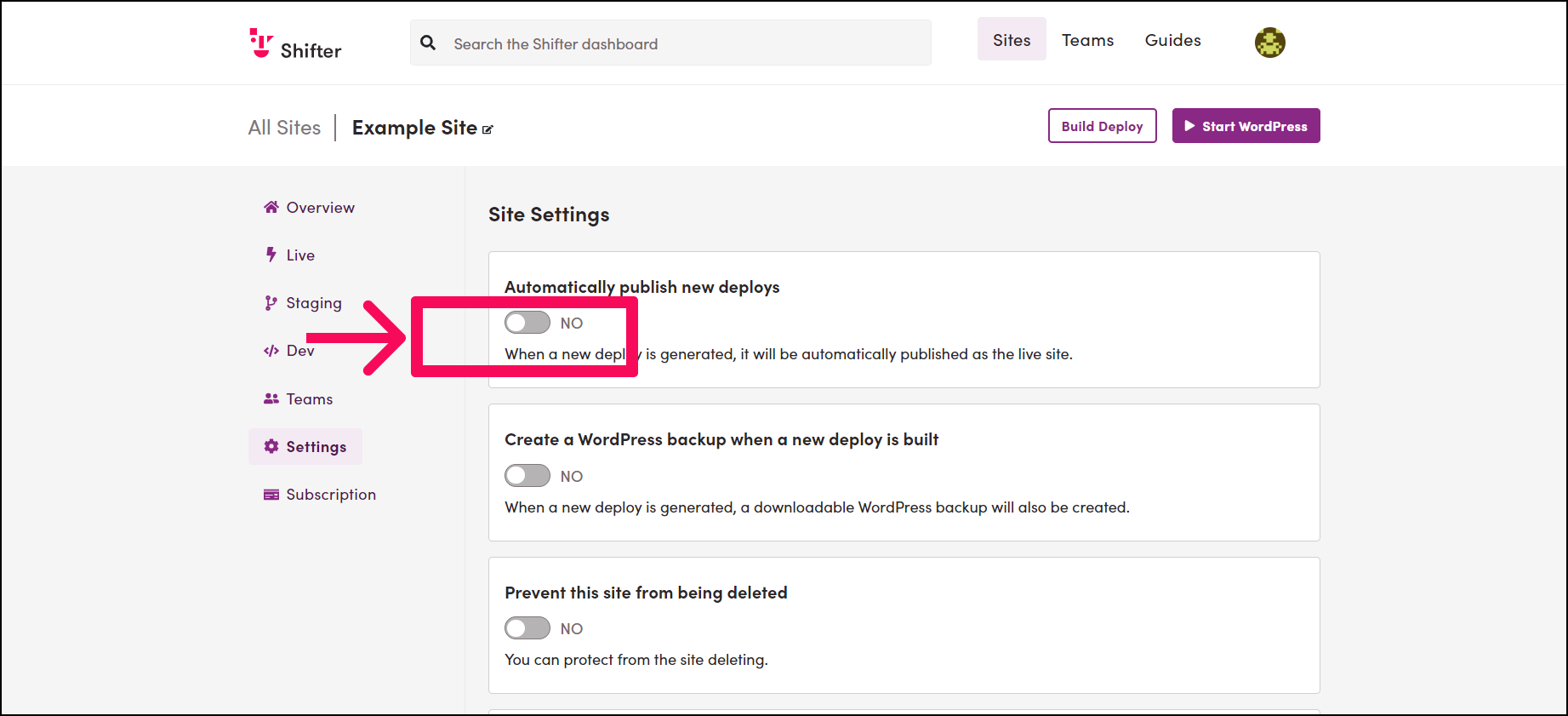
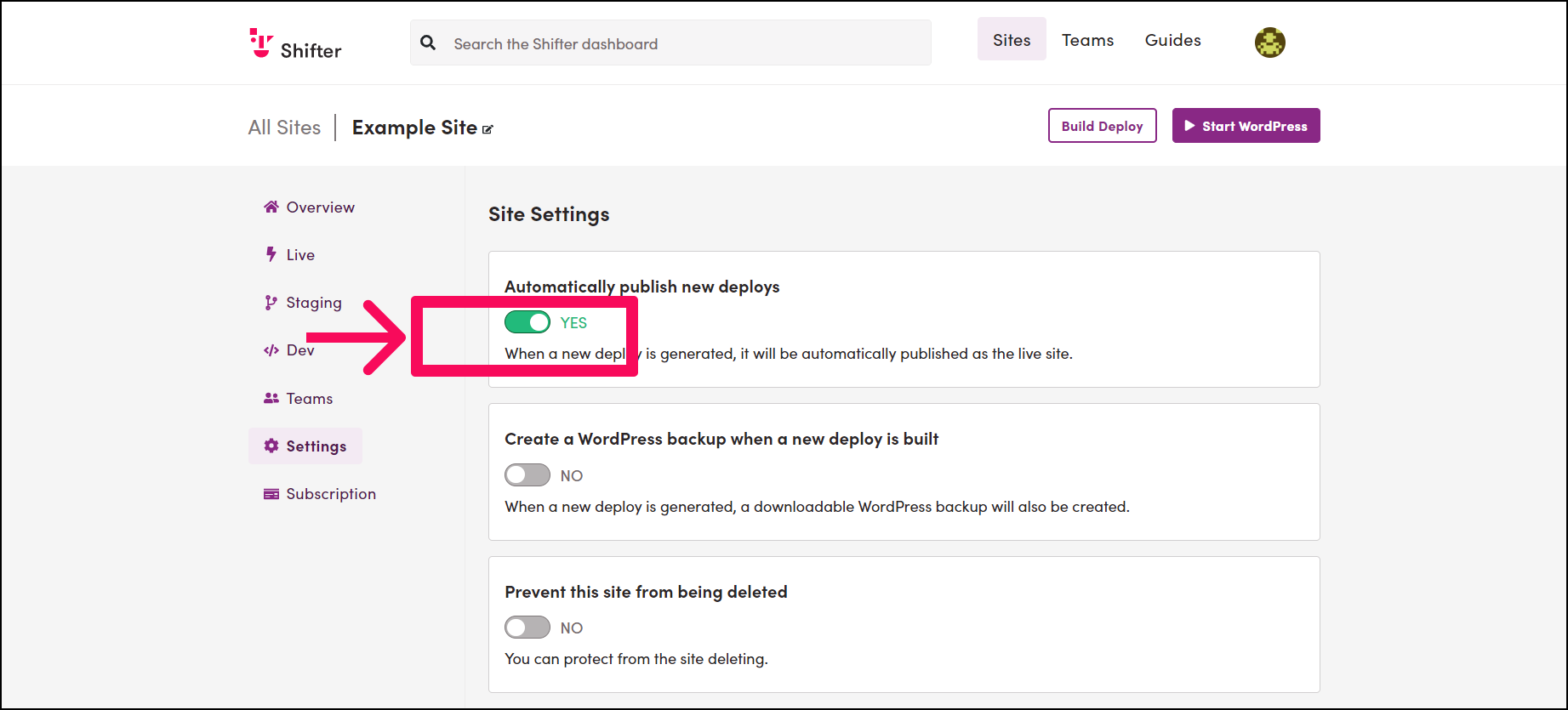
- Enable “Automatically deploy to the live site.”
- This feature is currently disabled.
- Click the toggle switch to enable it.
- Verify Automatic Deployment:
- Return to the Home menu.
- Create a new artifact:
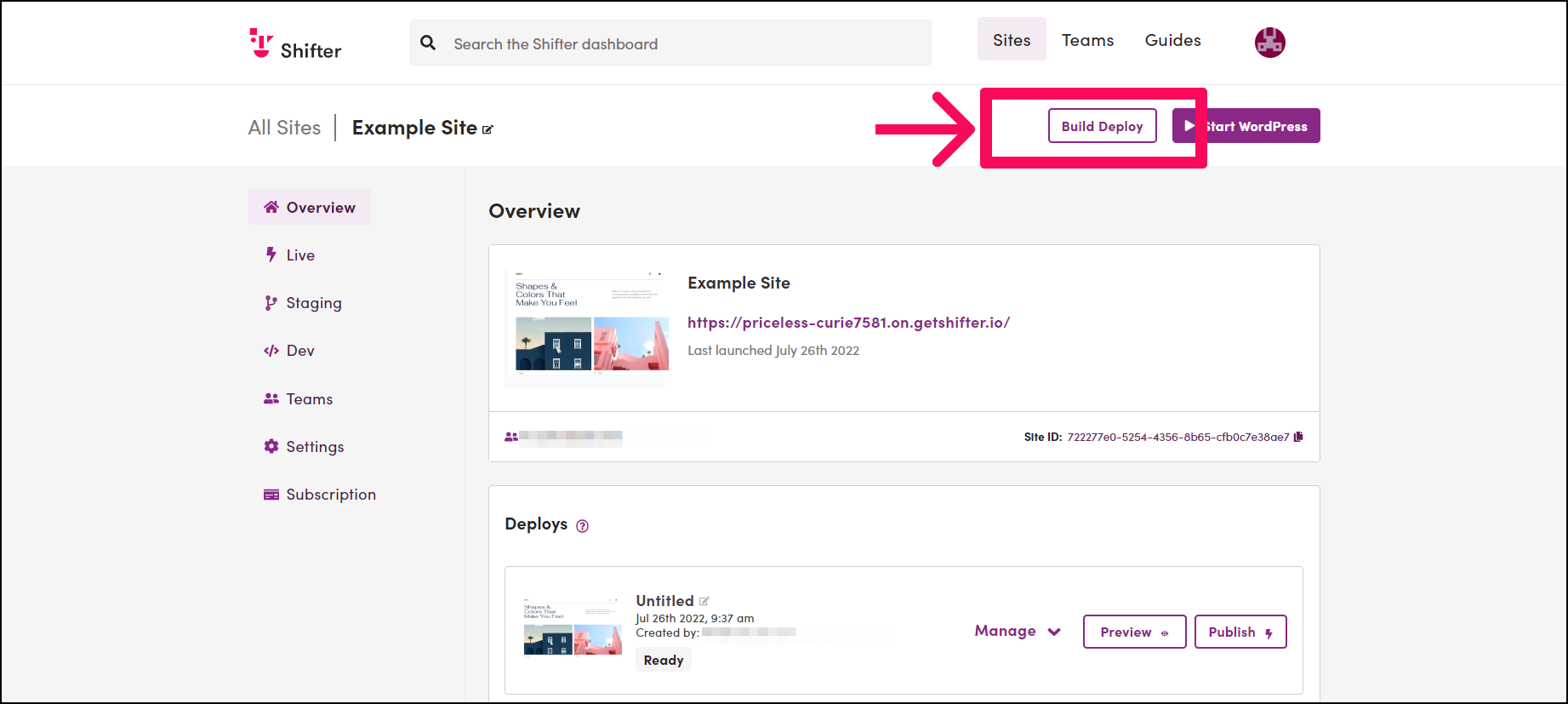
- Click the [Build Deploy] button to create a new artifact.
- Verify automatic deployment:
- Verify that the artifact is generated and deployed seamlessly.
- You no longer need to click the [Publish] button to publish the newly created artifact. “`