
For information on how to delete published content from Shifter CDN, see “ How to Delete a Published Site from Shifter CDN.”
If you delete content from the CDN, your website will appear as shown below.
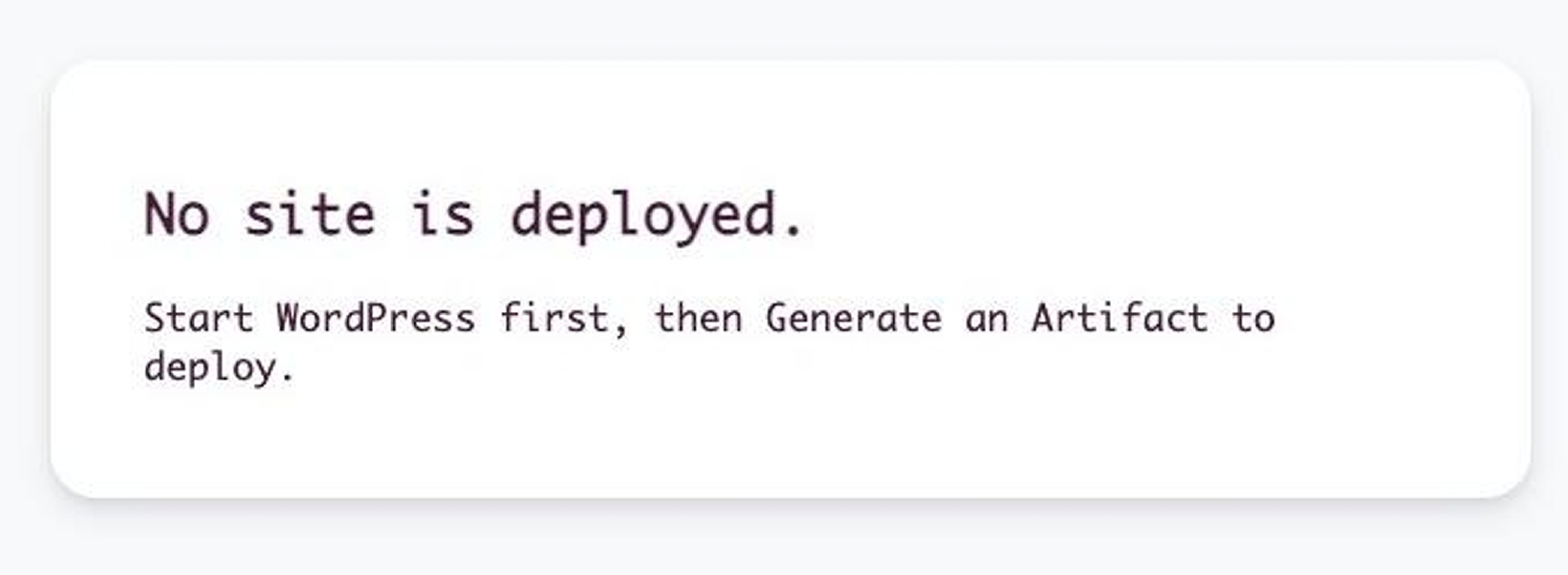
However, you can restore the content at any time by republishing the artifact.
Steps to republish an artifact
1. Log in to the Shifter dashboard.
2. From the site list, click “Open Admin” for the relevant site.
3. Scroll down to the “Deploy” section.
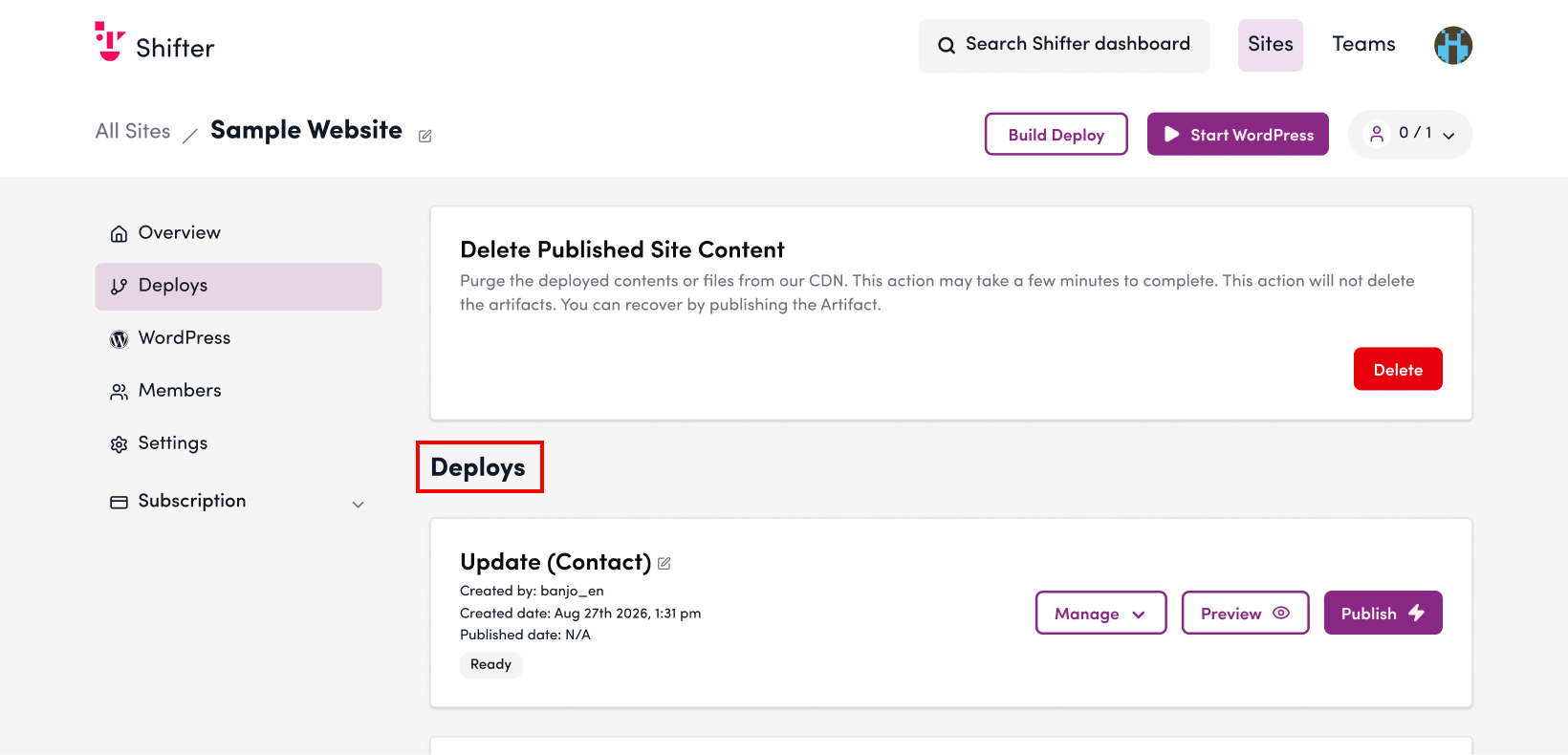
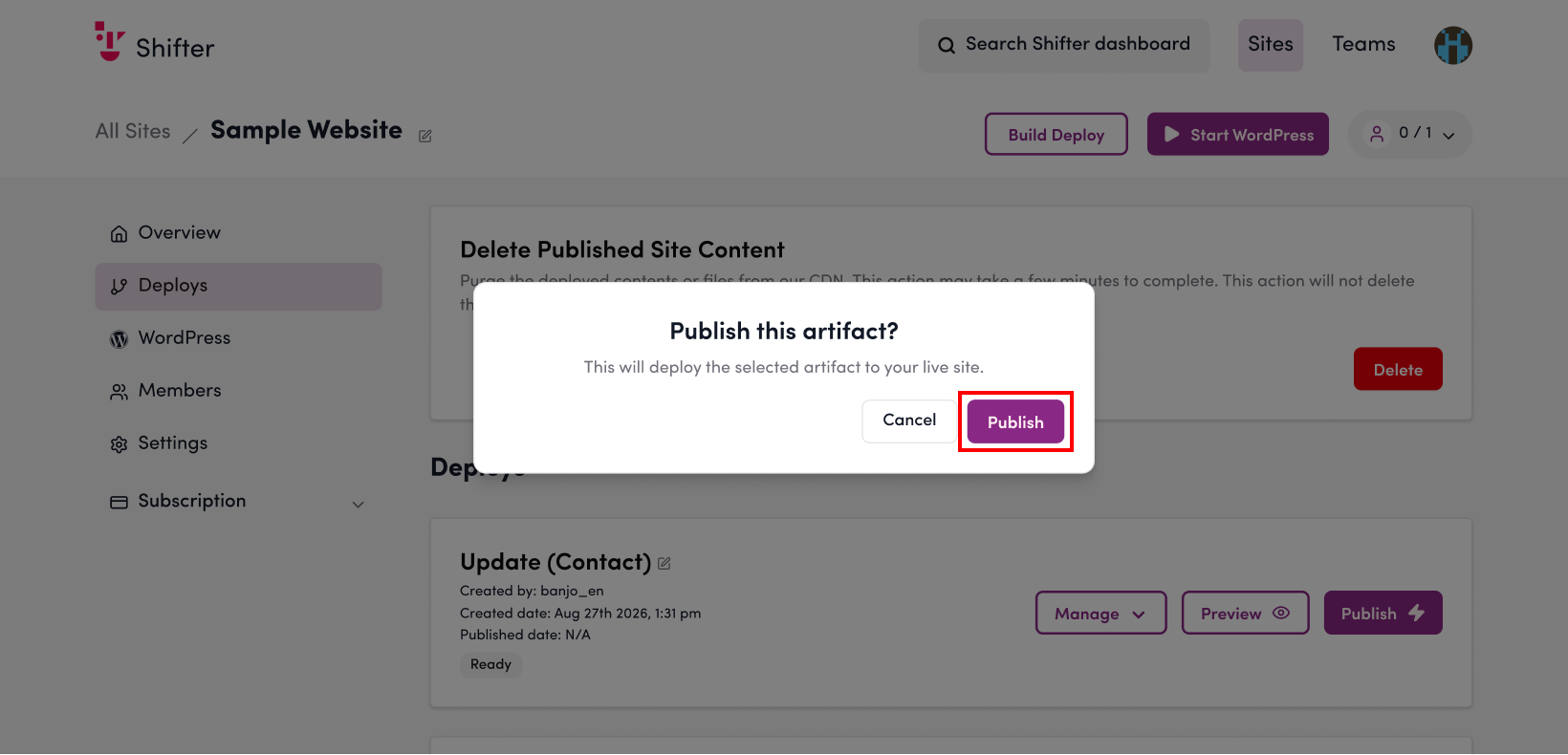
4. Click the “Publish” button for the artifact you want to republish.

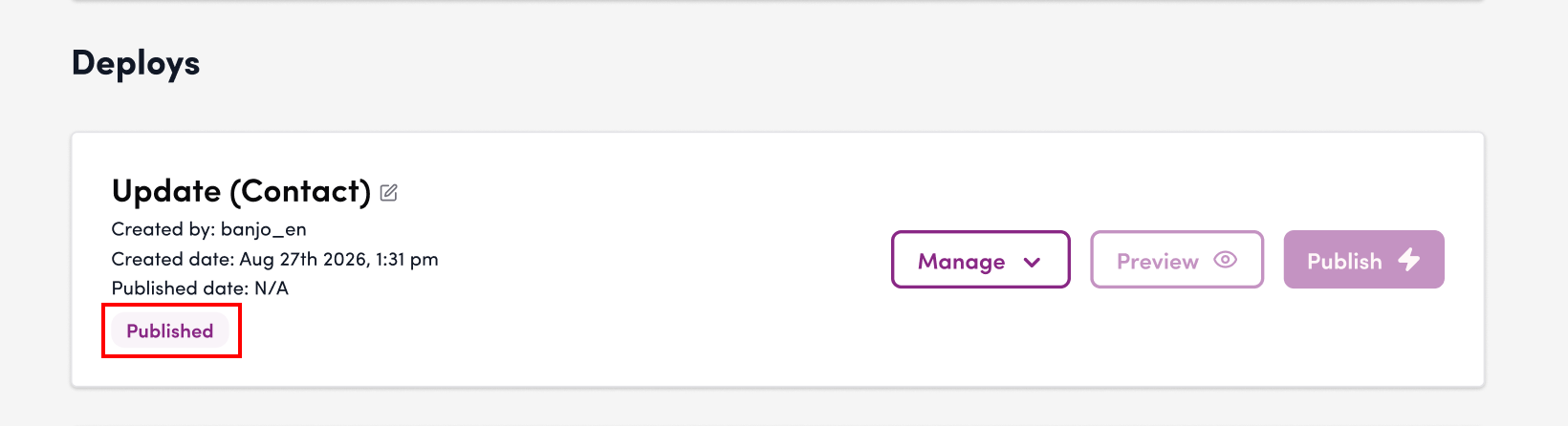
5. The artifact’s status will change to “Published” or “Publishing.”
6. Verify that the site is displayed correctly.
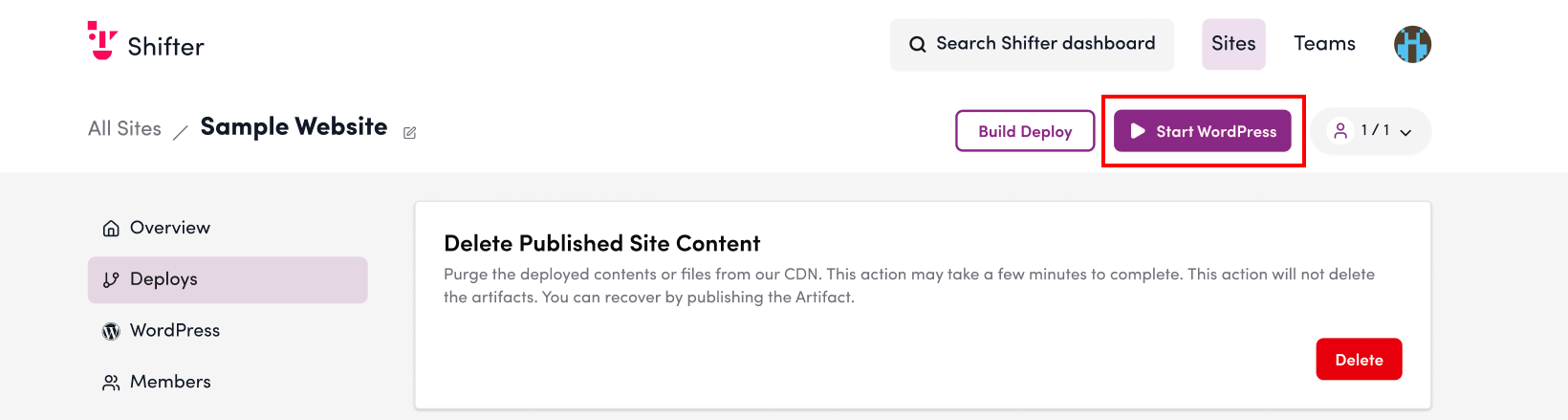
Click “Start WordPress” in the upper-right corner of the screen to launch WordPress.
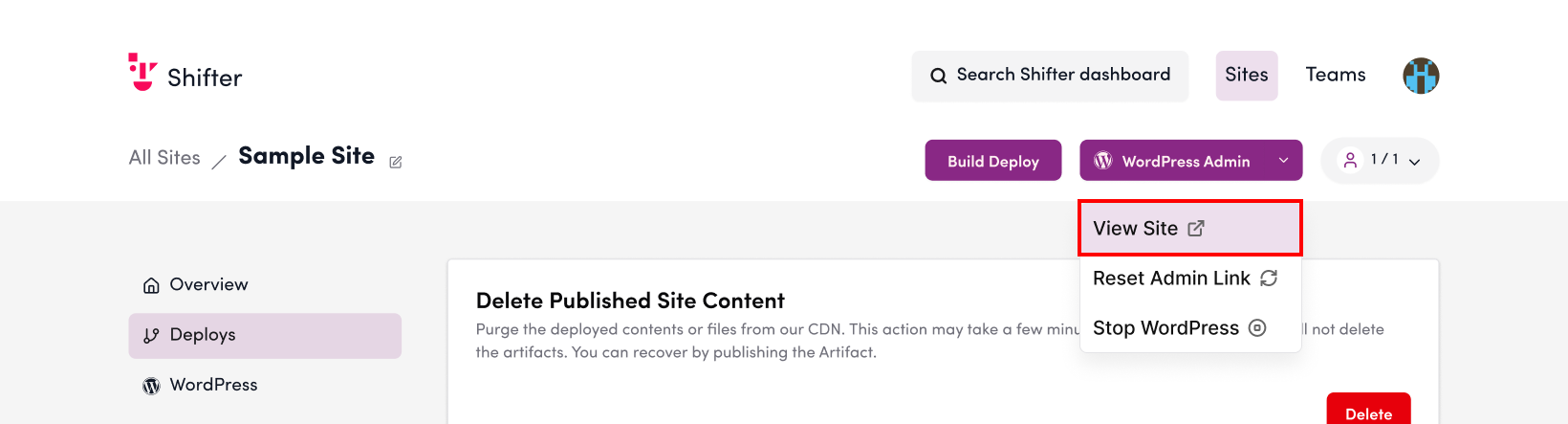
Click “View Site” in the dropdown menu to view the site.
That’s it!