
Important Notes
- If you own a Shifter Static site, a Shifter Headless site, or any associated domain names, you cannot delete your account. Before deleting your account, please check the Sites list page to ensure there are no remaining sites.
- Please note that even if you delete your account, you will not receive a refund for any fees incurred.
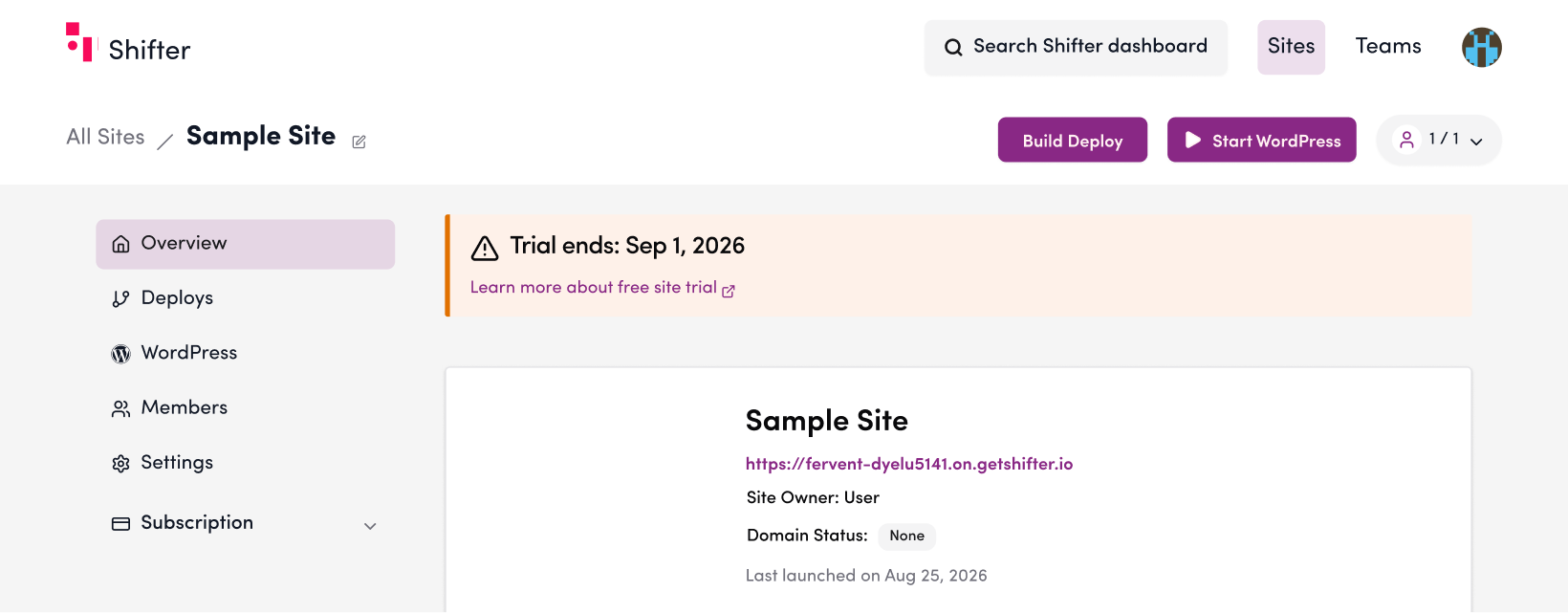
1. Click the account icon in the upper-right corner of the dashboard.
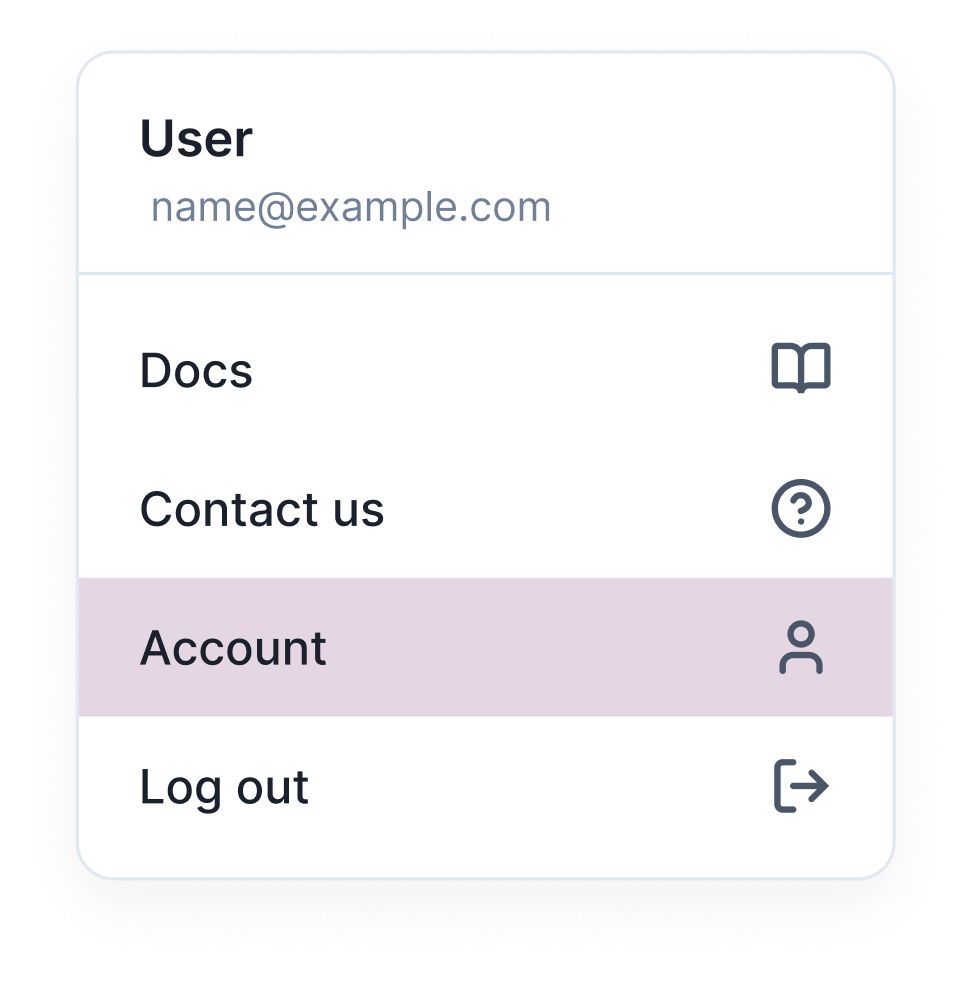
2. Select “Account” from the menu.
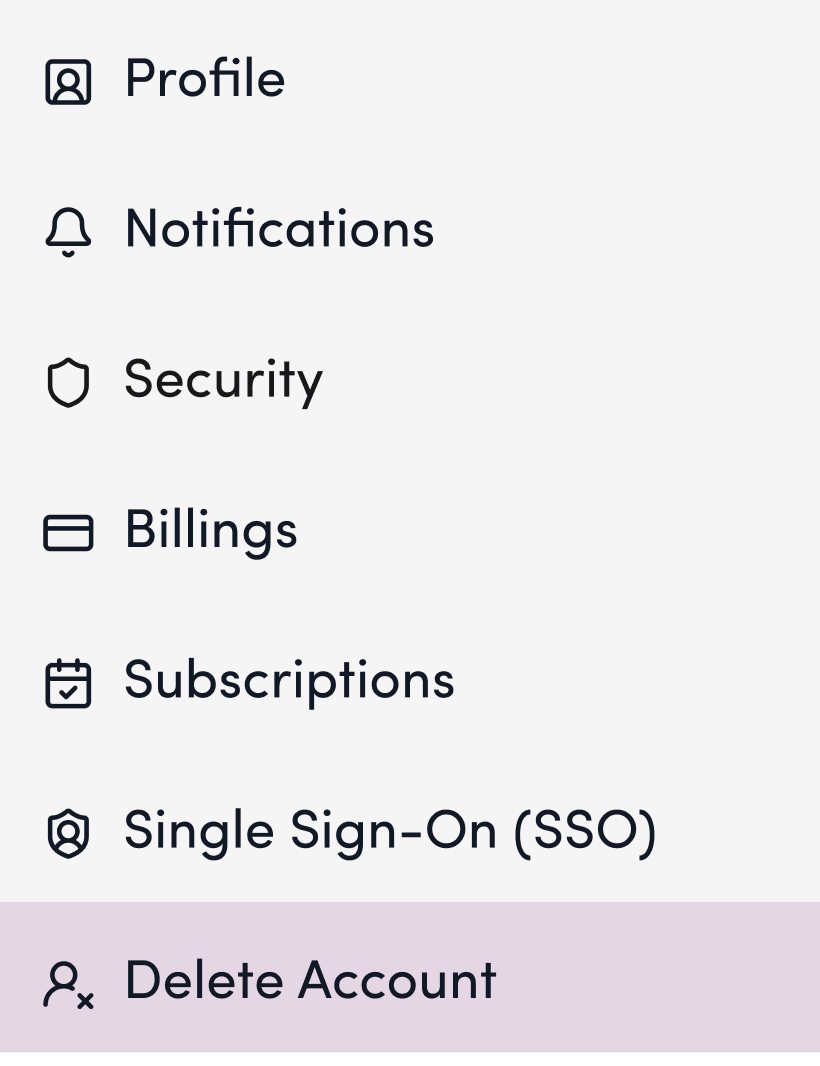
3. Click “Delete Account” in the left sidebar.
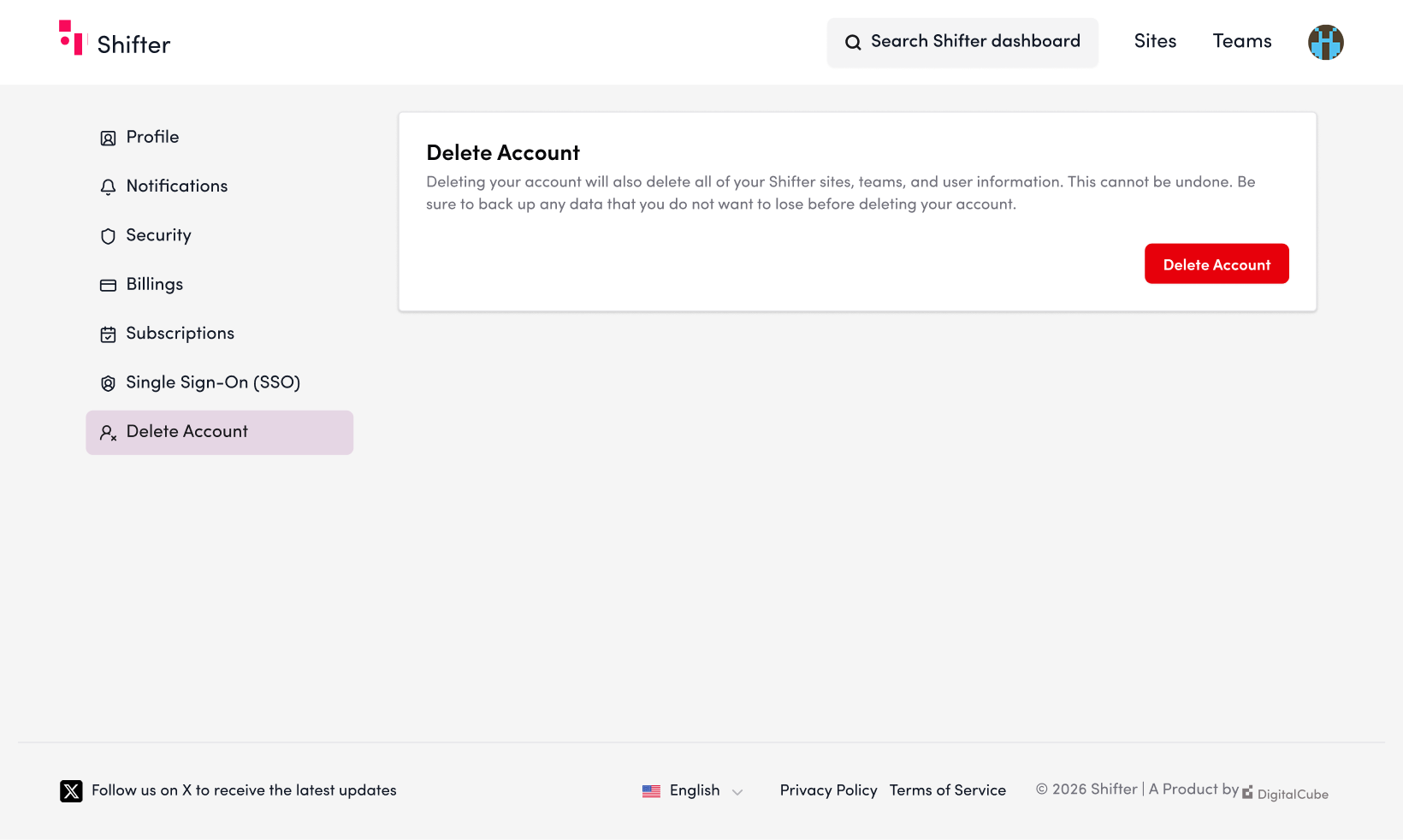
4. Click the “Delete Account” button.
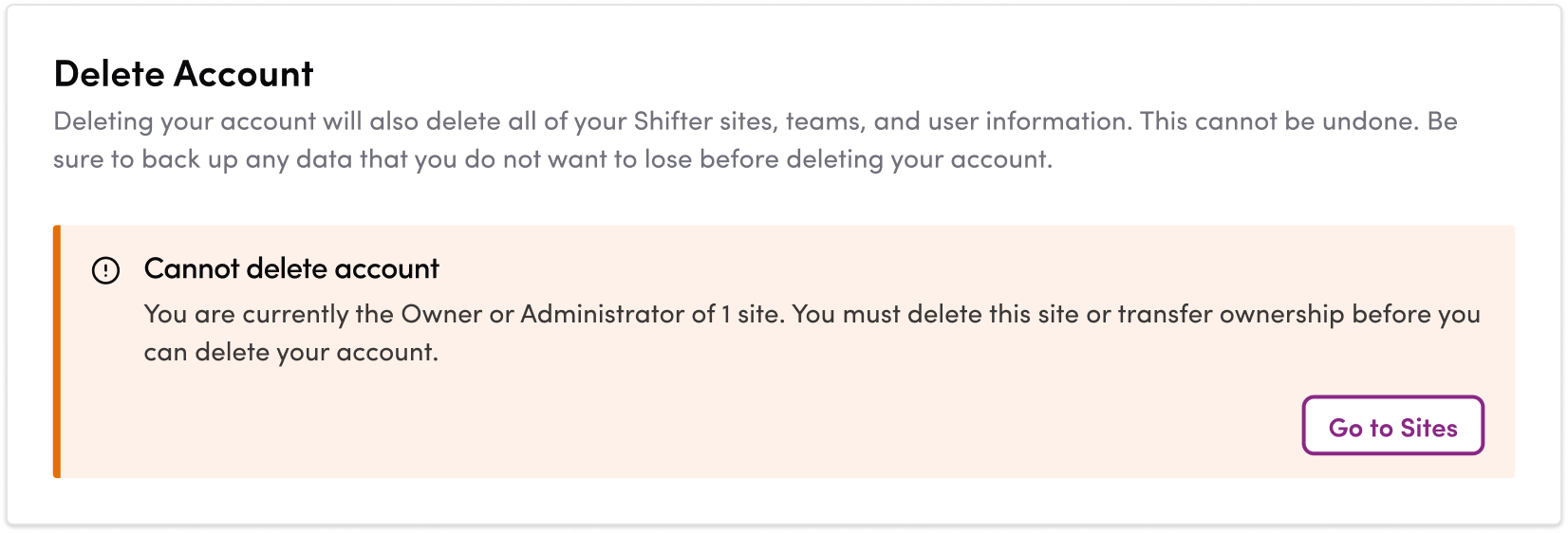
- If you see the message “Cannot delete account” as shown below, you are still the Owner or Administrator of one or more sites. Click “Go to Sites,” then delete those sites or transfer their ownership before deleting your account.
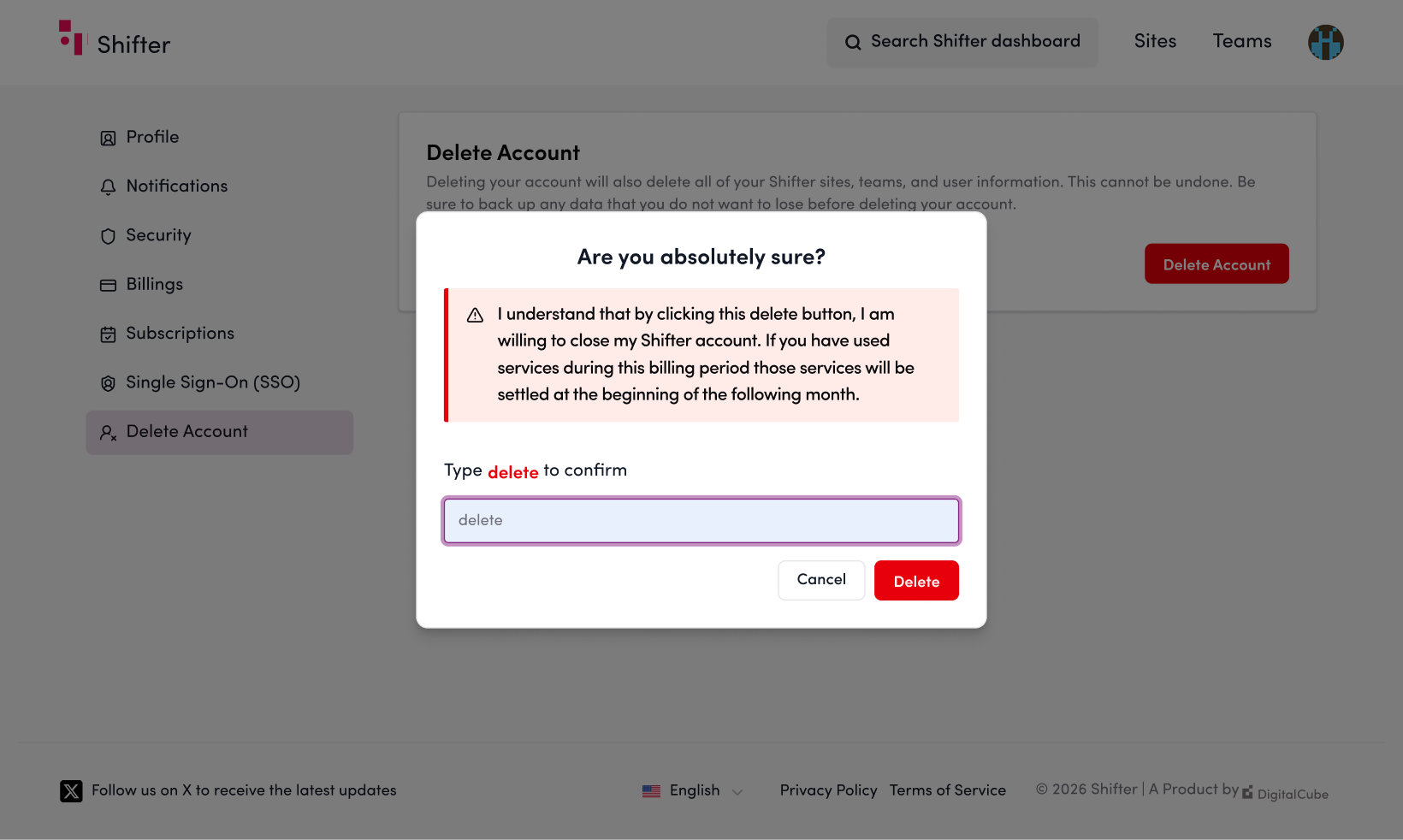
5. Type “delete” in the confirmation field and click the “Delete” button.
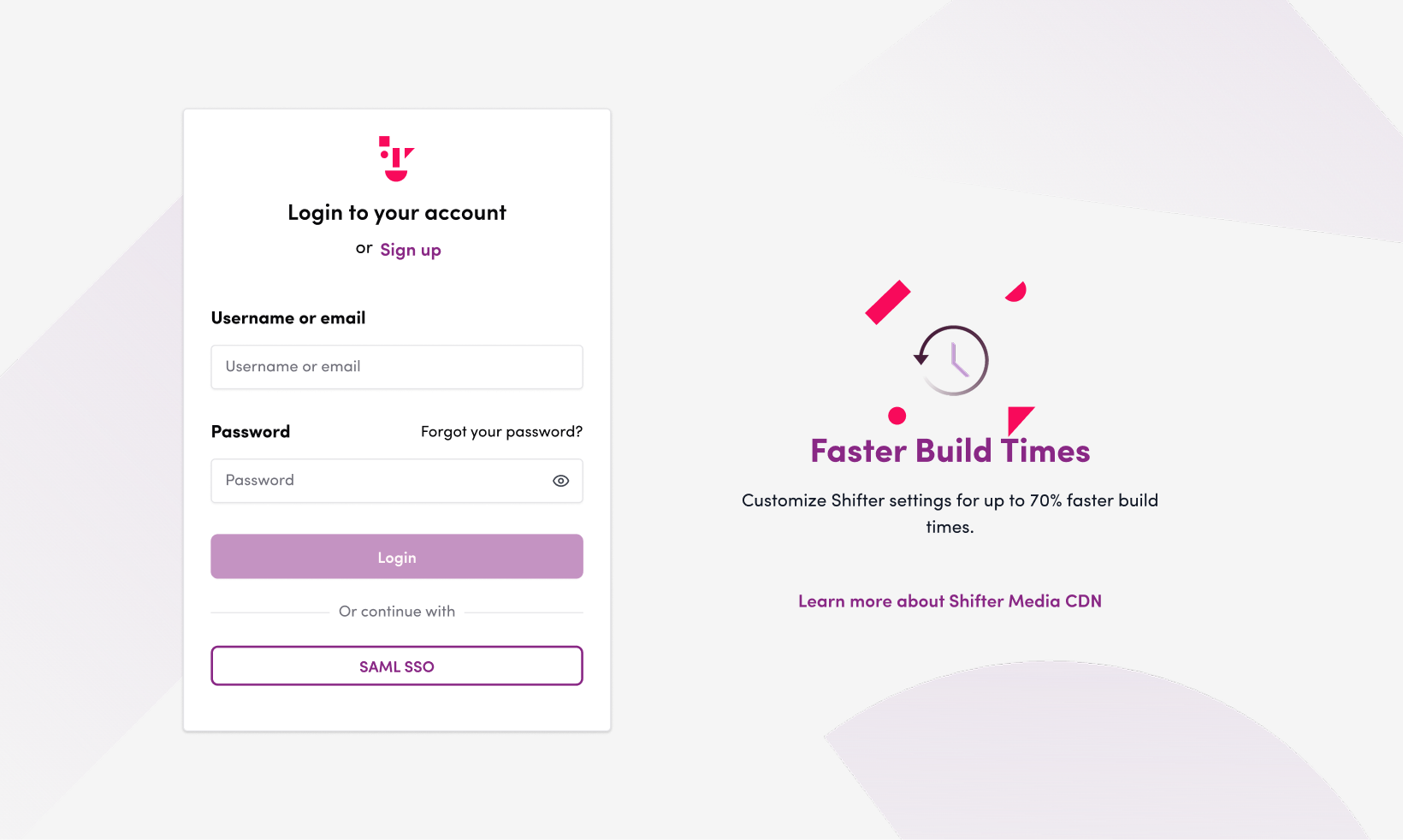
6. Once your account has been deleted, you will be automatically logged out.
This completes the account deletion process.